Videos that show the style you’re looking for, the strongest work that matches first. 206 in all. Trending now
RRecordly
798K · 2mo15×
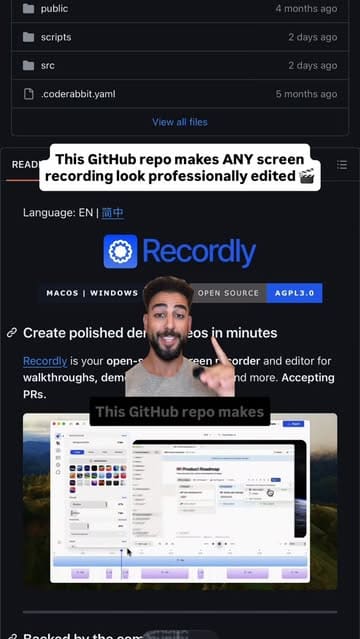
Comment “REPO” and I’ll send you the full setup guide 👇 This GitHub repo makes any screen recording look like you hired a motion designer, and it’s completely free AND open source. You know those demo videos where the screen zooms in on every click, the cursor glides, and it all sits in a clean gradient frame? Normally that takes a paid Mac app and hours of editing. This repo is called Recordly. 24,000 stars. Works on Mac, Windows, and Linux. You hit record, and the polish happens automatic
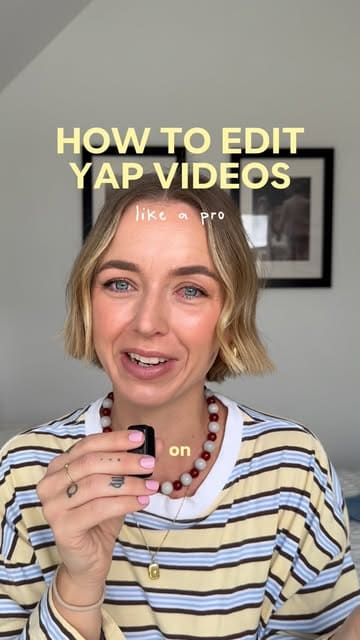
You don’t need to be a natural on camera, you just need to know how to edit to make you appear like one 👀 These are (some of) my top editing tips to make your yap reels bingeable ❤️🔥 Strong hook 🪝 Cutting the waffle 🧇 No pauses ✋🏼 Fun visuals 🪩 Start here and watch your engagement 📈 Save this for editing and comment WAFFLE if you want a part ✌🏼
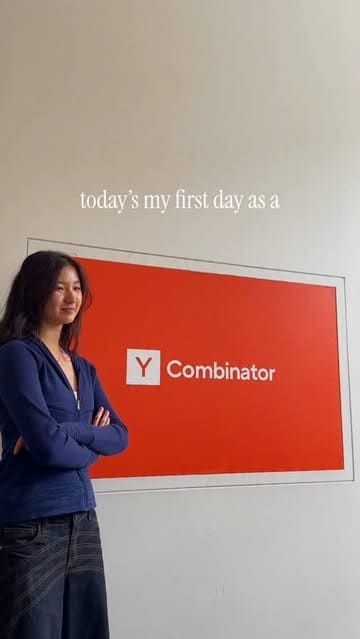
day one of this next chapter with y combinator… comment “edit” if you want the link for the video editor we’re building (@app.usevyra)! it can handle your cutting, captioning, zooms, overlays, and i used it to edit this video :) lmk if yall have any questions on yc or startups!! we’ll be here in san francisco for a while…
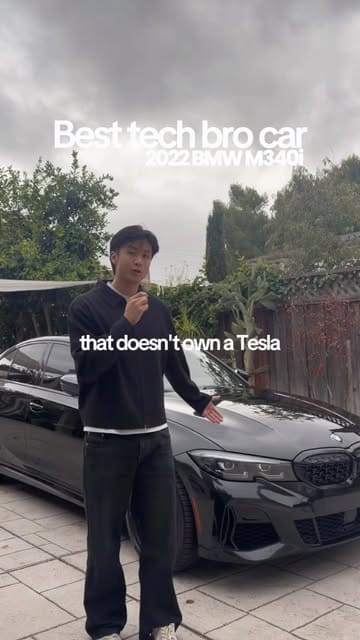
Here’s a tour of my 2022 BMW M340i! I bought this car right out of college in 2023. I drove 300 miles to a dealership half way across the state and picked it up! It’s been my daily ever since and honestly super happy with my purchase even years later. I don’t have any plans of upgrading for now. It’s fully paid off and having the peace of mind of no car payment is so clutch.
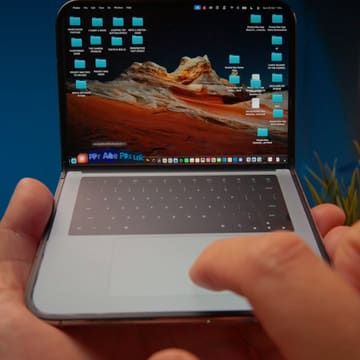
I created an app that turns my iPhone Duo into a little MacBook… and it actually works 😭💻 UPDATE : It’s FINALLY out on the App Store! Search for Pocket Mac Lab or use the link in my bio. ❤️❤️❤️ It’s called Pocket Mac Lab, and it connects to my actual Mac so I can use its desktop and apps straight from my Duo. The keyboard works. The trackpad works. Mac audio plays through the Duo too. There’s gesture support for switching desktops and swiping up to see all your windows, plus pinch to zoom wh
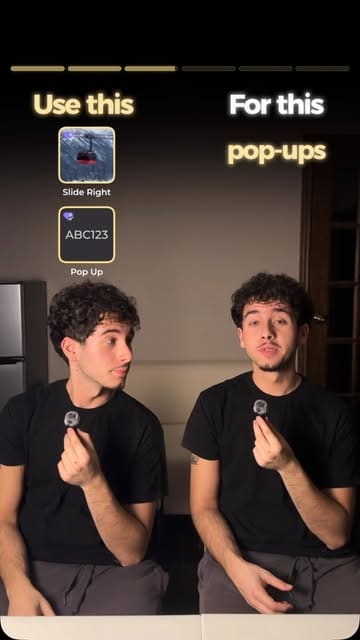
I use these animations in almost all of my videos and they always work because they’re subtle but make your video way more engaging. Follow @viewcci for more reel tips and DM us your video for a chance to get reviewed!
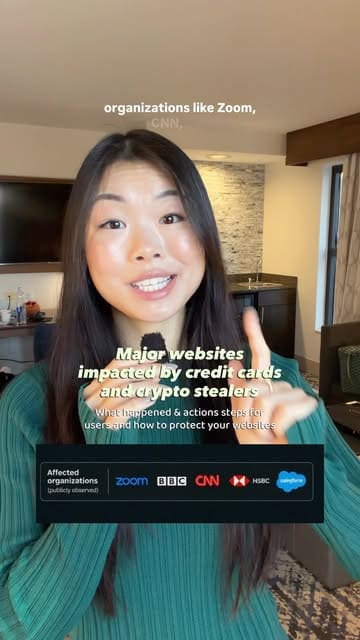
This is a prime example of how supply chain incidents cause cascading effects across the industry even if downstream sites themselves are not hacked. In summary, if you’re an end user: > use Apple Pay or Google pay where possible > turn on transaction alerts > use one time card numbers if you’re extra paranoid i know crypto was the main target here. unfortunately i'm not a crypto user so i don't actually understand much of what to do. What i do know is that private keys were not stolen in this
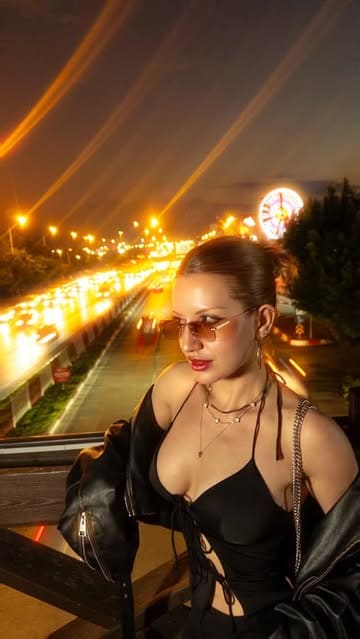
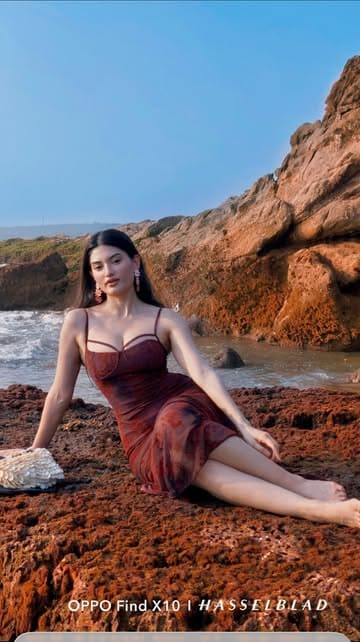
Cheat code to getting the perfect sunset pics 🌅 The setup is simple, but the OPPO Find X10’s Dual 200MP Camera makes every golden-hour shot look straight out of a Pinterest board ✨ Here are the settings I’ve used ⬇️ Camera: OPPO Find X10 – Dual 200MP Camera Lens: Main camera + Zoom Settings: Hasselblad Hi-Res Mode, Vibrant Filter, Zoom Light: Natural golden-hour sunlight Location: Goa, India That’s literally it! Sometimes it’s just about knowing which camera features to use 📸 @oppoindia
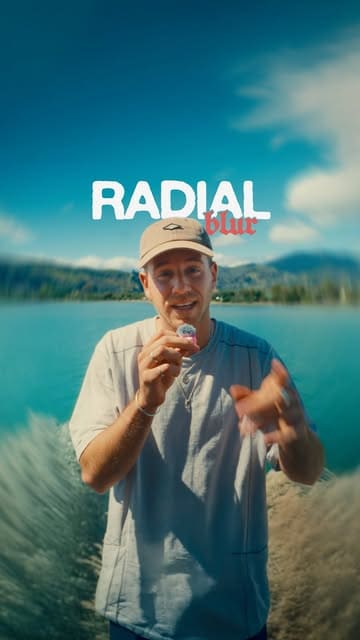
Comment ‘BLUR’ for the plugin! 👇🏼 ⠀ The trick to this radial blur is keeping your subject sharp 🎯 ⠀ Any Radial Blur adds a real radial blur right inside Premiere Pro, like the camera is spinning or zooming through the shot. ⠀ What sells it is a masked copy of your clip on top, so your subject stays sharp while everything around it moves. It’s pay what you want for individual creators. ⠀ Want better titles or sound design? Comment ‘Text’ or ‘SFX’ for my packs 👇🏼 ⠀ Follow @artzenmedia for daily va
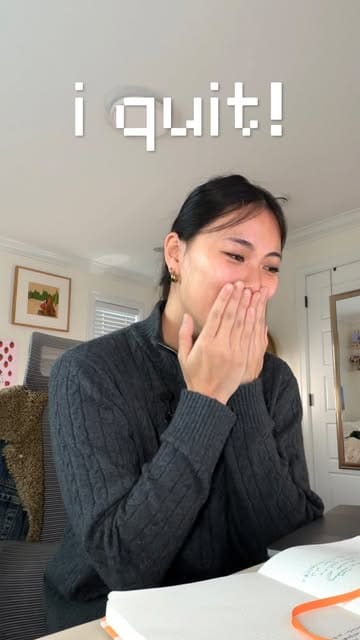
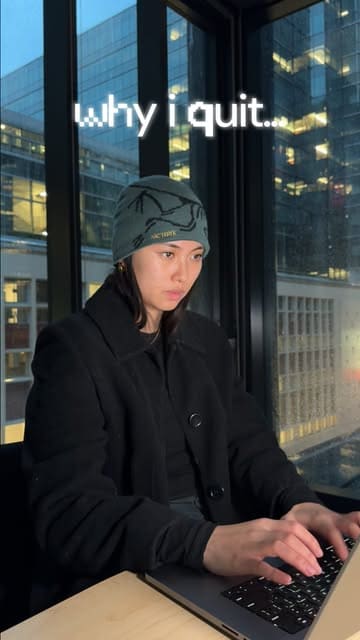
why did i actually quit my software engineering job at amazon? i think the biggest reason was that i realized i didn’t want to spend 40 hours every week working on something i didn’t really care about. i went into big tech thinking i would be working on huge, exciting problems and having a lot of impact. but in reality, my work was pretty granular, there was a lot of operational work, and i was working on accounting software that i just couldn’t see myself caring about for the next 5 years. t
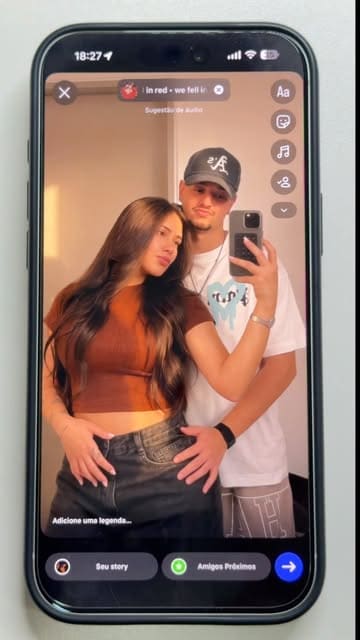
Espelho sujo estragando a foto? 👀✨ Com o AirBrush dá pra limpar em segundos e deixar a foto muito melhor com efeitos especiais. Modelos da imagem: @coringa @taina
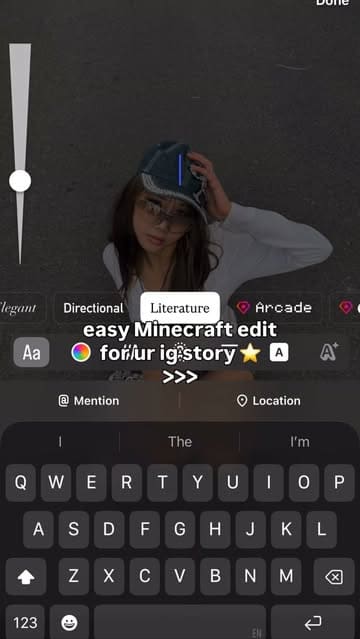
save this for your next story 🎀 Follow for more aesthetic tutorials ♡ simple story ideas 🫧✨ (simple Instagram story ideas, easy story inspiration, cute story layouts, minimal Instagram stories, aesthetic story tutorial, Pinterest story inspo, creative story ideas, photo dump stories, simple photo edits, Instagram story design, cute photo layouts, scrapbook aesthetic, digital scrapbook, Y2K aesthetic, juminocore, Heise
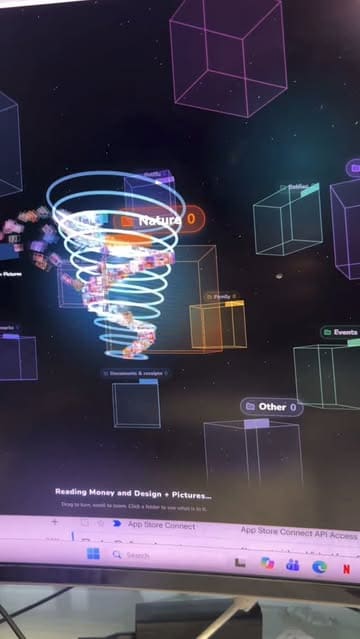
Running out of paid Google cloud photos or Apple cloud photos? External hard drives are way cheaper for big files. Sure keep the important photos in the cloud - but for large podcast video files or random photos that take up a lot of space - you can autodetect them into albums and just download those albums to free up space - via our iOS app just approved in the App Store. This feature is the tornado icon on the top left in the mobile app.
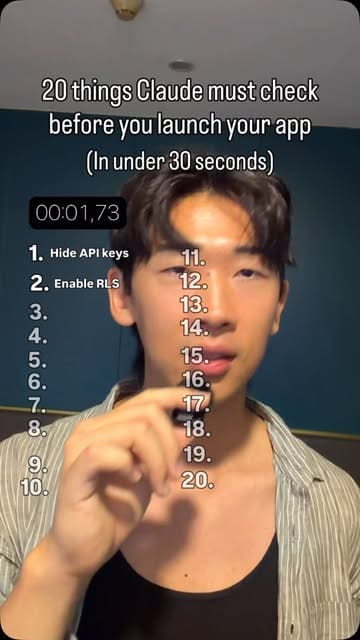
Comment "EDIT" and I'll send you the full tutorial 🎬 Claude can now take full control of DaVinci Resolve and do the edit for you. Rough cuts. Motion graphics. Title cards. Color grading. Exporting. All of it. If you're a creator or an editor, this is what kills your 11-hour edit days and gets you editing higher quality videos at the same time. And the whole workflow is free. I'm walking through the entire build, start to finish. Comment "EDIT" and it's yours.
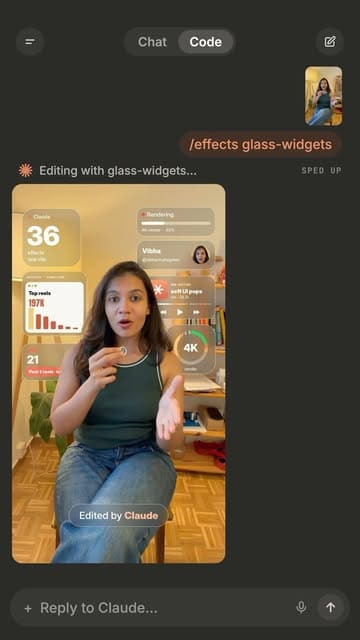
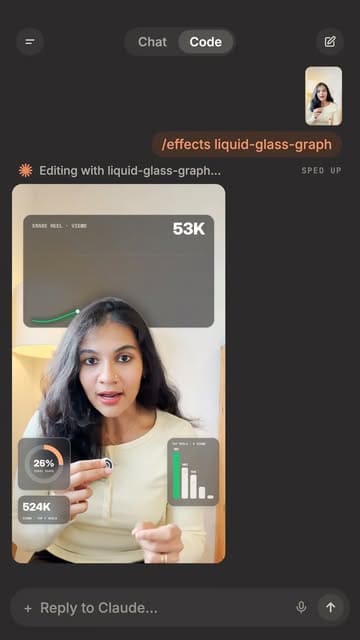
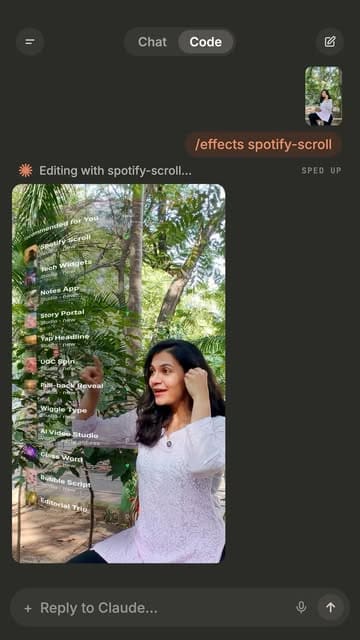
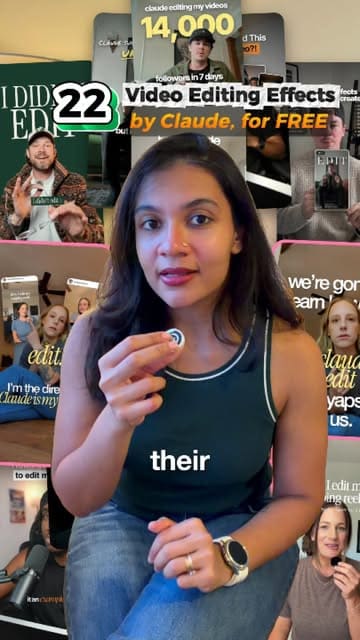
Comment EFFECTS and I’ll send all 22 to your DMs 👇 Or grab the skill now. Paste this in your terminal: git clone https://github.com/Vibha-Ramprakash/claude-video-effects ~/.claude/skills/effects Then drop your video into Claude and type /effects orbit 🎬 Free starter versions, you approve every frame 💛 Love, Vibha How to edit Instagram reels with Claude: 22 free video effects like orbit, spotlight, lean-in zoom, before and after swipe, c
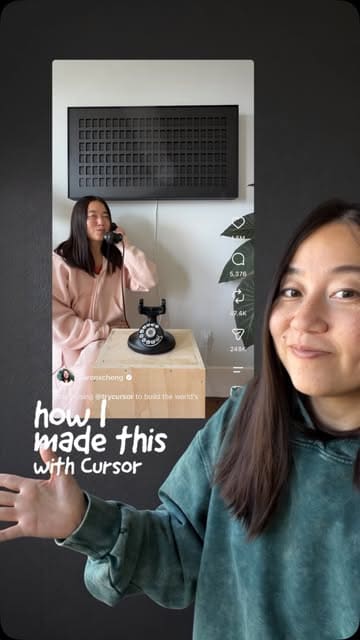
Behind the scenes with @trycursor ! Comment CURSOR and I’ll send you a link to try it. I’d been hearing about “vibe coding” for months but procrastinated on learning it and wish I had tried it sooner. Because I have been able to build things like this that I truly *could not have* before. I’m not an engineer, I’m not a coder and yet I was able to build this. There’s so much that I don’t understand how to do and literally I just type into Cursor what I don’t understand, and ask it to explain th
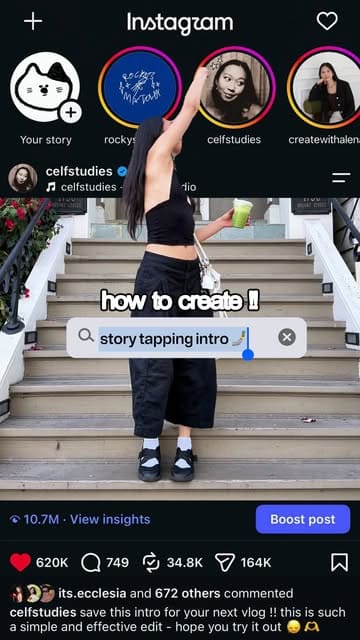
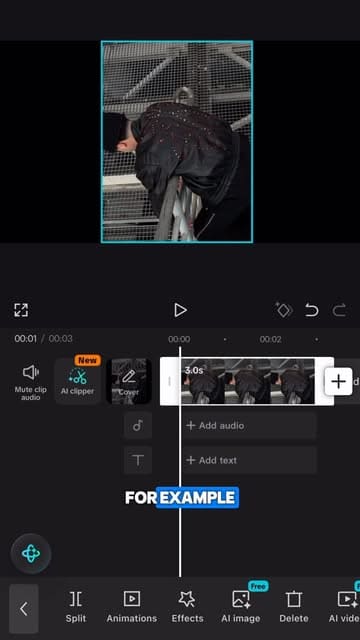
IG STORY-CEPTION edit tutorial !! 🤳 (save this for your next viral video ;)) this might be my favorite intros to elevate my content (it’s super easy to do + can be done with the FREE version of capcut hehe) 💌 tag me if you try it out and lmk what other edits you’d like to learn !! 🌟
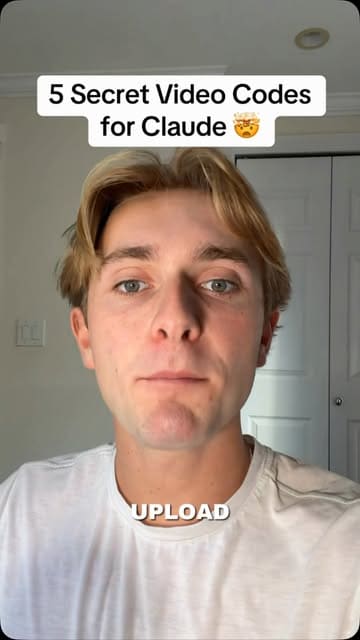
Comment “Editor” and I’ll send you 100 more codes 👇 5 secret video codes for Claude. Upload a video and type: /dead-space - cuts all the dead space out of your video /captions - clean captions that pop on every word /animations - on-screen animations on every key moment /zoom - punchy zooms so your video never feels slow /color-grade - makes your footage look like it was shot on a cinematic camera Save this for your next edit.
 BBrand
 CapCut
 Vyra
 Claude
 DJI
 Poppi
 AirBrush

 DaVinci Resolve
 Qwen
 Cursor