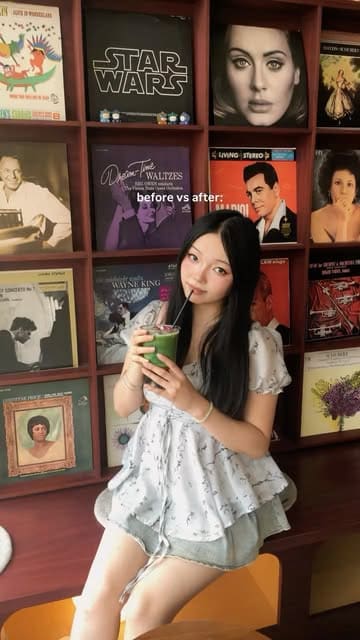
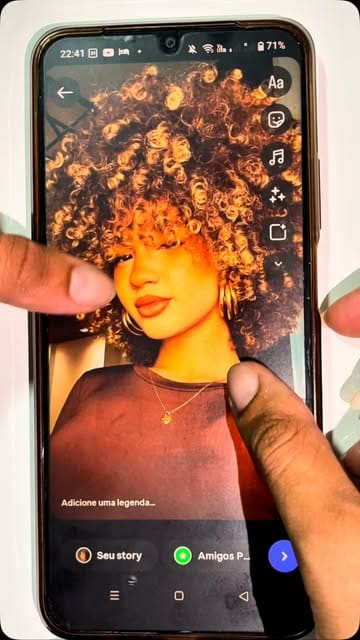
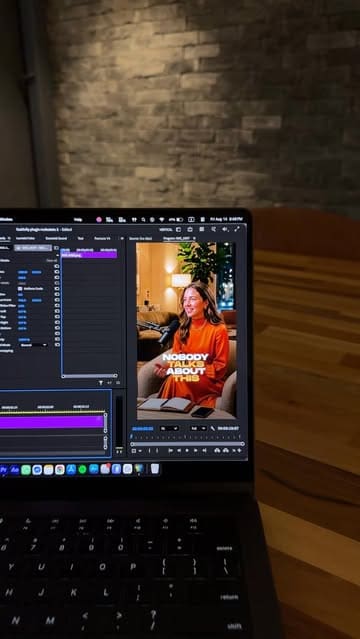
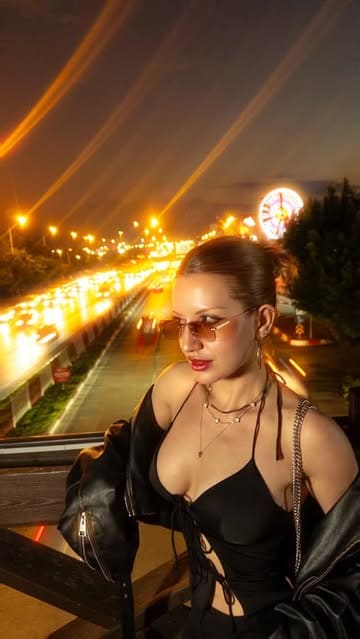
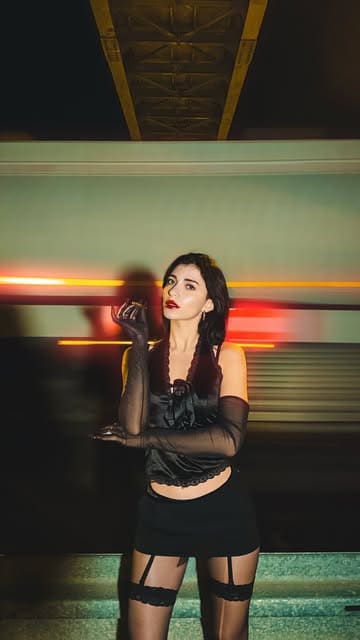
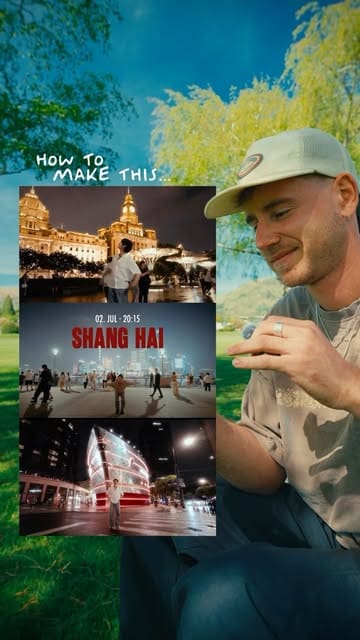
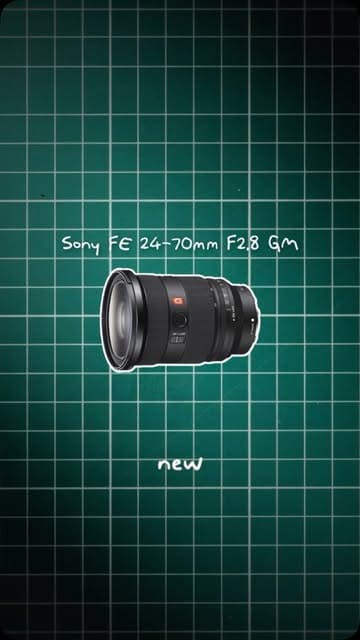
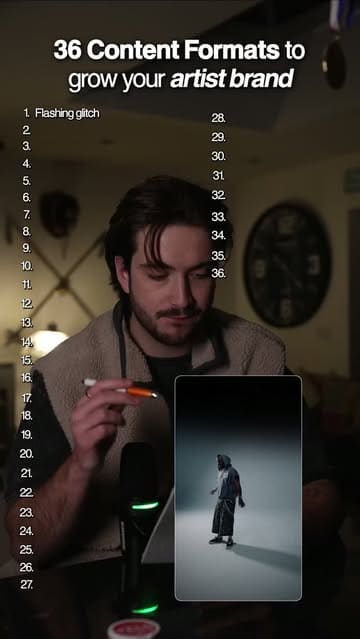
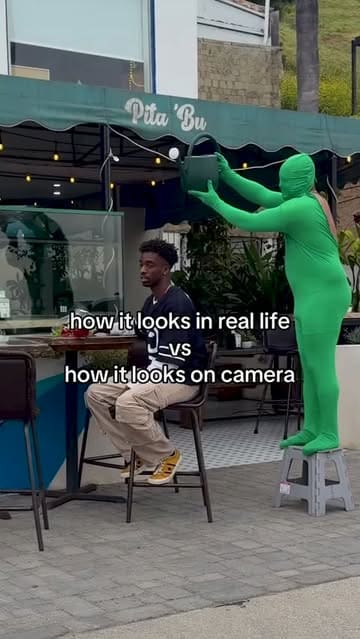
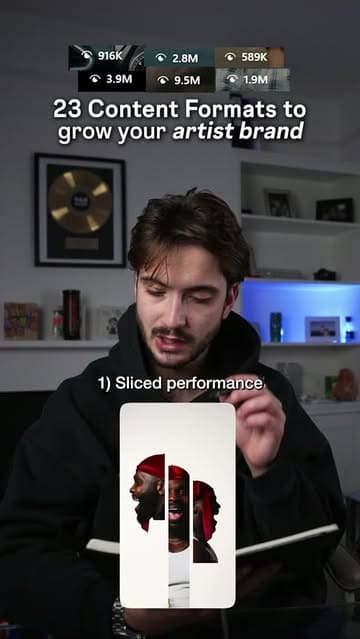
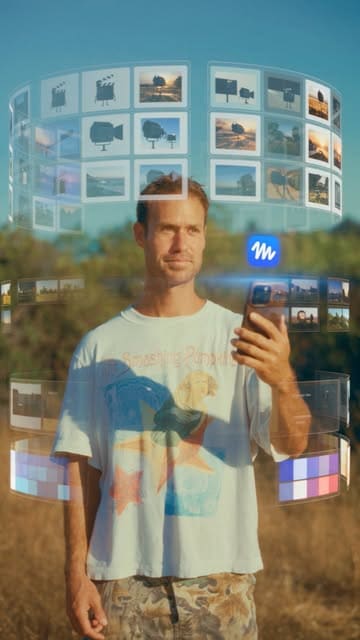
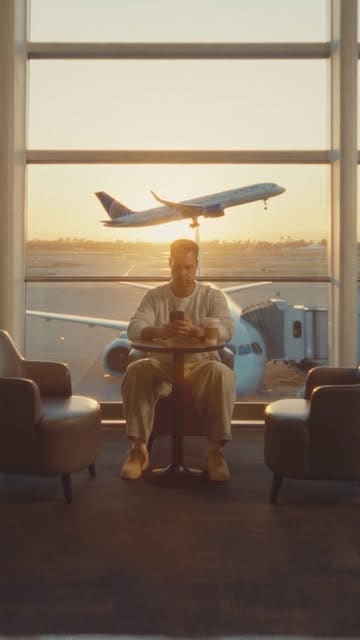
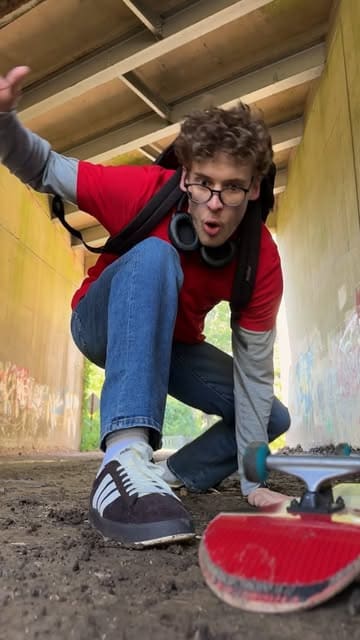
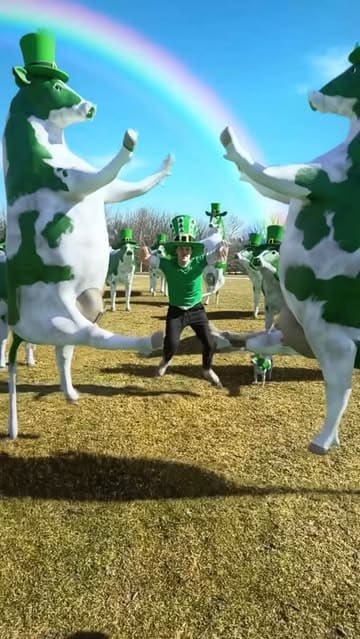
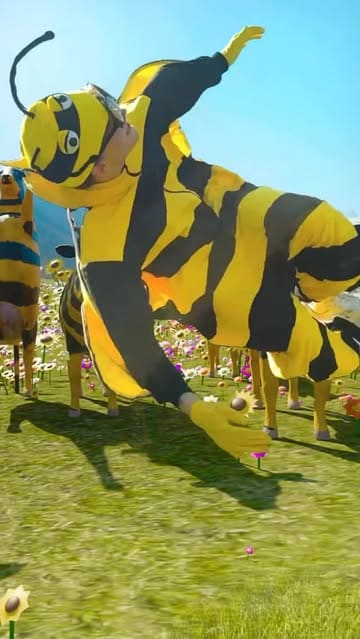
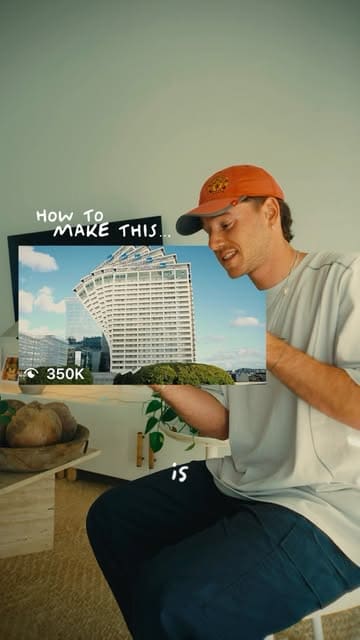
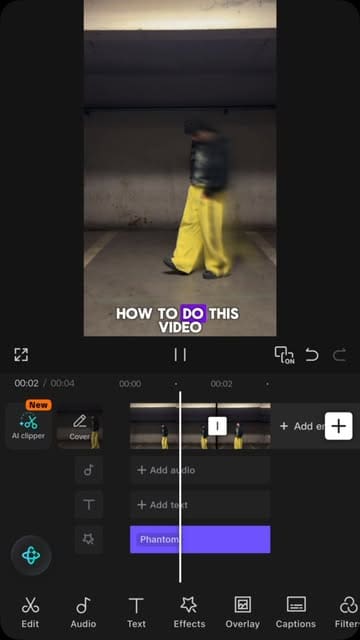
Every beat leaves another version of your subject behind! ⠀ I loved how litho.films made this feel like part of the music, not just a masking trick. I recreated it in Premiere Pro with one tracked mask, a few copies, and cuts timed to the beat. ⠀ Save this one for an edit that needs a little more movement. Song 🎶 - A$AP Rocky - DON'T BE DUMB TRIP BABY Want animated text or sound effects for your edits? Comment ‘Text’ or ‘SFX’ and I’ll send you my packs 👇🏼 ⠀ Follow @artzenmedia for daily value
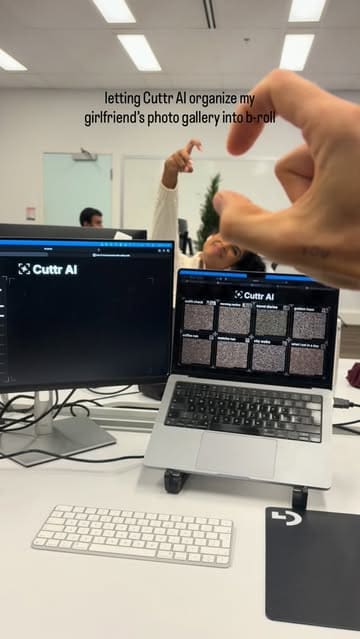
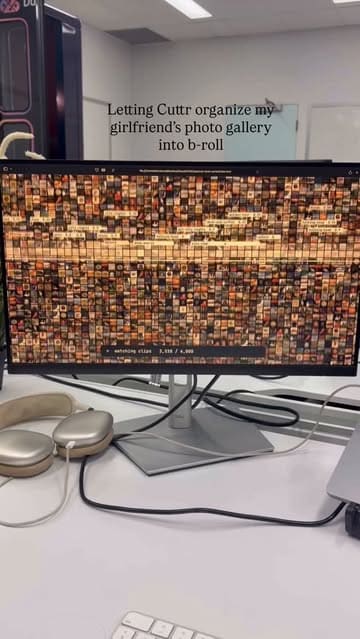
comment “edit” and i’ll send you the link! this has lowk been a lifesaver tho…im finally able to edit my hours of vlog footage 😝 let me know what you think!
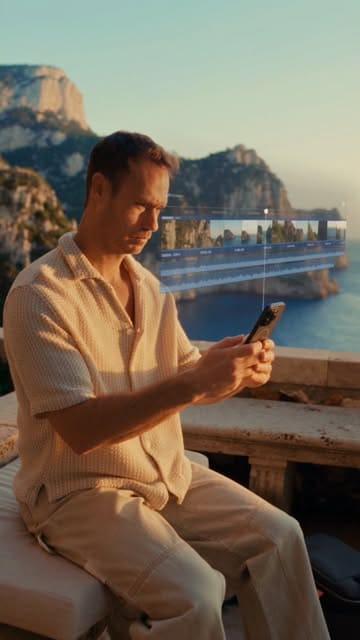
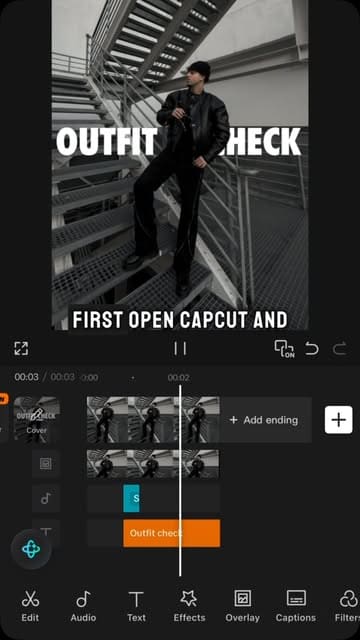
I edit on three screens, and moving a project between them used to mean exporting, copying media and relinking everything before I could make a single cut 🎬 At CapCut World in LA, @capcutapp rolled out upgrades that connect video, image and design across desktop, web, phone and tablet, with one project that follows you between them. I started an edit on my phone, picked it up on the laptop, and opened it on the desktop at home right where I left off, so now I can keep cutting on whatever screen
Editing your content just got a whole lot easier 👀 Captions’ AI Edit turns your raw video into a polished edit with B-roll, graphics, captions + sound effects, all customized to your actual video. Less time editing, more time creating 🤝 @getcaptionsapp
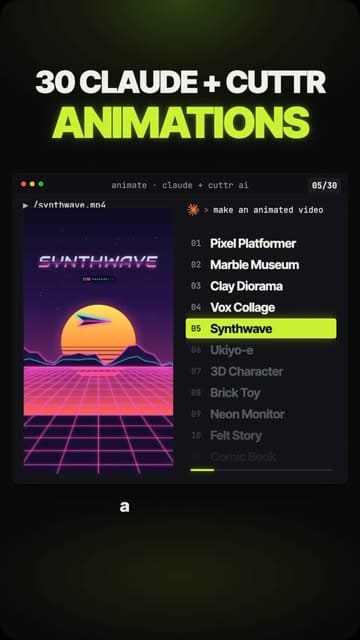
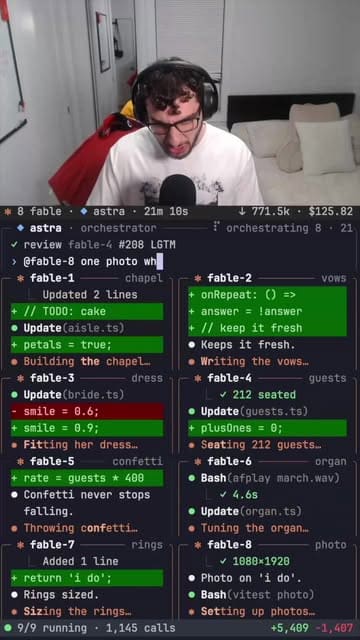
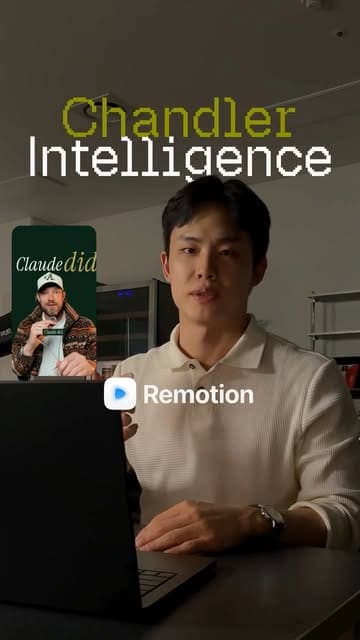
Giving away EVERY WORKFLOW in this vid (for free) - Comment "EDIT" and I'll send it to you, with the exact styling I used. It starts with a storyboard. Before Claude Code touches the footage, it writes the whole video as a table: every line I say, what's on screen, and which tool makes it. I fix the plan, then Claude builds the edit from it. Whisper gets the timing of every word, so captions, tool labels and GitHub repo cards land exactly when I say them. A person cutout puts text behind my h
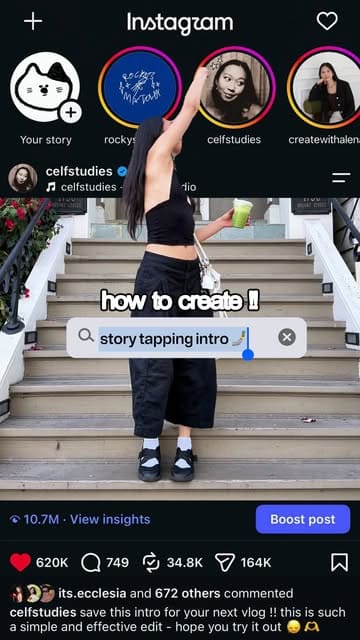
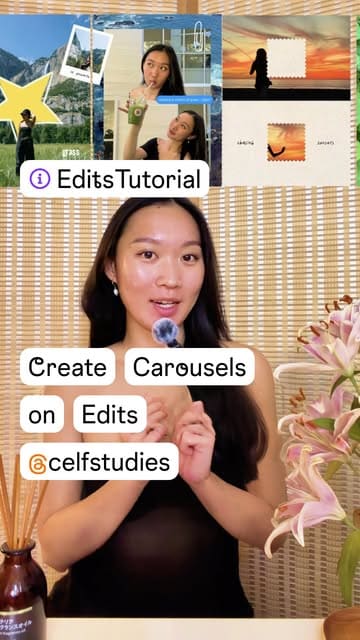
10 MILLION views later… okay, you win. Here’s the tutorial 😭🕷️ Now go make yours & TAG ME — I wanna see every single one!! 👀🕷️ I even made an English version just for my IG friends 🥹🫶 But I hope some of you will learn Chinese too — it’s such a beautiful language! ❤️ Oh, and come find me on Xiaohongshu (RED) too: 潘潘kiwi ❤️
Comment “waitlist” to be the first to try it 👇🏽 I’ve spent the last 2 months building this app to make it really easy to get high quality edits with AI that don’t look vibe edited. You don’t need to set anything up. Kozy brings multiple AI models together to help you get high quality edits. I’ve been testing it on some of my own videos. I’m slowly letting people in from the waitlist so I can make sure it’s working well. I want to build something people actually use, not another “hype” tool.
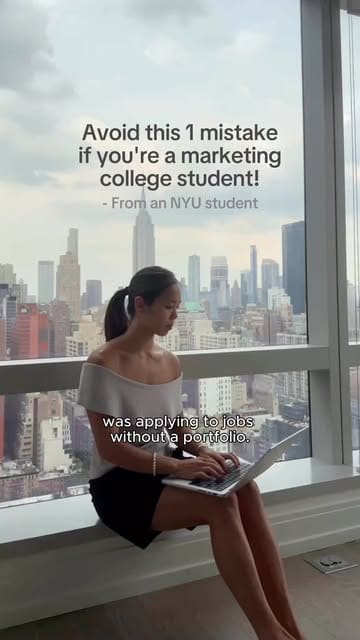
Created a PR package concept as a case study for my marketing portfolio - All assets created with @AdobeCreativeCloud 🩷 If you’re a student, you can save 70% with Adobe Creative Cloud Pro – Link in bio to try!
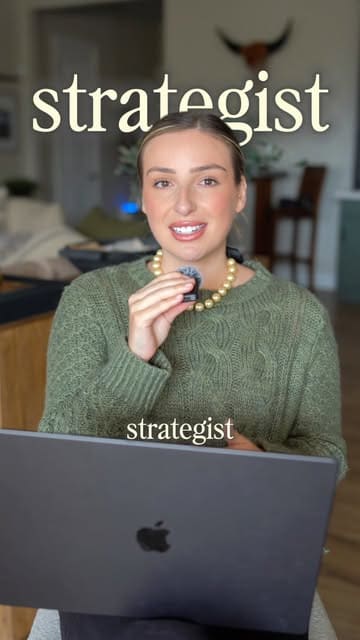
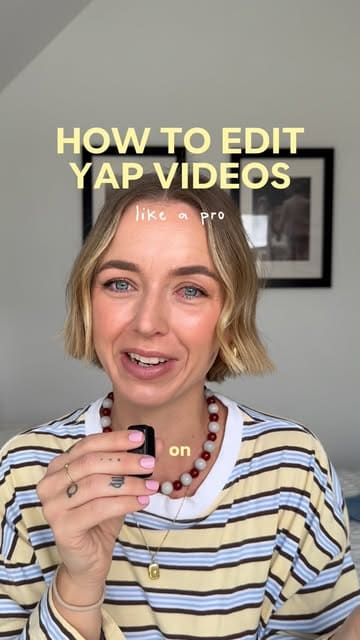
You don’t need to be a natural on camera, you just need to know how to edit to make you appear like one 👀 These are (some of) my top editing tips to make your yap reels bingeable ❤️🔥 Strong hook 🪝 Cutting the waffle 🧇 No pauses ✋🏼 Fun visuals 🪩 Start here and watch your engagement 📈 Save this for editing and comment WAFFLE if you want a part ✌🏼
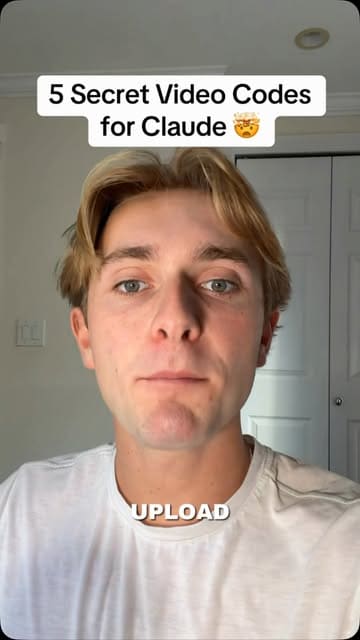
Comment “Editor” and I’ll send you 100 more codes 👇 5 secret video codes for Claude. Upload a video and type: /dead-space - cuts all the dead space out of your video /captions - clean captions that pop on every word /animations - on-screen animations on every key moment /zoom - punchy zooms so your video never feels slow /color-grade - makes your footage look like it was shot on a cinematic camera Save this for your next edit.
 BBrand
 Adobe Premiere Pro
 CapCut
 Captions
 Remotion
 Reve

 Adobe
 Artec
 Claude