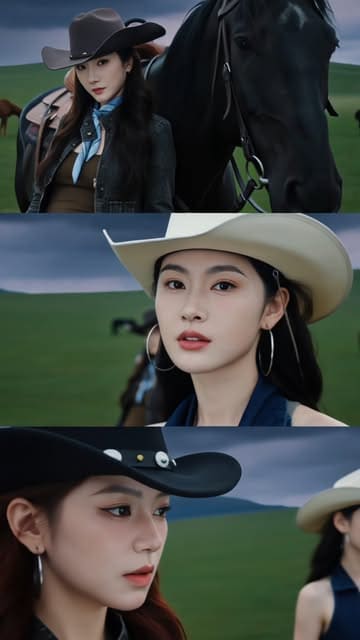
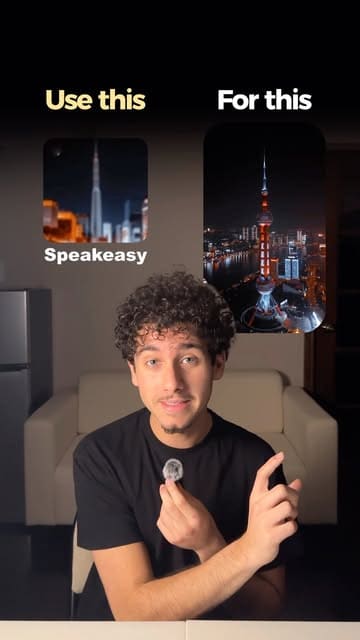
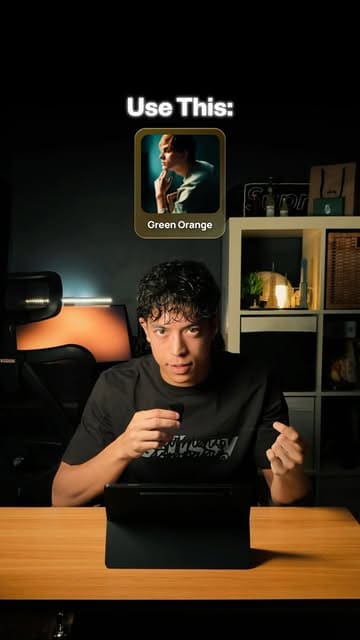
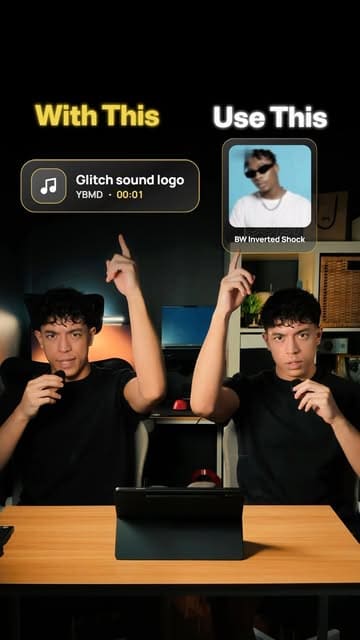
Videos that show the style you’re looking for, the strongest work that matches first. 257 in all. Trending now
Higgsfield
2.1M · 1w144×
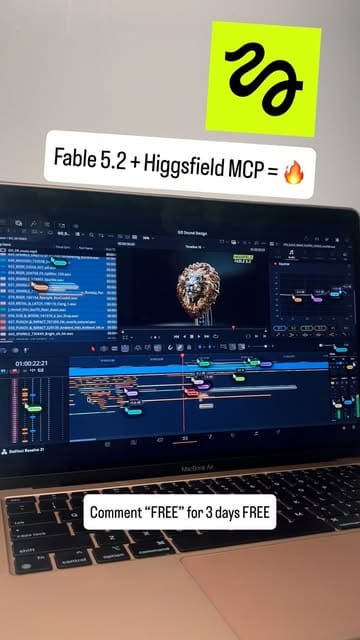
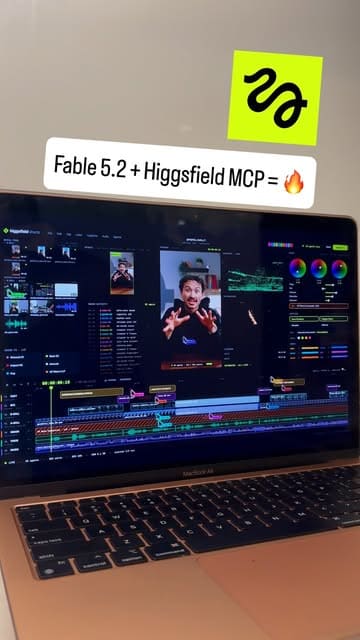
SFX with Higgsfield MCP in Claude with Fable 5.2, register now and you’ll get 3 days of free, UNLIMITED ACCESS to all video models available through Higgsfield MCP. 60% discounts starting November 11th! @higgsfield.ai
Comment “edit” and I’ll send you the entire setup, including the Skill, the Apify & Higgsfield Connectors and prompts for your Claude to do everything for you.
Comment “Tricks” and I’ll send you 200 more codes 👇 If you upload an image and type /brandkit into ChatGPT, it’ll build an entire brand around your product, with the logo, colors and packaging. If you type /amazonlisting, it’ll make every photo you need to sell it online, feature shots included. If you type /carousel, it’ll turn it into an Instagram carousel ad that’s ready to post. Now connect the Higgsfield plugin and type /billboardvideo, and you’ll get your product popping right out of a
I asked Fable 5.2 for the laziest way to make extra money and it said PS2 videos 👾 Made this in Claude with the Higgsfield MCP using Seedance 2.5 4K. 💬 Comment “PS2” and I’ll send you the setup link + the MCP 3-day free trial (new users) 📬 Want more tools like this? I send them out every Friday @higgsfield.ai
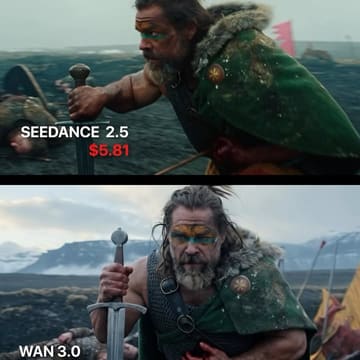
Just comment “TOKYO” and I’ll provide you with the complete travel vlog prompt and setup guide. Create a 20-second AI travel vlog with nine cinematic shots, using one character reference. Upload your character sheet to VOSU. Try the prompt with Wan 3.0 and Seedance 2.5. Compare the results and pick your favorite.
Comment “Free” and I’ll send you all the links. Access the most powerful AI tools for free—Arena, Pinokio, and Design Arena offer models like Cloud Opus 4.6, Gemini, and more for image, video, and text generation.
Comment FABLE and I’ll send you the prompts + setup link 👇 I turned a pen sketch of a speedboat into a racing game you can actually play. Take a photo, drop it into Claude with Fable 5.2 and the Higgsfield MCP connected, and two prompts later you’re racing your own drawing. All models on Higgsfield MCP are free and unlimited right now, so try it while it lasts. @higgsfield.ai
These videos are insane, and I created them all in one Claude chat using the @higgsfield.ai MCP powered by Fable 5.2. Comment FABLE and I’ll send you the link to get setup while it’s still free and unlimited to use this week 👇
NOTHING IS REAL NOW! I filmed this indoors. The field, the person turning into a cat, and the switch to night were all AI edits in Higgsfield Genjutsu. The trick was timing each swap to a gesture I’d already filmed. Same performance, completely different scene. Comment “AI” for the full workflow and Higgsfield’s Black Friday sale: up to 65% off.
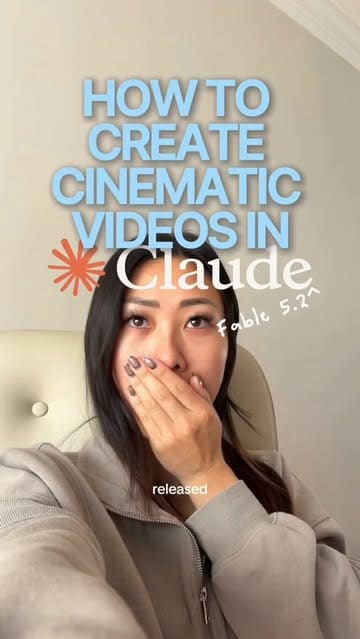
Comment “FABLE” and I’ll send you the Fable 5.2 setup + prompts 👇 You can now ask Claude to make the video you’re imagining. A cinematic commercial for your brand. A product reveal for your next launch. UGC-style content without getting in front of a camera. The setup is what makes this interesting. Connect Higgsfield to Claude, and you can go from discussing an idea to generating the visuals inside the same conversation. Start with your product, your audience, and what you want people to f
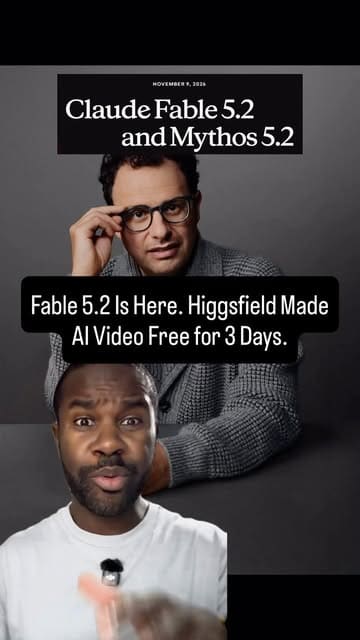
Fable 5.2 Is Here. Higgsfield Made AI Video Free for 3 Days. Comment “FABLE” and I’ll send you the setup link. To celebrate Anthropic’s launch, Higgsfield is giving new users 3 days of free, unlimited generation on every video model available through Higgsfield MCP. Connect it to Claude and make commercials, cinematic scenes, UGC and product ads from one conversation. Setup takes about a minute: add the connector, sign in, describe the shot. @Higgsfield.ai Higgsfield, Higgsfield MCP, Claude
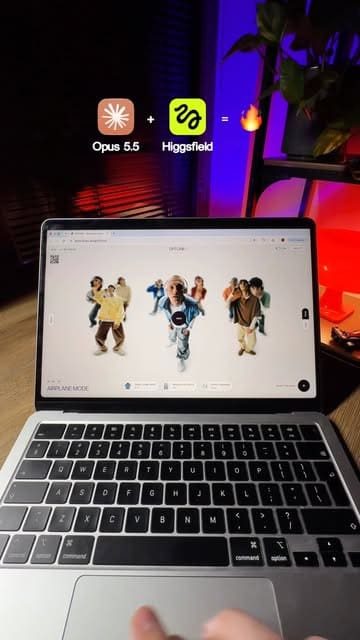
👇🏻🔗 Comment ‘Build’ and I’ll send you the full breakdown with all the prompts and links Fully custom interactive website for an online store. Models on a ring you can spin, a grid view, and a receipt that prints from the top of the screen. ➡️ Assets generated with Higgsfield MCP, the website built with Claude Opus 5.5. Art-directed by me 😼 • @higgsfield.ai
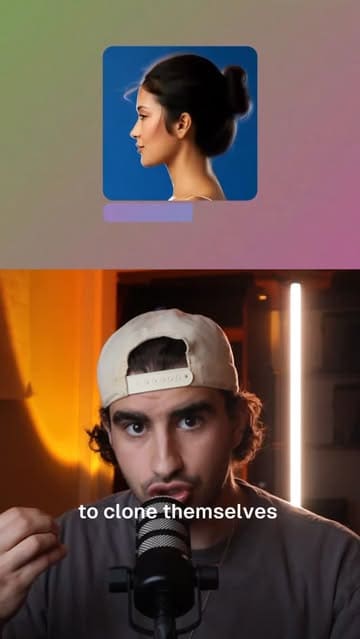
Comment WAITLIST and I’ll send you the link to join my free live walkthrough of my AI content system 👇 I’m showing you how I connect Claude, my avatar, and my creative tools to go from an idea to content that’s ready to post, without filming myself every day. You’ll see how it all works together so you can start setting it up for your own brand.
Discover how to unlock premium AI tools without spending a dime! Transform your workflow with free access to top-notch resources. 🔥 Comment “AI” for the link! From image generation to voice cloning, these websites turn your computer into an AI powerhouse with no limits and full privacy. Access everything from Ray 2 to Midjourney in one place and explore limitless possibilities. Ready to dive into AI? 🔥 Comment “AI” below, and I’ll send you all the links to these tools!
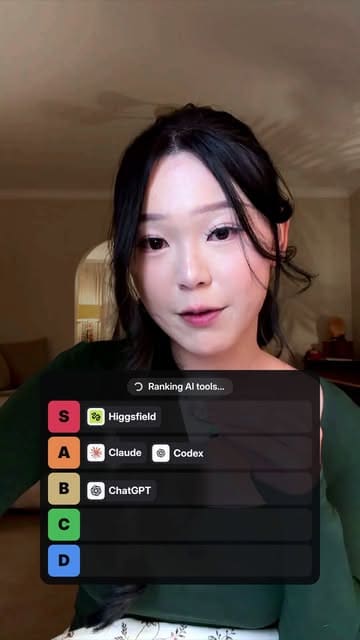
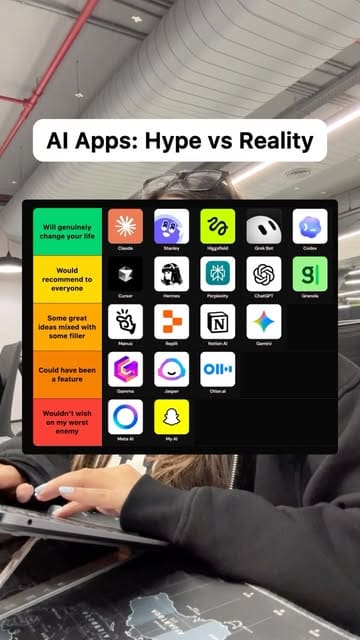
Every AI app is “game-changing” until you actually need it. Here’s how to read this tier list: Life-changing: Tools that take recurring work off your plate. The real value is how often they help you get something done. Easy recommendations: Useful enough to try, but your work decides what stays. A coding tool won’t be everyone’s daily essential. Hits and misses: Some features save time. Others leave you fixing the output longer than expected. Could’ve been a feature: Handy, but worth checki
comment "MCP" for the guide 👩💻 All six of these edits came from typing one code into Claude. First connect the Higgsfield MCP: in Claude go to Customize, then Connectors, tap the +, choose Add custom connector, name it Higgsfield AI and paste in the MCP server URL (it's in the guide). Then attach a vertical clip of you talking and type a code: /tier-list ranks whatever you list out loud, /glass-graph turns any number you say into a graph, /over-the-shoulder adds a before and after card
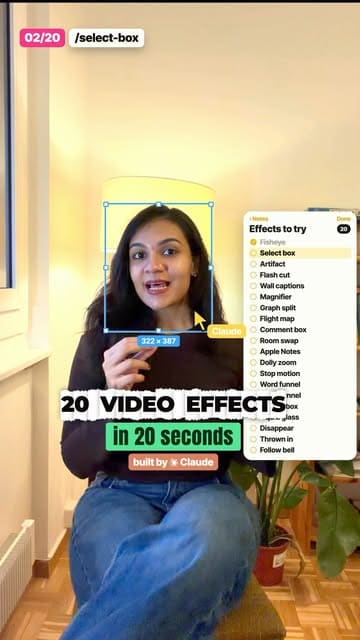
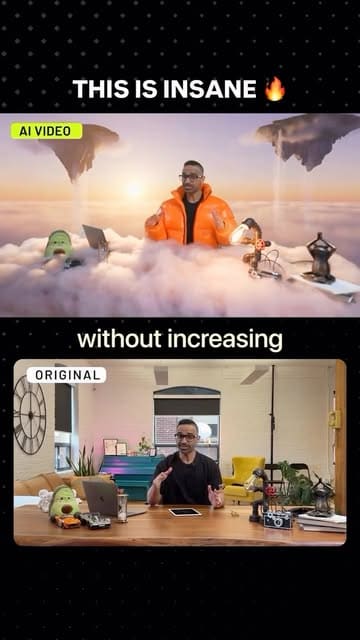
Comment STUDIO and I’ll give u all of it! 👇 20 video effects in 20 seconds. One take of me, in my living room. Claude built every effect. I picked them, placed them and approved each one. 🎬 Fisheye. Wall captions. A room swap. A smoke exit. No editing app open. Just my clip, dropped into Claude. 7 of these are already inside my Studio. With 220+ more effects next to them. The rest land as I build. (The café is an AI room swap, made with Higgsfield.) This is Day 1 of building the easiest AI
This is How To Create Insane Macro Shots For Any Product! And you can literally do this on your phone! ⌚ Comment the word “AD” 🎬 and I’ll send you the full guide with all the prompts and shot styles. 1️⃣ Take as many photos of your product as possible. Cover every angle in bright lighting so you don’t leave out any important details. 2️⃣ Head to Higgsfield.ai → Create → Images → Nano Banana Pro. Upload all of your product images. 3️⃣ Choose an angle or shot style from my guide and paste in t
 BBrand
 Higgsfield
 Claude



 Arena




 OpenAI