Videos that show the style you’re looking for, the strongest work that matches first. 168 in all. Trending now
2.6M · 1mo56×
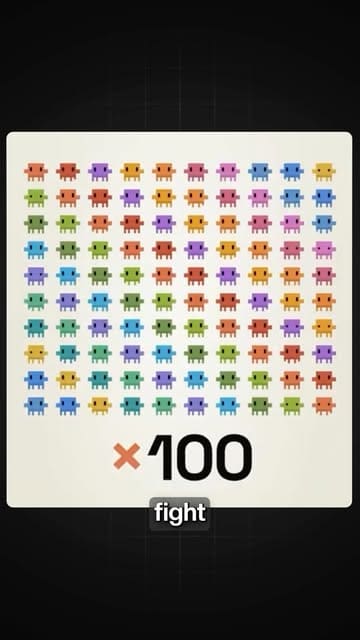
Comment arena and I’ll send you the set up to make Claude spin up 100 sub agents so you always get the best output and never have to re-prompt with this incredible Claude skill. It’s a literal cheat code for any workflow, task or project you’re working on inside of Claude to save you so much time and money
First, I keep choosing Claude Code for iOS because it’s THE BEST I’ve used for design and anything that requires exploration and creativity @claudeai Even with Opus 5, I get better results for that kind of work than with anything else I’ve tried. And that’s before even getting into Fable 👀 Here’s my current workflow for building iOS apps: • Opus 5 with ultracode when I’m building multiple features at the same time. Otherwise, Opus 5 on Max. • Fable 5.1 on High for extremely co
Comment “Protect” and I’ll send you my privacy guide 👇 Claude just killed private investigators. You can now find every place a photo of you shows up on the internet, the exact stuff private investigators charge thousands of dollars for. Prompt 1: Upload a selfie or any photo and say: “Analyze this photo and list every feature that makes this person recognizable anywhere online.” Claude builds a full description of exactly what they look like. Now here’s the trick: On the left, go to Custom
Comment “clone” and I’ll send you the link to clone any app with Claude so you never waste money on an overpriced subscription again. The clone skill allows Claude to rebuild any type of web app or mobile app perfectly for you and even take it a step further and resolve any issues with the current .
Stop reprompting Claude. There’s a Claude Code skill called Arena that can make multiple AI agents solve the same task, critique each other, and compete until the strongest answer survives. So instead of: “make this better” “try again” “give me another version” …you can make Claude brute-force better outputs for you. Comment ARENA and follow — I’ll send you the full setup.
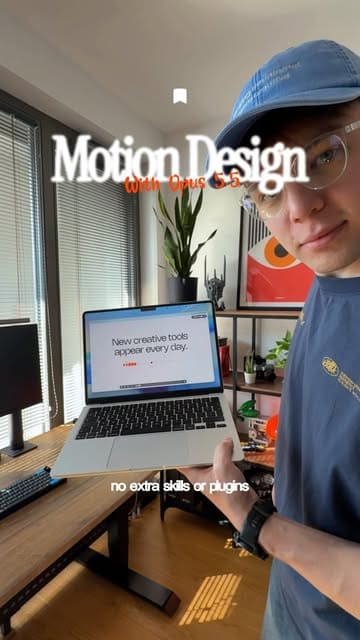
🤔I didn’t expect Opus 5.5 to be this good at motion. I gave it a clear direction, linked my website for brand context, and let it build the first version. From there, I stayed in the same chat and refined the timing, transitions, and smaller details with follow-up prompts. No plugins or extra skills installed. Just art direction through plain language. Comment “Motion” and I’ll send you every prompt I used for both versions. ➡️ Send this to a designer who’d try it. Should I test it with Rem
I knew absolutely nothing about Linux servers. So I built one. AI shouldn’t replace learning however, it should make you curious enough to start… What can you learn today? Sponsored by Anthropic. @claudeai
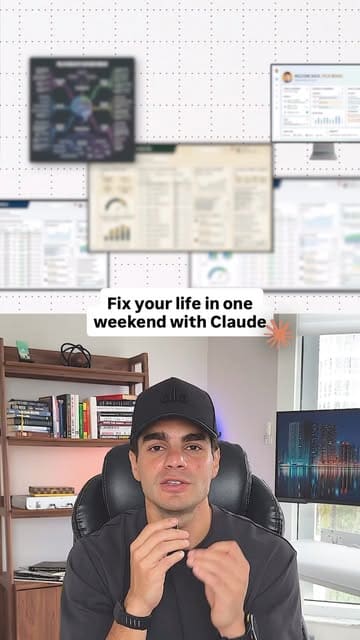
5 projects you can build in one weekend to make Claude your personal life assistant. 🧠🤖 Here’s what you can create: 📊 Life Dashboard — Connect your email, calendar, and to-do list to organize your daily tasks. 🧠 Second Brain — Store important documents and keep your personal information in one searchable project. 🔄 Review Agent — Review your day, track what went well, and plan for tomorrow. 🎨 Brand Kit — Give Claude your mission, colors, and values to keep your branding consistent. 📚 Life
comment "MCP" for the guide 👩💻 All six of these edits came from typing one code into Claude. First connect the Higgsfield MCP: in Claude go to Customize, then Connectors, tap the +, choose Add custom connector, name it Higgsfield AI and paste in the MCP server URL (it's in the guide). Then attach a vertical clip of you talking and type a code: /tier-list ranks whatever you list out loud, /glass-graph turns any number you say into a graph, /over-the-shoulder adds a before and after card
My studio now runs on @claudeai I built a system in my studio where everything you see in this video is actually possible with Claude. My calendar, email, and files are connected through Claude’s built-in connectors. My garage doors, lights, TVs, workspaces, and even my 3D printer run through custom MCP servers that Claude wrote for me, using their APIs or my local network. I can actually control it all with a small ESP32 device that sits on my desk. But I can also just talk to Claude directl
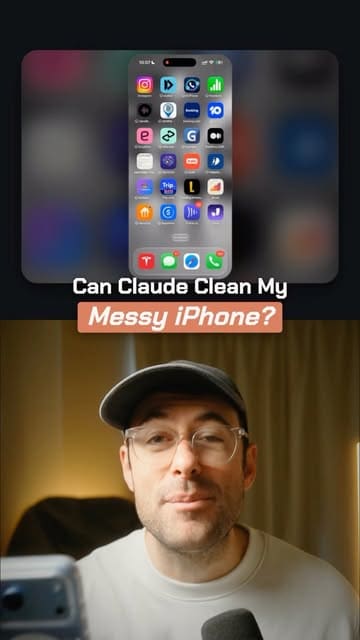
Comment “PHONE” and I’ll DM you the step-by-step guide + the exact prompt I used. My iPhone home screen was a disaster. 15 pages, about 355 apps. So I got Claude to clean it up from my Mac while my phone stayed locked on the desk. How it went: • iPhone Mirroring puts the phone on my Mac, Claude does the rest • It looked at every page and my Screen Time first (almost 20 hours of Instagram in two weeks… geez) • Then it stopped and showed me a plan before touching anything • Daily apps at the bot
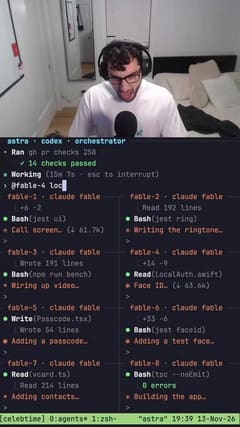
Claude and GPT-5.6 running together in one workflow until now changes everything about how you build with AI 🔥 comment "SETUP" and I'll DM it to you. Here's what everyone's missing while they keep picking sides between models instead of just running both at once: 1. A free repo lets you install Codex and drop it straight into Claude Code by pasting the URL and letting Claude handle the entire setup for you 2. Once the system is live, you type slash SETUP and Claude 4 takes over as the orches
AI Agents for Dummies, Episode 2. Step 1: Create a folder on your desktop. Name it anything. Step 2: Paste this into Claude or ChatGPT to generate your CLAUDE.md (your agent’s identity file): “I want you to help me create a CLAUDE.md file — the identity file for an AI agent I’m setting up. First, pull in everything you already know about me from our past conversations — my work, how I communicate, my preferences, recurring context. Then ask me one question at a time to fill in the gaps: 1) Wh
claude dropped duet and it changes everything. comment "DUET" to join the waitlist for your new ai assistant that works while you sleep. claude duet can monitor your inbox, draft replies and help keep work and home organized. it’s a research preview for pro and max users, with access rolling out through the waitlist. send this to your friend who uses claude daily and needs to get on the waitlist.
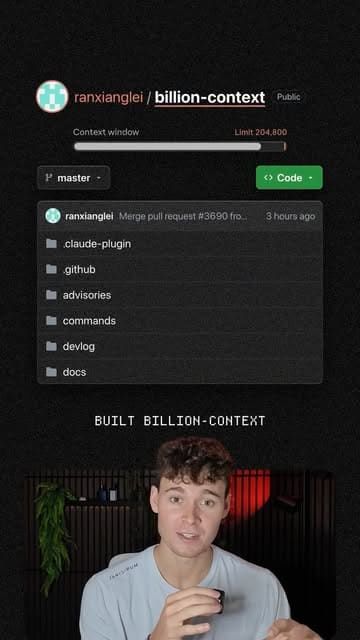
Comment "ROOM" and I'll send you billion-context + the message that sets it up in Claude Code. Your Claude chat keeps going and can still pull up the exact details from earlier.
Comment PROMPT and I’ll send you the exact LinkedIn optimization prompt + Notion guide. Recruiters aren’t searching LinkedIn the way they used to. Instead of relying only on keywords, AI is getting better at understanding your experience, skills, and how they connect together. That means simply stuffing your profile with keywords isn’t enough anymore. In this guide, I’ll show you how to use Claude to: • Rewrite your headline • Improve your About section • Strengthen your experience bullets •
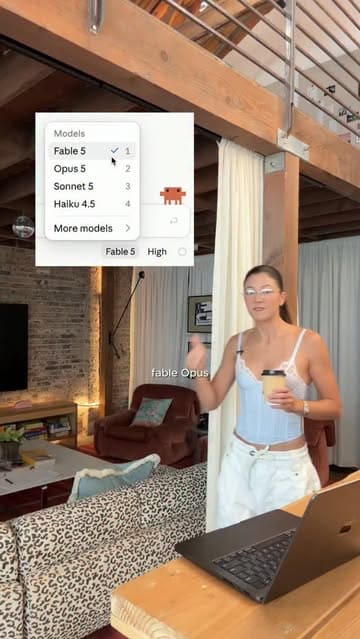
What the hell are Fable, Opus, Sonnet, and Haiku? These are the 4 model classes of @claudeai In order from MOST to LEAST intelligent, it’s: Fable Opus Sonnet Haiku When should you use each? Well, the more intelligent the model, the more complex of tasks it can handle, and the longer it can go without making a mistake. It also will tend to use more tokens, so if you want to save that, you can use a lower model or turn down the “effort” (this keeps the level of judgement high while ‘forcing’
comment “inspo” and I’ll send you all 6 💫 AI can make the motion graphics now. but it still needs your taste. the sites I’m reaching for: 1. Prompt Motion 2. Eyecandy 3. React Bits 4. MotionSites 5. Savee 6. Motionographer
Asking students at @hackutd what their favorite AI model is! Looks like @claudeai came out on top here, did the results surprise you? ~~~~~~~~~~~~~~~~ 💻 Follow @madeline.m.zhang for ai, coding memes & insights ~~~~~~~~~~~~~~~~ 🏷️
How I landed my dream program manager job in tech (with zero technical skills) When I landed PM offers, I used a business case to showcase my expertise. If I were doing this today, I’d start with a one-page project plan covering four things: → Problem → Goal → Approach → Timeline Here’s how to build yours 👇 Connect Gamma in @chatgpt or @claudeai . Then open a chat, select or mention Gamma, and paste this prompt with your info added in [ ]: @meetgamma Create a concise, one-page project plan
 BBrand



 Claude




 Higgsfield








 Gamma