Videos that show the style you’re looking for, the strongest work that matches first. 79 in all. Trending now
SSkiper UI
10K · 3mo1×
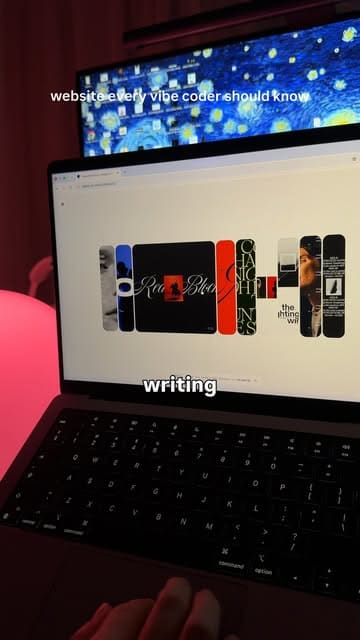
of you’re a vibe coder you need to know this website! I’ts an open source, un-common shadcn/ui component library featuring 100+ react components, tailwind and framer motion animations. Each component is a single clean file you can drop into your project. If you design and build websites or apps this one’s for you! Comment „animations” and I’ll send you the link to this website . . .
How does Left 4 Dead always know the exact moment to throw a horde at you? It's called the AI Director, and it isn't machine learning at all. Mike Booth, the guy who wrote the Counter-Strike bot, built it out of hand-written rules. Every survivor has a hidden intensity score that goes up when you get hurt and slowly drains when nothing's attacking you, and the Director watches whoever's most stressed. When that score peaks it pulls the zombies back and lets you breathe, and once everyone has ca
We are getting close to the holidays!! Red and green are everywhere this time of yr so I made holiday palettes without them Team classic red and green or team something different? Comment HEX for the hex codes for these palettes [holiday color palette, christmas colors, color combos, color palette, color inspiration, graphic design, brand colors, pantone]
I skipped Opus 5 when it came out. I said just another model, and I did not think it would change much for me. I finally gave it a real task (with a purpose) this morning instead of a random generic tutorial. I wanted a component library like the ones I taught in design school. Every resource I have seen shows you the anatomy of a button or an input, but skips the reasoning. Why this padding. Why this state. The industry logic that never gets written down… Perhaps I will be adding frequently as
PROMPT: Read every post in my Instagram saved collection "[COLLECTION NAME]" and turn it into a [CITY] guide for me. For each post, identify: the place name, neighborhood, and category (restaurants, coffee, bars, arts & culture, things to do, shopping). Flag spots that are hard to book, and skip anything closed or that was a one-time pop-up. Give me a clean guide organized by category, with neighborhoods listed. How to take the info from your saved reels and package it however you want thanks
I’m gonna say it... the internet does NOT need another boring ‘day in my life’ 🤭 DITL videos still work. But the format? It’s getting a little predictable. The ones that do stand out and keep you hooked aren’t necessarily showing more exciting lives... they just show everyday stories in creative ways. If you want to switch things up with your lifestyle content, I’ve shared 4 ideas you can STEAL to make your DITLs feel fresher, more engaging and way less skippable. Go pinch your favourite on
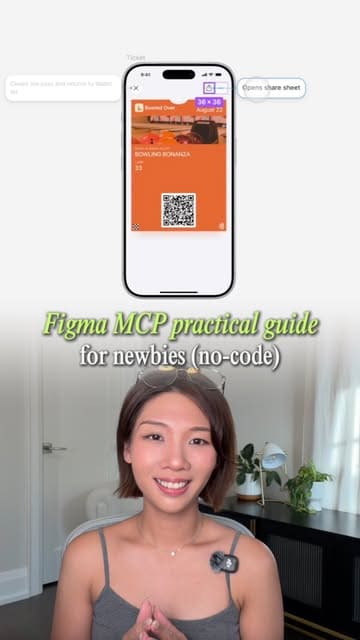
Figma MCP practical guide for beginners. If your code comes out looking nothing like your design, it’s usually a few things you skipped in the file, not the tool. These four are summarized from my own learnings. I’ve got my files exporting 95% right pretty consistently now. Still need a nudge here and there, that’s normal, but the base is solid. >Clean layers. Auto layout, semantic names. >Figma variables so your tokens carry into the build. >One page or section at a time. Fresh chat if it dri
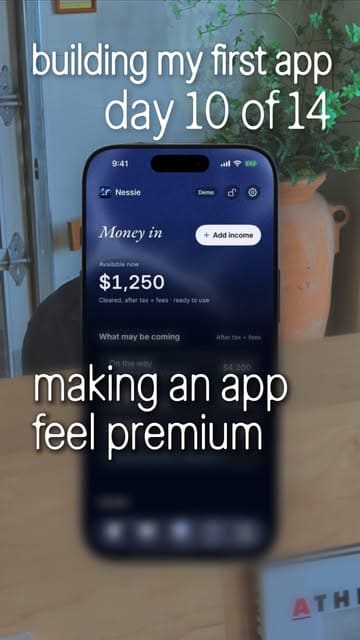
Two apps can have almost the exact same features. One feels like a $100 product. The other feels like somebody built it over a weekend. The difference isn't more animations or fancy effects. It's 5 small things most developers skip 👇 1. The empty state Sarah opens a new calorie tracker and sees a blank screen. Zero meals, zero calories. Now what? A premium app never leaves her staring at nothing. It shows an example day and one clear button: "Log your first meal." 2. Smart defaults The cheap
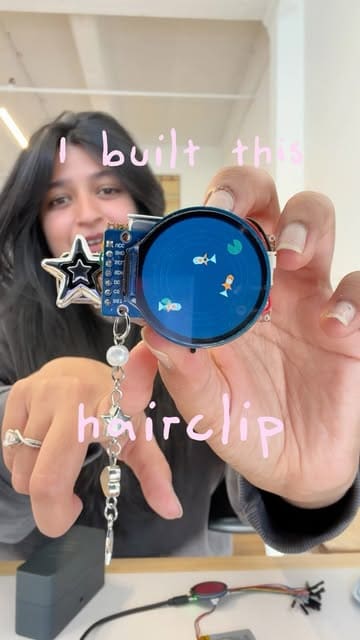
I’m working on an mp3 player hairclip and it’s so cool!! I’m actually obsessed with it. I have a great idea for the case too 👀 let me know what you guys think of it so far hehe
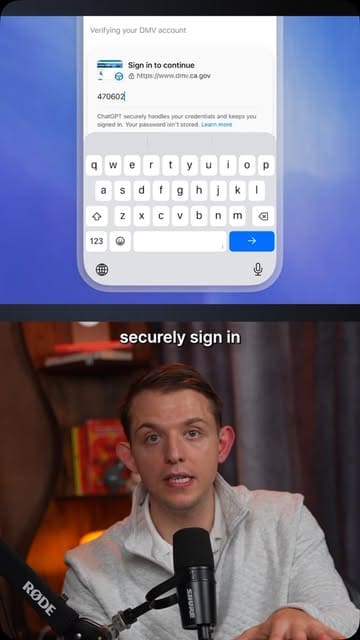
ChatGPT was a chatbot. Now it has its own computer. With ChatGPT Work, it opens a cloud browser, reaches a login screen, and lets you sign in securely, without ChatGPT seeing your username or password. Then it finishes the task while your phone is in your pocket. Link in bio. @ChatGPT
why does purple feel expensive? Surprise sea snails! if u want something to feel expensive: → go dark: plum, fig, aubergine → skip light purple on its own → to make it pop pair it with its opposite yellow save this for the next time u need to make something feel expensive ✨✨ [purple color palette, what goes with purple, color psychology, color theory, purple aesthetic, color combinations, graphic design tips, branding colors]
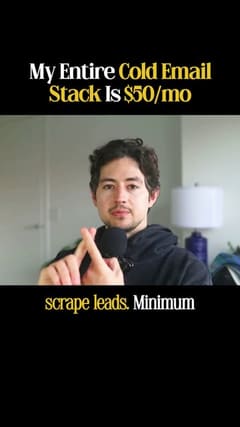
If I had to start cold emailing from zero today, this is exactly what I’d set up. Most beginners skip the setup and jump straight to sending, then wonder why nothing lands in the inbox. Get the foundation right and everything after it gets easier. Save this for when you’re ready to send your first cold email. 📌 [cold email, cold email for beginners, cold email setup, email deliverability, email warmup, lead generation, b2b outreach, outbound sales, sales prospecting]
unemployed? let’s fix that (from bed) Disclaimer: This content is intended for educational and informational purposes only and should not be considered promotional. [ remote jobs, work from home jobs, websites for remote jobs, SkipTheDrive, Real Work From Anywhere, Remote Yeah, job search websites, career websites, useful websites, for students, hidden websites, viral reels india ]
Figma agent vs Claude, same design system prompt. Same brief to both: create a mobile version of this page based on my design system. Figma’s agent on the left, Claude on the right. One skipped the newsletter section entirely and missed my colour. The other took the logo, the sections, everything. Took under 12 minutes. Which one would you pick? Tell me below.
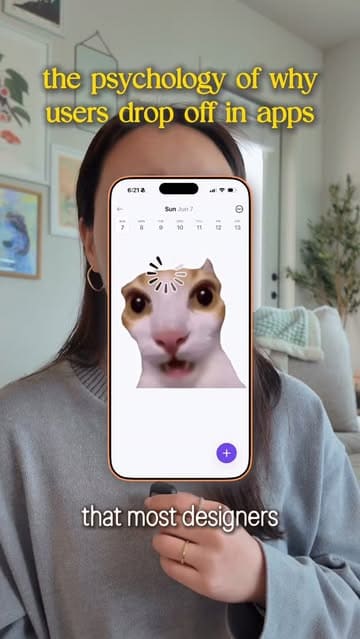
You can tell a design isn’t finished the second you open it before adding anything and it just sits there blank. For a while, I only designed the version of a screen where everything is already going right (happy path), but users would open an app for the first time to an empty screen, wait on a loading screen on bad wifi, or hit an error at the worst possible moment. Those in-between screens are where an app actually earns trust, and they are the easiest ones to skip. The empty one is my favo
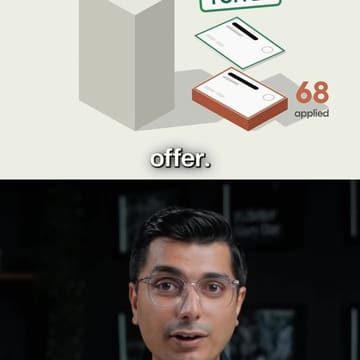
Someone built an AI job hunter with Claude that helped him land a job. 🚀 He went through 740 job listings, applied to just 68, got 12 interviews, and landed an offer. It’s called career-ops, and it’s completely open-source. It compares jobs against your CV, scores them based on how well you fit, and helps you skip applications that aren’t worth your time. For the good matches, it even tailors your CV, drafts application answers, and prepares recruiter messages. And you stay in control of ever
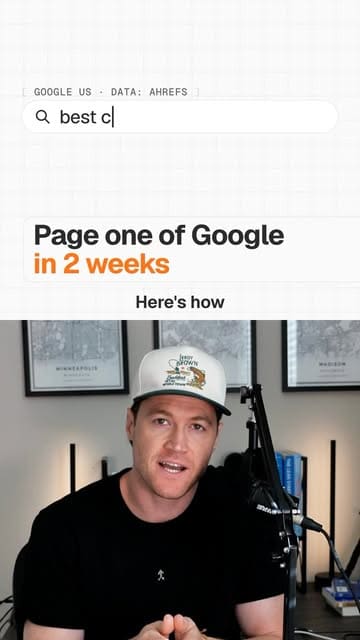
Comment “SEO” and I’ll DM you the full 11-tactic parasite SEO playbook 👇 Most people try to rank by blogging on a brand-new website. That can take 6–12 months before Google trusts you. Parasite SEO skips the wait. You publish on sites Google and ChatGPT already trust, and their authority carries your content to the top. In this video: → Why “best X 2027” pages are wide open right now → The free research site ChatGPT cites as a source → The LinkedIn article format AI Overviews love → How 20 G
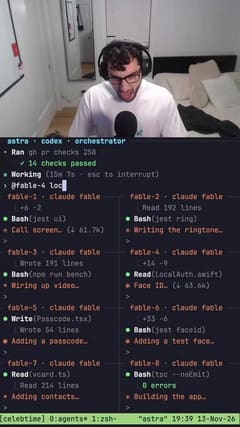
How to become a 10x AI native dev: ep. 1 of 7. Today we’re going to go over verification skills and how you can use these verification skills to remove yourself, the human developer, out of the validation and testing process, and to let the model actually validate and test and verify the changes that it’s making is correct and working as expected.
 BBrand

 Pantone

 Muse

 Figma

 OpenAI

 Claude

 Gemini




 Gamma