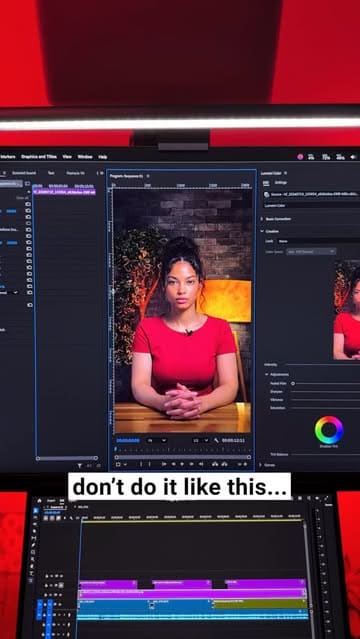
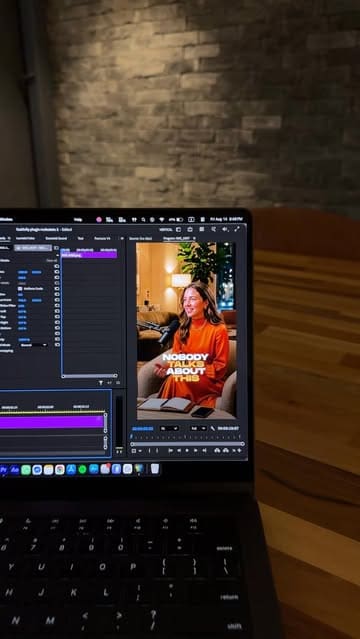
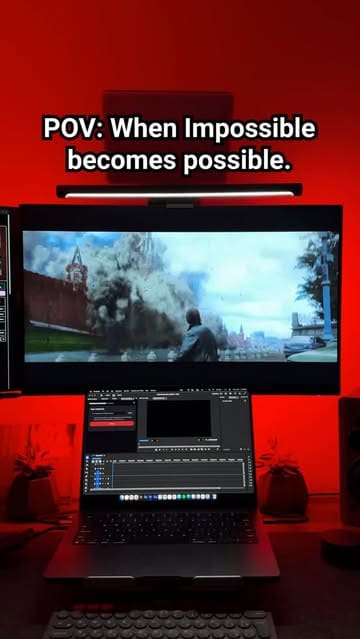
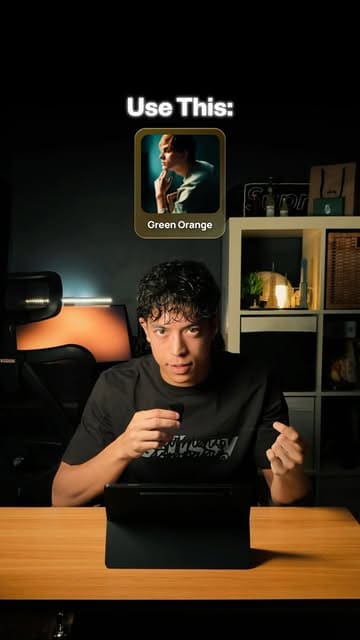
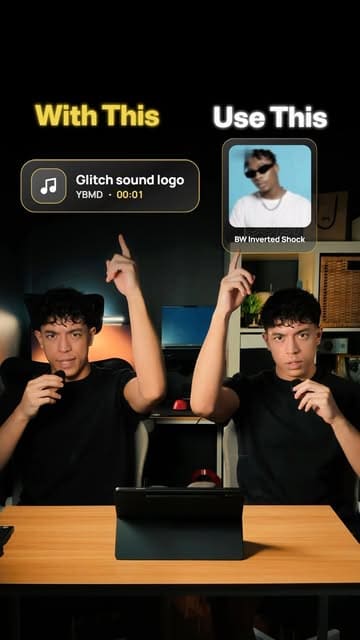
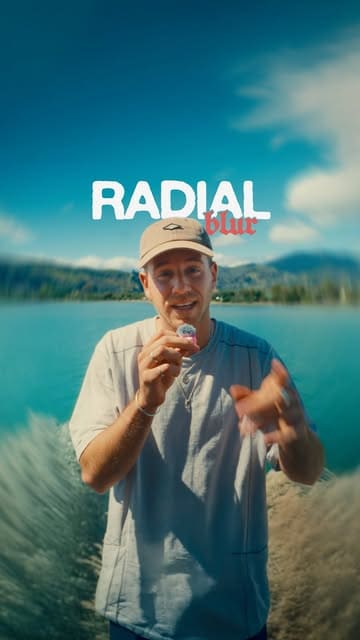
Comment ‘BLUR’ for the plugin! 👇🏼 ⠀ The trick to this radial blur is keeping your subject sharp 🎯 ⠀ Any Radial Blur adds a real radial blur right inside Premiere Pro, like the camera is spinning or zooming through the shot. ⠀ What sells it is a masked copy of your clip on top, so your subject stays sharp while everything around it moves. It’s pay what you want for individual creators. ⠀ Want better titles or sound design? Comment ‘Text’ or ‘SFX’ for my packs 👇🏼 ⠀ Follow @artzenmedia for daily va
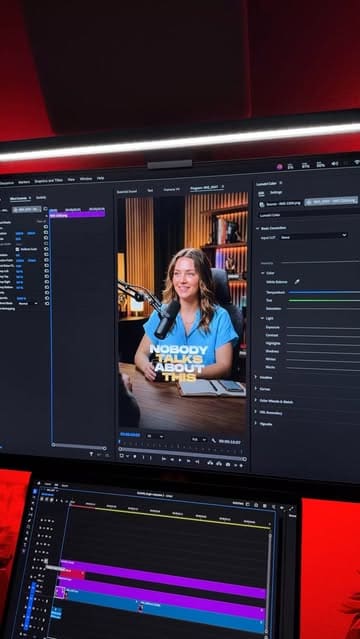
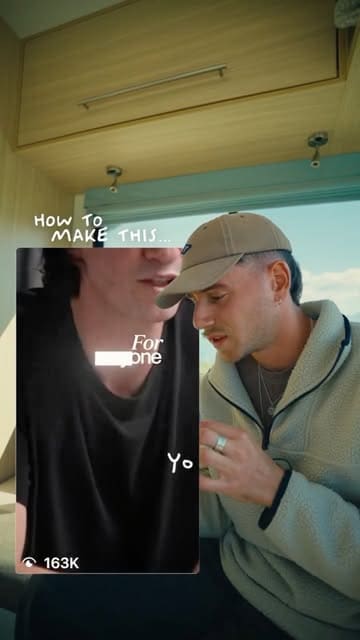
Comment ‘BOX’ for the steps! 👇🏼 ⠀ Every word starts as 2 frames of white background 📦 ⠀ This box flash text effect is made in Premiere Pro with zero plugins, and Premiere even writes the words for you from your voice. ⠀ It works on any talking clip, so your captions can look like this in a few minutes. The DM also has my extra tip for the soft glow on the boxes. ⠀ Original effect by @a16z and @livelifeinflow 🎬 ⠀ Need better titles? Comment ‘Text’ for my 41-animation pack 👇🏼 ⠀ Follow @artzenmedia
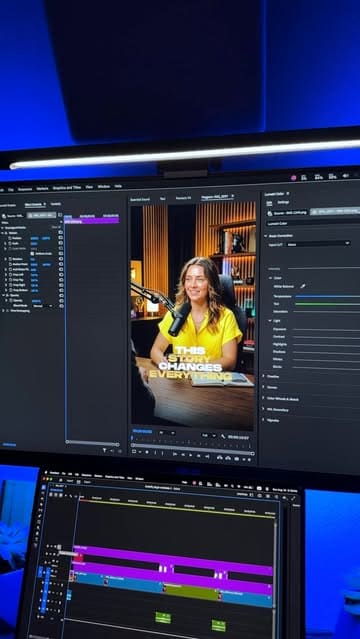
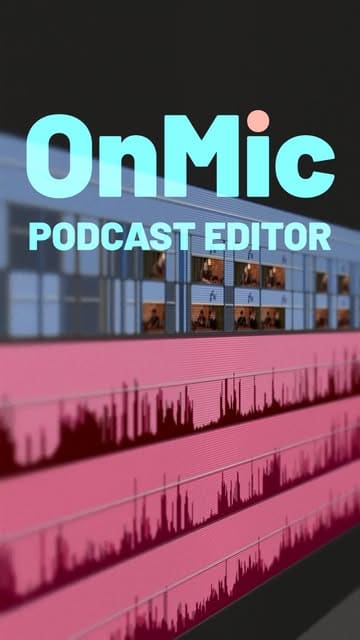
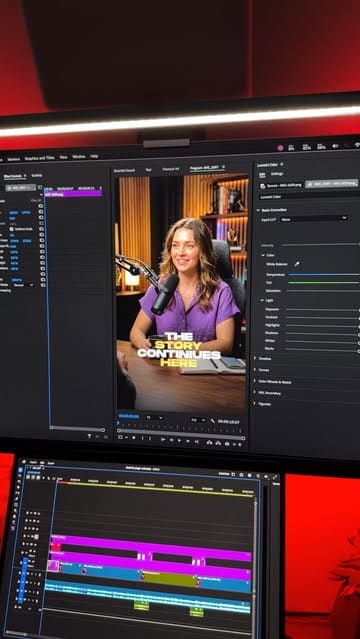
AI just built the first cut of this multicam podcast inside Premiere Pro. Sponsored by OnMic 🎙️ OnMic detects who’s speaking, creates the camera cuts, trims dead air, works around natural pauses, adds reaction shots, and backs up your original sequence before making changes. I still handled the pacing and final creative decisions, but starting with a usable first pass can save a ridiculous amount of time. OnMic is $15/month after the trial, and code AVERY gives you a full 28 days free. Comme
Comment ‘Shortcut’ and I’ll send you the plugin link! 👇🏼 ⠀ I didn’t realise how many clicks I wasted making adjustment layers 👀 ⠀ Shortcut puts them, freeze frames and a timeline QC scan one click away. That last one marks gaps and offline clips before you export, which I wish I’d had sooner. ⠀ It works in Premiere Pro and After Effects, and it’s free to use. ⠀ Want animated titles or sound effects for your edits? Comment ‘Text’ or ‘SFX’ and I’ll send you my packs 👇🏼 ⠀ Follow @artzenmedia for da
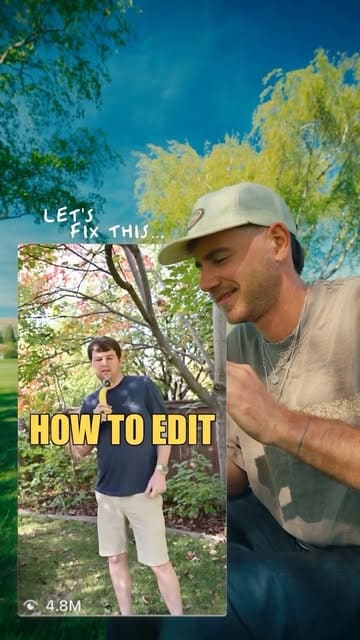
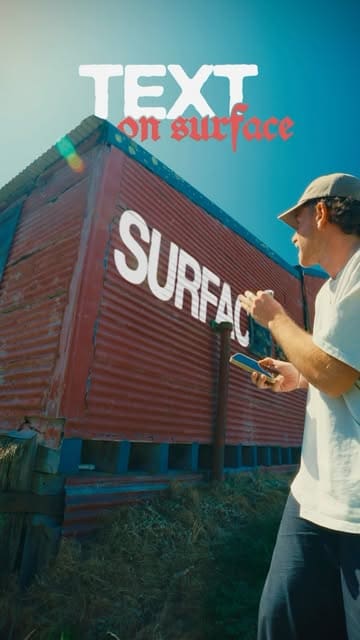
4.8M views, and the text still never went behind him 👀 ⠀ Comment ‘TEXT’ for my titles! 👇🏼 ⠀ Text behind subject in Premiere Pro comes down to 1 tool: the Object Mask. 1 click on the person and Premiere tracks them for the whole clip. No plugins and no masking frame by frame. ⠀ This is Editor Fix, my new series where I fix the edits people get stuck on. ⠀ Original reel by @dan.amann.photo 🎬 ⠀ Follow @artzenmedia for daily value & share it with your editor friend! ✊🏻 ⠀ #
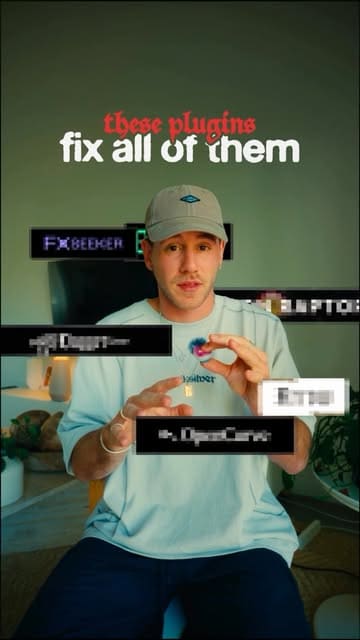
Comment ‘PLUGINS’ for every link! 👇🏼 ⠀ Premiere should have shipped with half of these tools 👀 ⠀ I ranked the plugins I actually use, from faster effect searches and proper keyframe easing to project versioning and reusable asset panels. ⠀ FXSeeker and ClipDeck made S tier. OpenCurve, Arrow and Version Raptor earned A tier, while Dagger landed in B. ⠀ Need better titles? Comment ‘Text’ for my paid 41-animation pack 👇🏼 ⠀ Follow @artzenmedia for daily value & share it with your editor friend! ✊🏻 ⠀
My favorite Ai tools! 🔥📸👇 AutoPod 🎤 Effortlessly switches between speakers, simplifying podcast editing. Google AutoPod for the plugin. Auto Reframe 🖼️ Automatically adjusts video frames to suit any platform, found in the effects section on Premiere Pro. Adobe Podcast🎙️ Enhances audio quality for that crisp, professional sound in all of your content. Found on Podcast.adobe.com AI Generative Fill ✨ Removes unwanted objects in videos, photos and seamlessly create extended backgrounds for your
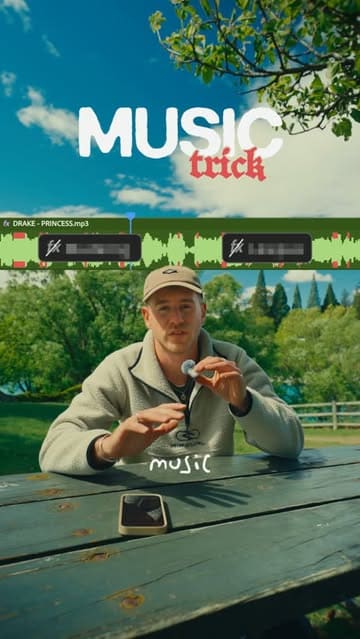
Comment ‘MUSIC’ for the preset! 👇🏼 ⠀ Your music isn’t too loud, it’s fighting your voice 🔊 ⠀ This voice over trick in Premiere Pro is 2 built-in effects, no plugins. You don’t have to bury the song to be heard anymore. ⠀ I put it on every song in my videos, so I saved it as 1 drag and drop preset. Drop it on your music once and move on. ⠀ Want better sound design? Comment ‘SFX’ for my sound pack 👇🏼 ⠀ Follow @artzenmedia for daily value & share it with your editor friend! ✊🏻 ⠀
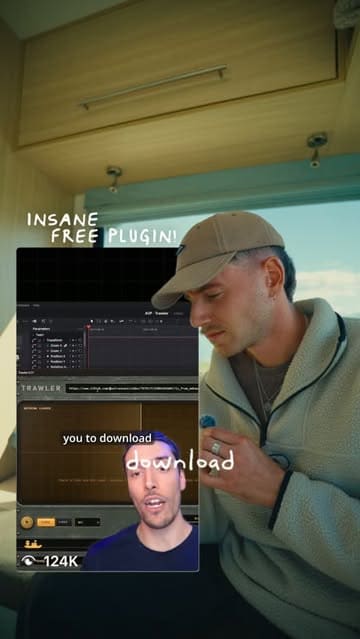
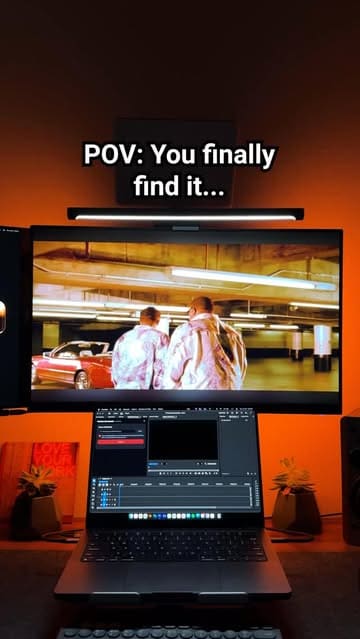
Comment ‘TRAWLER’ for the link! 👇🏼 ⠀ DaVinci and Premiere should have shipped with this years ago 🎣 ⠀ Trawler by @audiovisionproductions is a free tool for DaVinci Resolve and Premiere Pro that downloads only the part of a video you pick. ⠀ It works with YouTube, Instagram, TikTok, X and more, and runs on Mac and Windows. Just make sure you only grab clips you’re allowed to use. ⠀ This is Plugin Hunt, my new series where I find the best tools for editors so you don’t have to. ⠀ Want better title
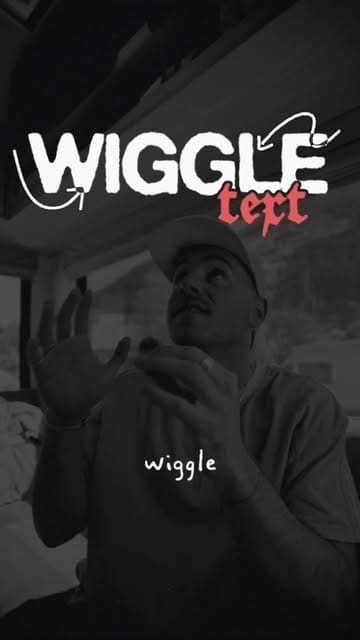
Comment ‘WIGGLE’ for the file! 👇🏼 ⠀ This is how you get the wiggle text effect in Premiere Pro ✍🏼 ⠀ 2 built-in effects create this. No plugins, no After Effects, and no drawing every frame by hand. ⠀ It’s the hand-drawn boil that’s all over your feed, and it works on text, logos and shapes. The preset does the setup for you. ⠀ Need better titles? Comment ‘Text’ for my 41-animation pack 👇🏼 ⠀ Follow @artzenmedia for daily value & share it with your editor friend! ✊🏻 ⠀
 BBrand
 Adobe
 Adobe Premiere Pro
 Apple