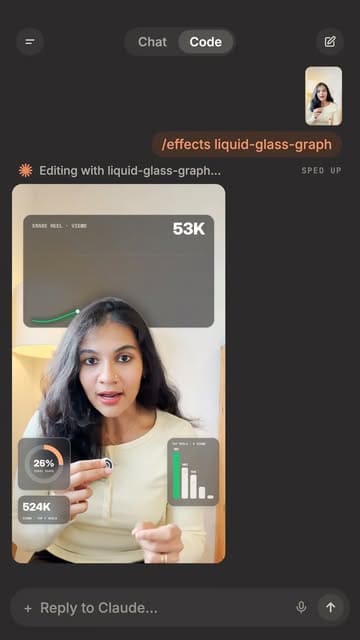
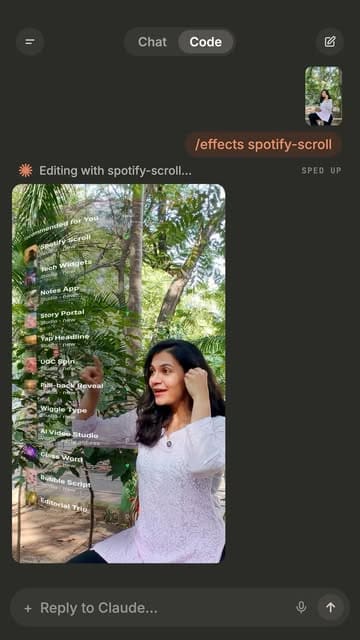
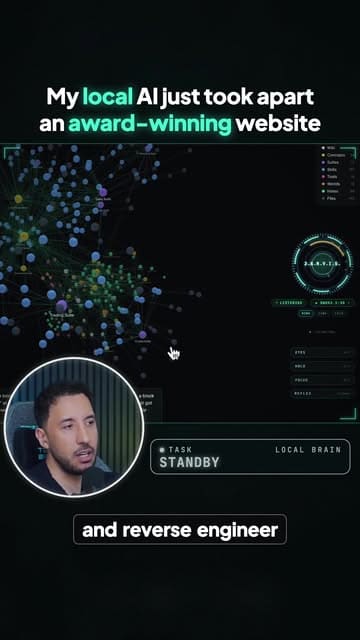
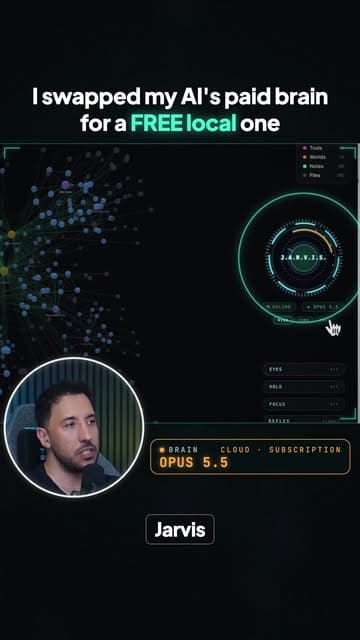
SAVE this for later!🔥 Grokbot is the one im excited about this month. Video on it soon. From automating your daily tasks to creating content, editing videos, researching and even building AI agents, there are free tools for almost everything. Which one are you trying first? 🔥 Follow @ishansharma7390 for more!
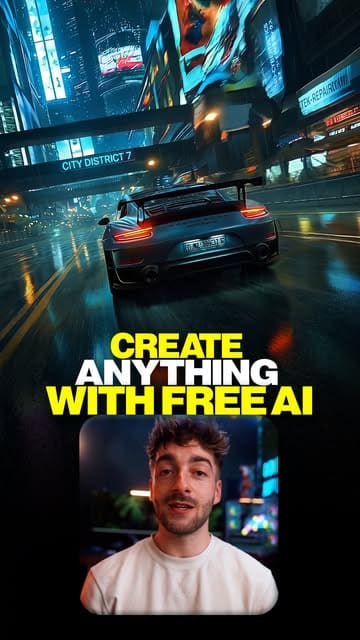
Comment “Free” and I’ll send you all the links. Access the most powerful AI tools for free—Arena, Pinokio, and Design Arena offer models like Cloud Opus 4.6, Gemini, and more for image, video, and text generation.
Comment “Tools” and I’ll send you my full AI stack 👇 The best AI tool for every job: Writing emails → ChatGPT Turning notes into a plan → Claude Making a study guide → NotebookLM Researching competitors → Perplexity Creating UGC ads → Higgsfield Building apps → Claude Code Building websites → Lovable Video clones of yourself → HeyGen Creating a pitch deck → Gamma Creating a content strategy → Poppy Fixing code → Codex Learning something new → Gemini Real-time trends → Grok AI voiceovers → Elev
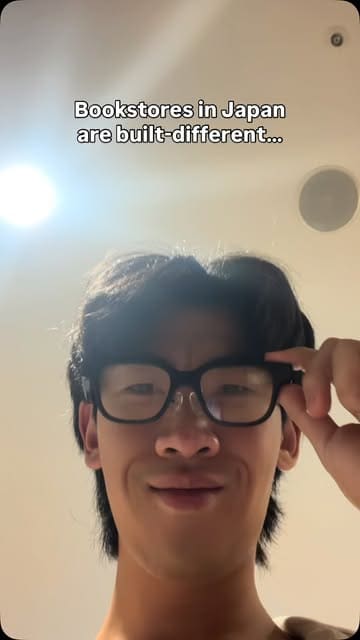
One thing I keep noticing in Japan: In the West, if we want to learn something new, we usually go straight to YouTube, blogs, Reddit, documentation, or Google. But in Japanese bookstores, I keep finding physical books about things I’d never expect. ChatGPT. Claude Code. Even Markdown. It’s interesting how differently information can be packaged depending on where you are. Same knowledge. Completely different way of learning it. Would you actually buy one?
Every AI model is best at one thing, and using the wrong one for the job is why your output keeps coming back average 🔥 comment "LIST" and I'll DM it to you. Here's what everyone's missing while they keep assuming one AI tool should handle everything they throw at it: 1. ChatGPT creates the most hyper-realistic images, Gemini summarizes very long videos into PDFs or outlines, and Perplexity runs one question through all the top models so you get the best answer instead of the first answer 2.
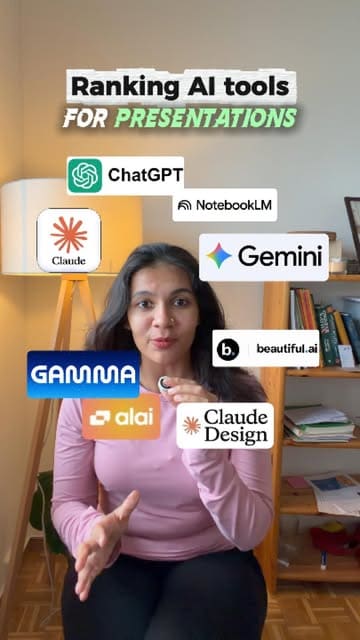
NotebookLM makes your slides for you, but the default deck looks plain, and one design prompt is the difference between okay slides and slides people actually stop on 🔥 comment "NOTEBOOK" and I'll DM it to you. Here's what everyone's missing while they keep assuming NotebookLM just spits out whatever slides it wants: 1. Generate your deck in NotebookLM like you normally would, sources in, slides out, nothing new there yet 2. Grab one of the design prompts from my resource page, each one is a
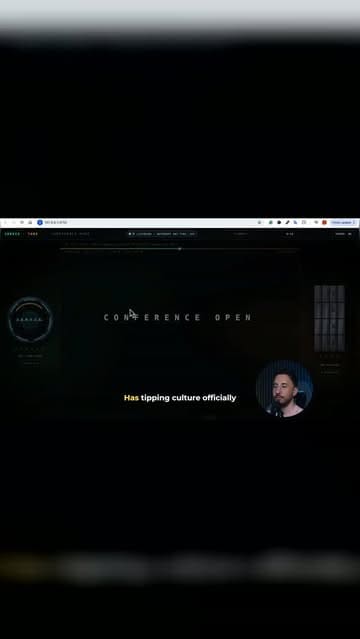
I built two AIs that argue with each other and gave them tipping culture. The iPad tip screen conversation got heated. This is my NotebookLM killer built with Claude Code. Free breakdown in my community, link in comments.
⬇️ Comment STRONG and I’ll send you the skills + the full step-by-step to build this yourself I fed all 300 Jeff Nippard videos into Claude Code, connected it to NotebookLM, and basically cloned the best science-based lifter alive into my own personal coach. He sat me down and interviewed me on my goals, my injuries, and my training style, then backed every single recommendation with the exact video it came from. Then I handed him 6 years of my workouts. He found my biggest gaps (apparently I
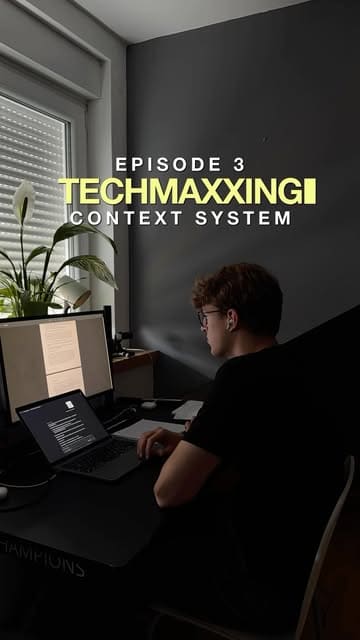
TechMaxxing Episode 3: Context systems. A folder of notes about you that your AI reads before every answer, so you never have to explain yourself again. Comment CONTEXT and I’ll send you the simple setup prompt plus all the links. Follow along for Episode 4!
 BBrand
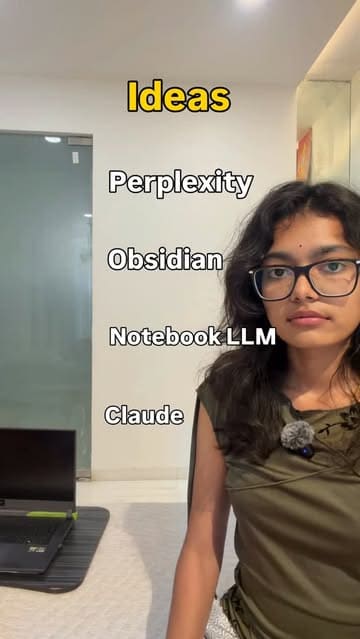
 NotebookLM

 Grok

 Arena

 Superhuman
 OpenAI
 Claude

 Obsidian