Videos that show the style you’re looking for, the strongest work that matches first. 70 in all. Trending now
MMusic Library
105K · 2w1×
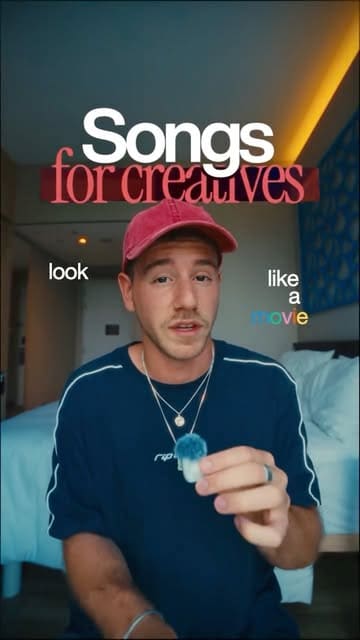
Comment ‘SONG’ for all 5 songs! 👇🏼 ⠀ Finding the right song can take longer than the edit itself 🎧 ⠀ So I’m building a Music Library for creatives. Every song from this series sits in one place with a preview to play, plus its Spotify, Apple Music and YouTube links. ⠀ Most of them also open straight in Instagram’s audio, so you can use them in your next reel. New songs get added every episode, and you can suggest your own. ⠀ Want better sound design? Comment ‘SFX’ for my sound pack 👇🏼 ⠀ Follow @
Comment “SYSTEM” and I’ll send you my full AI marketing engineer playbook, with all 10 skills 👇 The most in-demand marketing hire right now is the AI marketing engineer: someone who can build systems that engineer attention with AI. Here’s what to learn and how to practice each skill: → Ads agent: Claude Code + Meta’s ad connector. Practice by having it pause losing ads every hour. → Programmatic SEO: Claude Code + DataForSEO. Practice by turning a 500-row spreadsheet into 500 blog pages. →
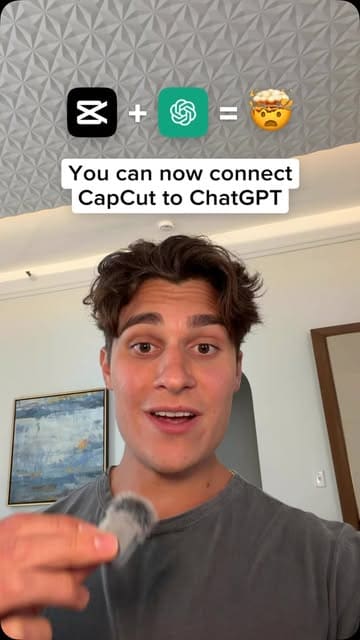
Comment “CAPCUT” and I’ll shoot you the setup link 👇 Video editing just got a whole lot easier with CapCut + ChatGPT. Upload your footage and tell it what you want. The official CapCut plugin lets you cut pauses, tighten the pacing, add captions and pull music and transitions directly from CapCut’s Asset Library. Then save your editing workflow as a Skill so you can reuse the same instructions and settings on your next video. Less time repeating edits. More time creating.
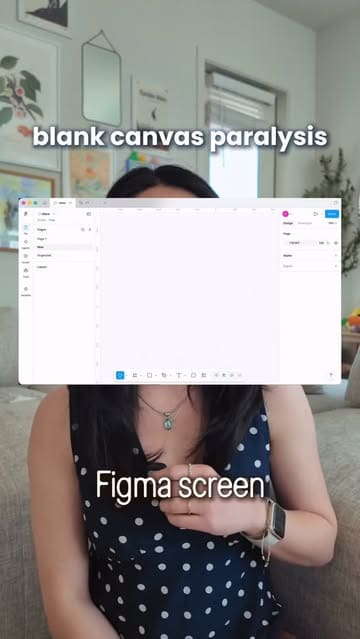
Does anyone else completely freeze when they open a blank Figma file? Starting is the hardest part😭 Before I do anything, I go on a screenshot frenzy and pull real app screens to reference, usually from Mobbin. It's the only way I get unstuck, because seeing what already works gives me somewhere to start. The thing I've been doing lately is connecting the same library to my AI tools. When my agent builds something, it's pulling from real apps the same way I would instead of guessing. It kind
3 ways to make your Claude videos look nothing like everyone else’s 👇comment LINK and i’ll send you all my favourite GitHub projects 🔗 open-source projects: stop building every effect from scratch. i paste a GitHub link into Claude and it pulls in the real code (thinking orbs, 3D line art, a free mascot library) context: i work in a workspace, not one-off chats. Claude already knows my past projects, my brand and my templates, so “put my best clips in a profile grid” just works music: i gener
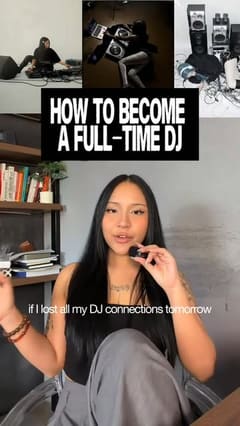
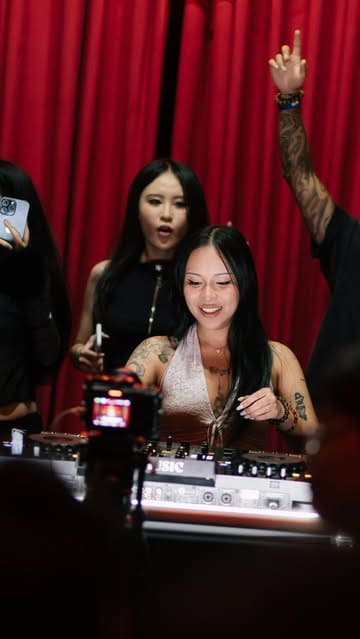
Read this 👇🏻 • thinking every transition needs to be a trick cuz sometimes a clean blend is enough • forcing drops every 30 seconds, let people enjoy the song 😭 • playing harder when the room actually needs space to breathe • thinking a technically perfect set automatically means a good set • picking songs to impress other DJs instead of paying attention to the people in front of me • saving every track i find, be more intentional with your library • thinking an unfamiliar song won’t work, your
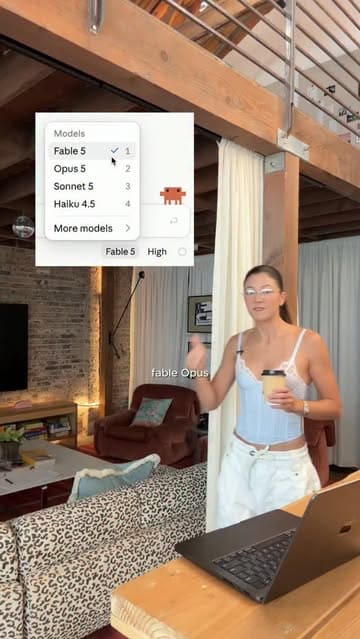
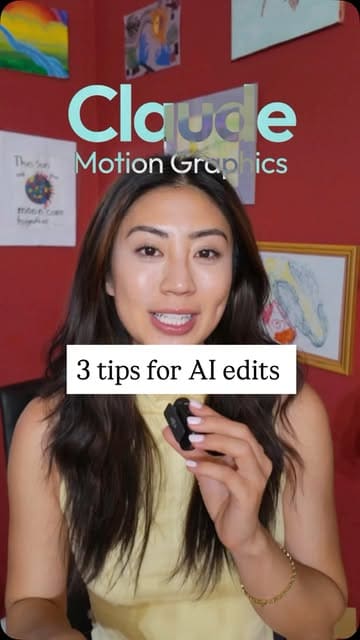
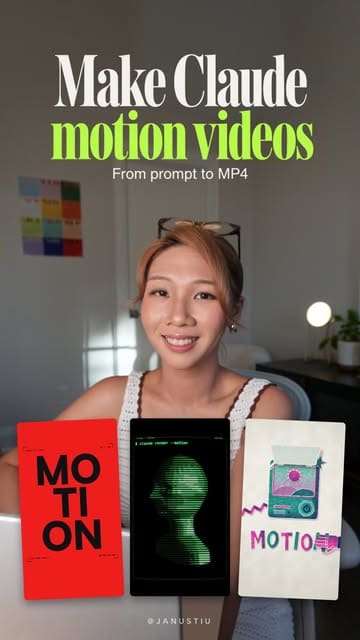
Everyone’s posting these crazy Claude motion videos. But nobody shows you the actual workflow. Turns out, it’s not as simple as copying and pasting a prompt. There are a few catches. So I experimented with 7 different styles and documented everything. Here’s how: 1. Open Claude Code, select Opus 5.5, and set /effort to max for the best results. 2. Paste your prompt + reference. 3. Ask Claude to generate a storyboard first, before it starts building anything. 4. Review, iterate, and export you
Comment WAITLIST and I’ll send you the link to join my free live walkthrough of my AI content system 👇 I’m showing you how I connect Claude, my avatar, and my creative tools to go from an idea to content that’s ready to post, without filming myself every day. You’ll see how it all works together so you can start setting it up for your own brand.
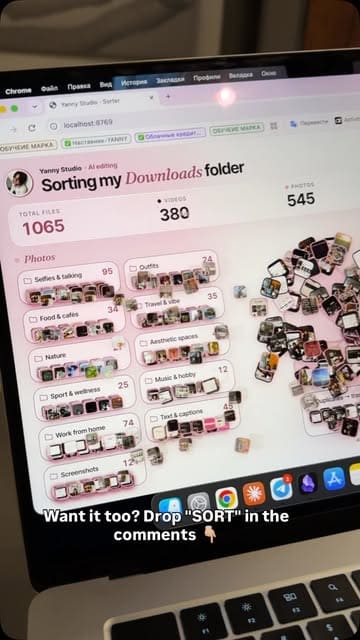
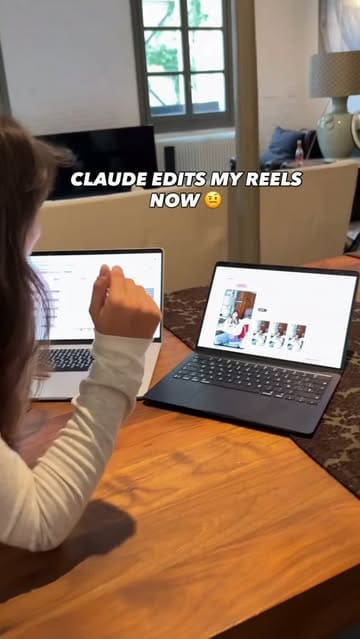
my editing studio is now open ✨ a simple tutorial to edit your reels with Claude Code and create your first video in as little as 15 minutes. inside: 🧷ready-to-use presets + lessons to create your own style 🧷 Effect Board - an animation library for your videos 🧷 a bonus lesson on organising your raw footage with Claude Code the first 100 people also get free mentor support, so you won’t be figuring it out alone 🤍 link in my bio 👀
Most people still think AI can’t do real motion design. A year ago that was fair. You’d get a wobbly clip with melting text and lose the whole afternoon fixing it in After Effects. Now Opus 5.5 writes the whole piece as code inside Claude Code, every frame and every sound cue lined up with the cuts. Took one prompt. The gap to a good human designer is shrinking fast. (comment “PROMPTS” and I’ll send you the exact prompt library I use for these, straight to your DMs 🚀)
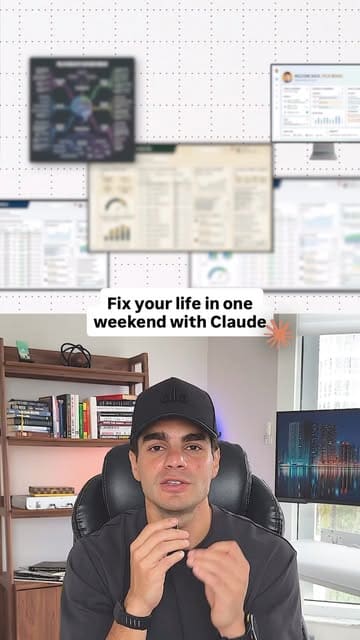
5 projects you can build in one weekend to make Claude your personal life assistant. 🧠🤖 Here’s what you can create: 📊 Life Dashboard — Connect your email, calendar, and to-do list to organize your daily tasks. 🧠 Second Brain — Store important documents and keep your personal information in one searchable project. 🔄 Review Agent — Review your day, track what went well, and plan for tomorrow. 🎨 Brand Kit — Give Claude your mission, colors, and values to keep your branding consistent. 📚 Life
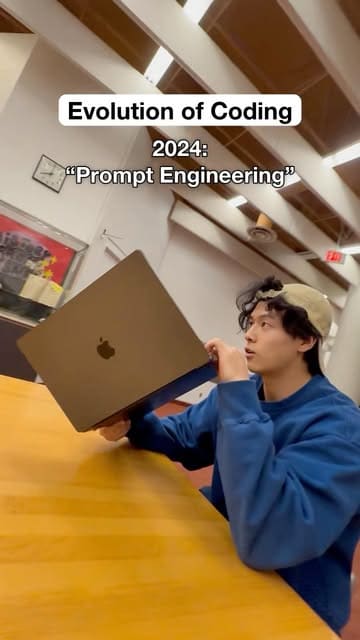
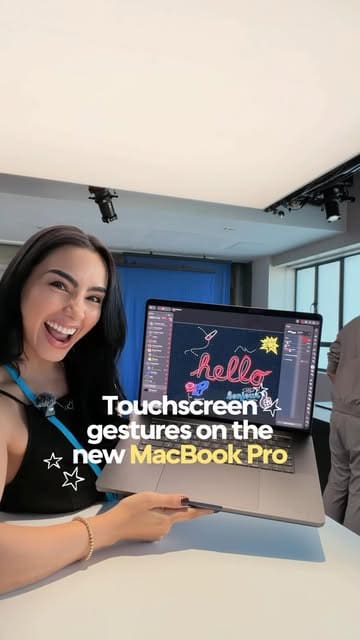
How some gestures work on the new touchscreen MacBook PROLED. A lot of them you’re familiar with using your trackpad so the screen *should* feel intuitive to use 👆🤏🖐️
Steal Viral Background Songs 🎧📈 Comment “Songs” for a Library of 150+ viral songs categorized by style and mood 🎵 That way you can get the perfect audio and vibe to get more views, reach and engagement on your next video
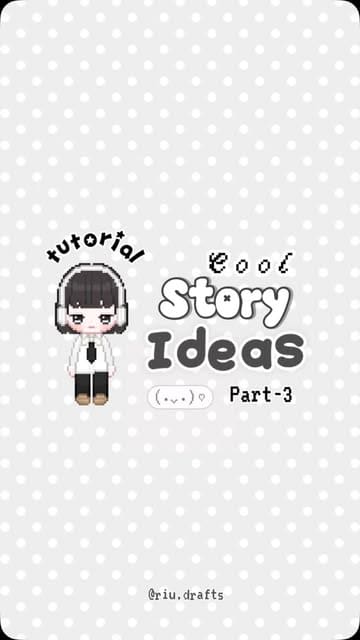
Comment “Reve” if you want the app link 🎀 Save this for your next story & follow for more aesthetic tutorials ♡ Cool Instagram story ideas : Part 3 Ib : @simxmargo via @influence__inc (Cool Instagram story ideas, cool story ideas part 3, Instagram story tutorial, aesthetic story ideas, cute story ideas, Instagram story inspiration, story inspo, trendy Instagram stories, photo dump story ideas, Pinterest story
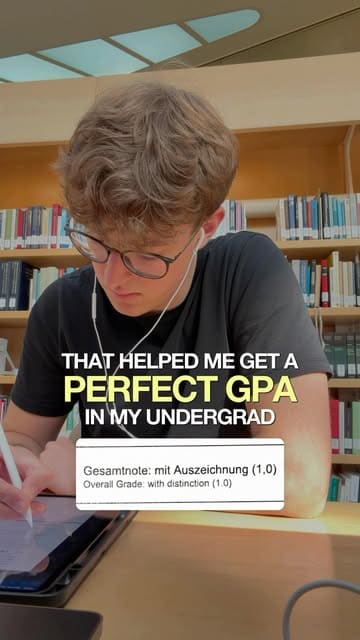
3 study habits that got me through my undergrad and that I’m now using in my Master’s again. Rework every lecture in your own words, get stuck on the exercise sheets before checking the solutions and keep redoing the exercises you got wrong. I do all of it inside of @goodnotes.app .
 BBrand

 Claude

 CapCut
 Mobbin

 Apple


 Reve
 PMI
 Meta AI