Videos that show the style you’re looking for, the strongest work that matches first. 1068 in all. Trending now
Claude
31K · 1mo2×
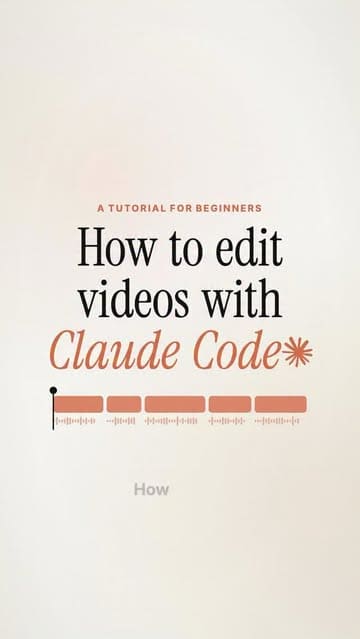
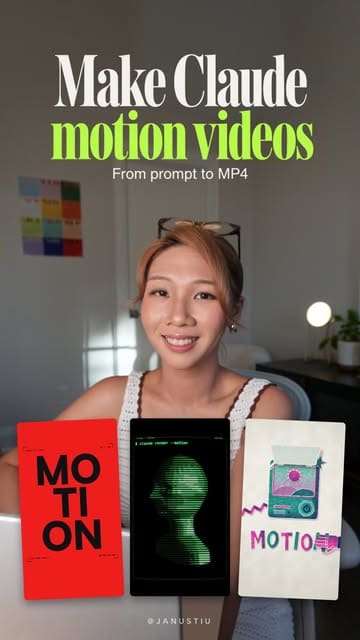
Everyone’s posting these crazy Claude motion videos. But nobody shows you the actual workflow. Turns out, it’s not as simple as copying and pasting a prompt. There are a few catches. So I experimented with 7 different styles and documented everything. Here’s how: 1. Open Claude Code, select Opus 5.5, and set /effort to max for the best results. 2. Paste your prompt + reference. 3. Ask Claude to generate a storyboard first, before it starts building anything. 4. Review, iterate, and export you
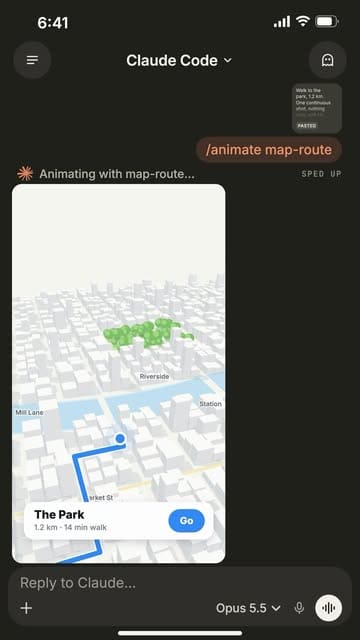
Comment STUDIO | the MOST USEFUL effects for educational creators 🤯👇 Seven animations. All made in Claude. 🎬 No After Effects, no animator. An ink painting that bleeds through the paper!! A 3D map that draws its own route. One white ball running a whole phone. A newspaper that highlights itself. My real landing page, flying past in 3D. This is what my AI video editing studio can do. Early access is open now 👀 You get 100 free effects when you join. And there’s a free masterclass on 7 Nove
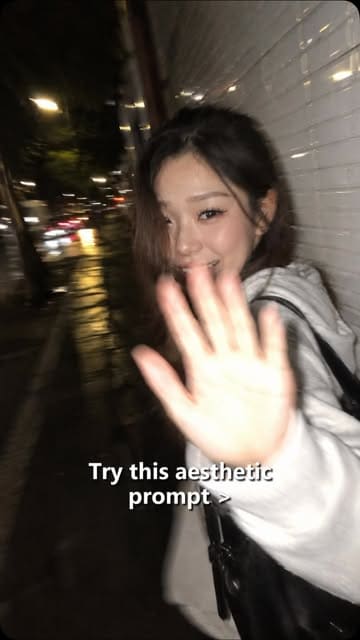
comment “GPT” for 100 more ChatGPT visual codes 📸 Prompt Ultra-realistic candid smartphone photo, 9:16 vertical. Keep my face and features exactly the same. Scene: Nighttime on a quiet city sidewalk beside a white ceramic tile wall. The subject is walking past the camera, turning back in surprise, raising one hand close to the lens to partially block it while smiling naturally. Capture an accidental, rushed moment with imperfect framing. Shot on a handheld smartphone with flash. Strong camera
Comment “Tricks” and I’ll send you 200 more codes 👇 5 secret codes for ChatGPT. Upload a photo and type: /crowdmotionblur - adds a crowd around you with a cool motion blur /nighttimeflash - turns day into night with a flash effect /backangleview - turns you around so you’re walking away from the camera /blurmotionview - blurs the background so you’re the sharp subject /goldenhour - relights the whole photo like it was shot at sunset Save this and try them all.
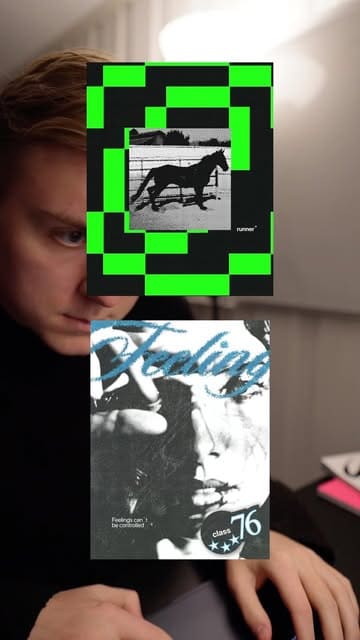
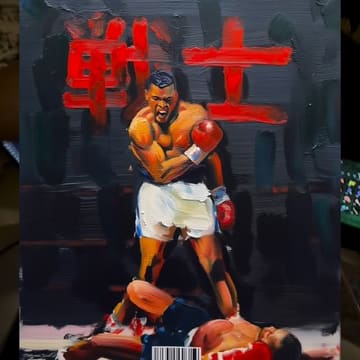
Give Claude something specific to aim for. Prompt Motion, Eyecandy and React Bits are full of design and animation references you can actually point to. Comment VIBE for all three.
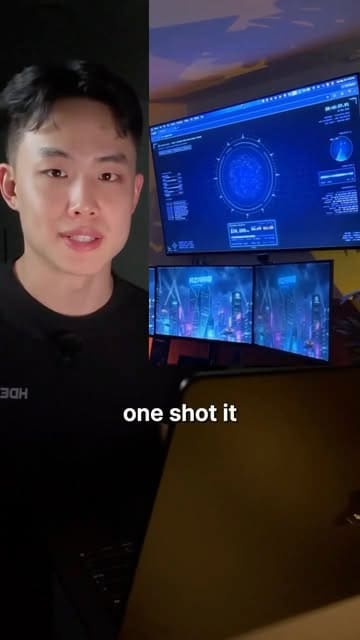
Comment "EDIT" and I'll send you the full YouTube video. This video was edited by Claude in one shot. One prompt, no babysitting, no back and forth. I didn't touch it. Every Claude video editor out there has the same problem: zero autonomy. It can do the edit, but you still sit there prompting it for hours, which defeats the whole point. So I built one that takes raw footage and comes back with a postable edit while you sleep. Comment "EDIT" and I'll send you the full breakdown.
comment “inspo” and I’ll send you all 6 💫 AI can make the motion graphics now. but it still needs your taste. the sites I’m reaching for: 1. Prompt Motion 2. Eyecandy 3. React Bits 4. MotionSites 5. Savee 6. Motionographer
you don’t have to build all interactive effects from scratch If your websites all look the same, the fix isn’t a better prompt. It’s better building blocks. These three libraries are full of animated components you can drop straight into your project, or show as a reference so your site actually feels that much more interesting. 1️⃣ Bencho: over 150 playful micro-interactions you can hover, drag and press, from a crumpled receipt to a page peel. Perfect when you want one standout moment peopl
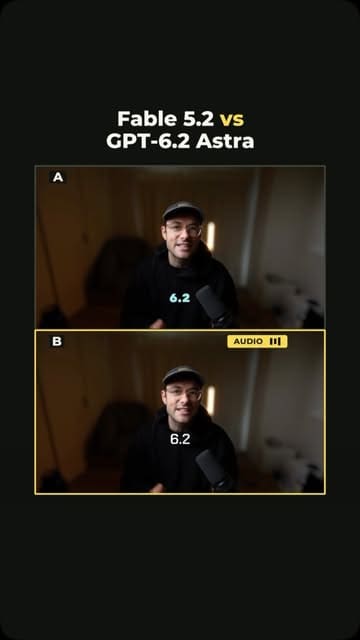
Same raw clip. Same prompt. Which AI edited it better, A or B? 👇 I gave Fable 5.2 and GPT-6.2 Astra one continuous take of me and the exact same prompt: 8 rounds of effects. No editing app, no timeline. Each one had to find every round from my voice and edit it on its own. The 8 rounds: 1. Text behind me 2. A cinematic colour grade 3. My background swapped for a neon city 4. Logos in my hands, with motion graphics 5. A freeze frame and a movie character intro 6. A clone of me 7. A glowing outl
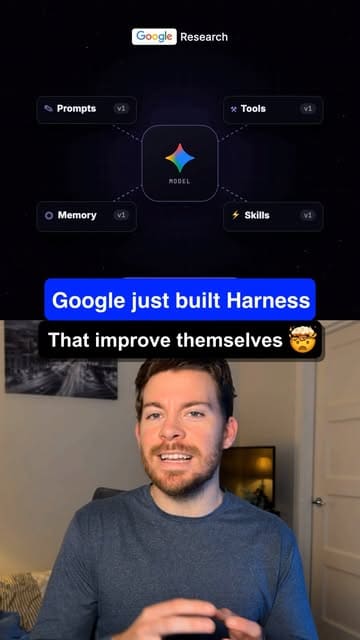
Comment “HARDNESS” to get this new open-source hardness. Google just open-sourced a harness that lets your AI agents upgrade themselves without any retraining. A harness is the prompts, tools, memory, and skills around the model, and you’re usually tuning yours by hand. It does that for you by proposing edits, testing them on the same task, and combining what worked, which boosted scores by up to eleven point five points in one round. But the crazy part is it saves the lessons from every t
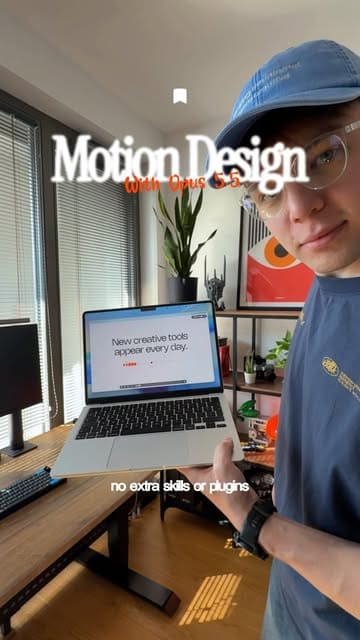
🤔I didn’t expect Opus 5.5 to be this good at motion. I gave it a clear direction, linked my website for brand context, and let it build the first version. From there, I stayed in the same chat and refined the timing, transitions, and smaller details with follow-up prompts. No plugins or extra skills installed. Just art direction through plain language. Comment “Motion” and I’ll send you every prompt I used for both versions. ➡️ Send this to a designer who’d try it. Should I test it with Rem
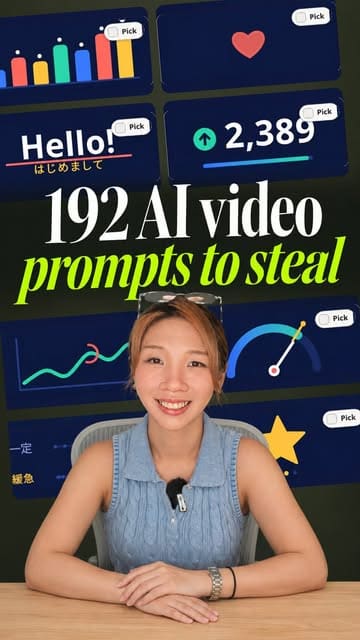
Stop typing “make it cool” and hope to get sick motion animation. The problem with AI motion videos isn’t your imagination. It’s vocabulary. This free library names 192 moves with live previews: 🎬 Motion graphics 🎥 Camera moves 🌐 Web effects 💡 Lighting and photo looks Pick a move, copy the prompt, and paste it into Claude Code or Codex with the HyperFrames skill. 💬 Comment PREVIEW and I’ll send you the link, my tips, and my full prompt for making motion videos with Claude.
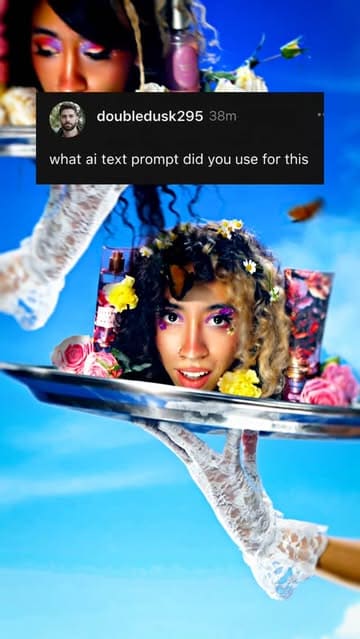
Be honest does my work look ai?? This animation took me a week to create! I made this surrealistic dream core inspired piece using Adobe After Effects! My goal was to try to achieve this like 80s airbrush style color and highlights✨ -
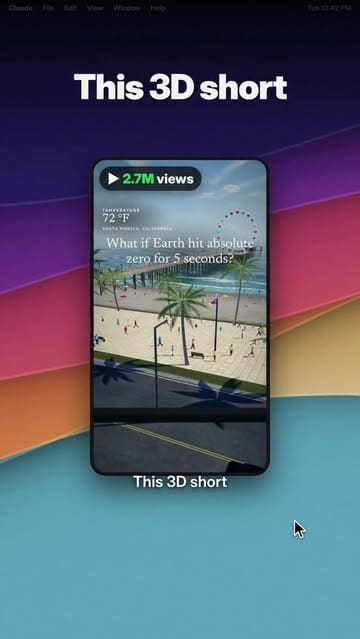
This 3D short got 2.7M views. Nobody animated it. Here's the whole workflow, start to finish: 1. Open Claude Code with our workflow and type one idea ("what if all rubber disappeared for 5 seconds in Times Square?") 2. Claude checks the facts and writes the script 3. It builds the whole scene in code. Not AI video: every frame is code 4. Want a shot changed? You just ask 5. Your laptop renders the finished short (ours: 3,312 frames in 18 minutes) It runs on Claude Code with a Claude subscription
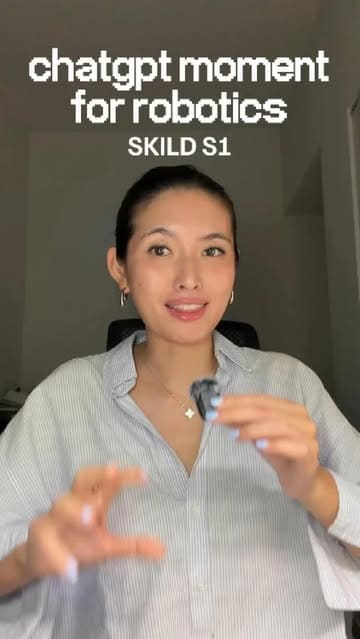
The ChatGPT Moment for Robotics 🧠 🤖 @skildai released S1. You show a robot one video of a person doing a task (even a 10-minute task it’s never seen) and it does it. ⏱️ Teaching a robot one task currently takes 50–100 hours of humans puppeteering it through the motions, plus a full retrain. 🧠 S1 is in-context learning for robots. Same idea as ChatGPT replacing a separate model for every job, except the prompt is a video instead of text. 🥞 S1 flipped a pancake despite no pancake-flipping anywhe
 BBrand
 Claude
 OpenAI