Videos that show the style you’re looking for, the strongest work that matches first. 4 in all. Trending now
MMorphin
11K · 1w1×
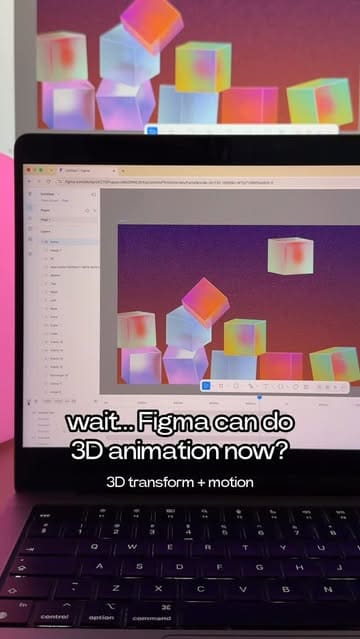
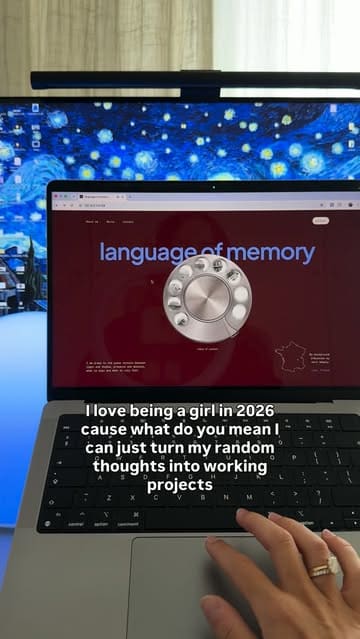
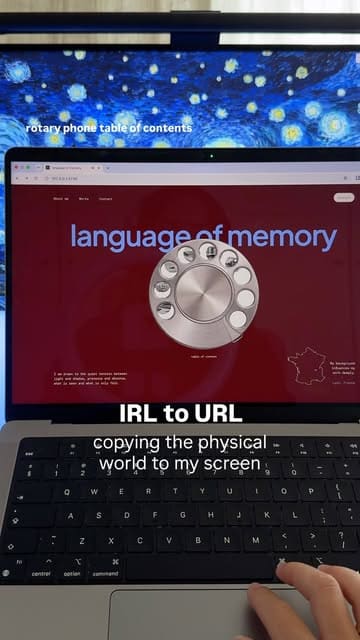
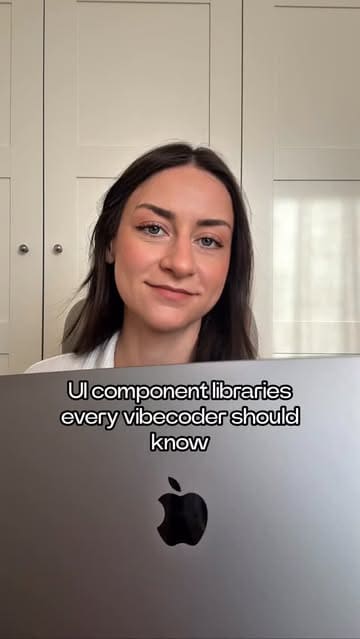
you don’t have to build all interactive effects from scratch If your websites all look the same, the fix isn’t a better prompt. It’s better building blocks. These three libraries are full of animated components you can drop straight into your project, or show as a reference so your site actually feels that much more interesting. 1️⃣ Bencho: over 150 playful micro-interactions you can hover, drag and press, from a crumpled receipt to a page peel. Perfect when you want one standout moment peopl
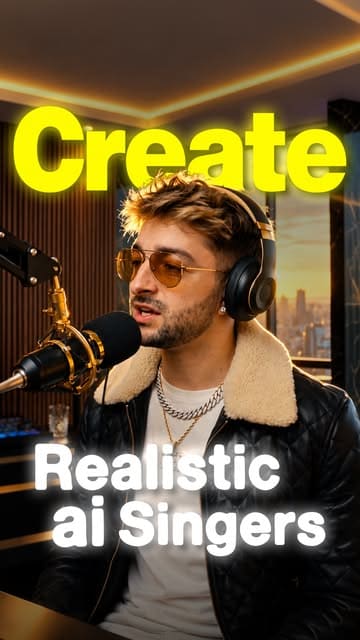
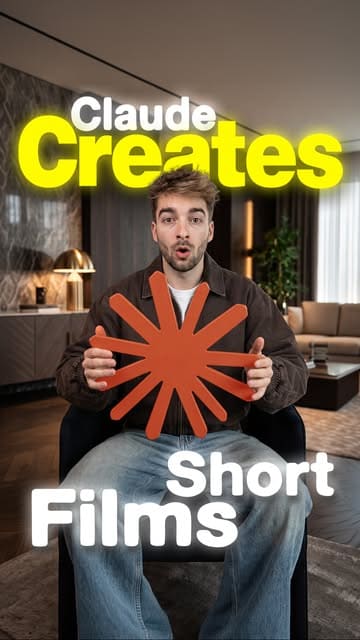
Comment "STYLES" and I'll send you the Claude command for every style. These are 20 video styles you can make right inside Claude with Higgsfield Shorts, an AI video editor that works through the Higgsfield MCP. You give it a short clip of yourself and a script, pick a style, and it edits the whole short-form video for you: titles, motion graphics, captions, B-roll and music. The styles go from anime and retro game looks to 3D kinetic typography, text behind the subject, Swiss poster layouts,
This is the Spider-Man Slow-Mo Web Catch Effect! And here’s how you do it! 🕸️ Comment the word “GUIDE” 📘 to get the prompt. 1️⃣ Grab a photo of the object you want to use. 2️⃣ Then take 3 more shots: A shot of you standing normally. A shot of you with your arm out like Spider-Man. A shot of you with the object in your hand. You should now have 4 images in order, labelled 1, 2, 3 and 4. 3️⃣ On your computer, head to Higgsfield.ai → Create → Videos → Create Video. Choose the new Seedance 2.5
Comment “PROMPT” and I’ll DM you the exact prompt. Turn unexpected characters into hilarious AI rap videos with lip-sync effects, hip-hop vibes, and viral meme energy. From legendary bars to unexpected plot twists, create AI videos that grab attention and make people watch twice.
 BBrand
 Higgsfield