Videos that show the style you’re looking for, the strongest work that matches first. 323 in all. Trending now
MMCP Registry
5K · 3w
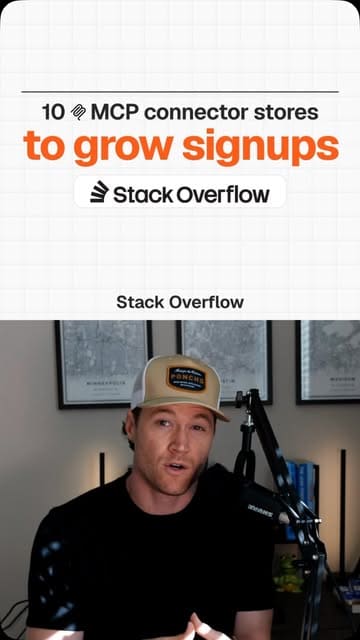
Comment “MCP” and I’ll send you the full list of connector stores your agent needs to be in 👇 Stack Overflow launched its ChatGPT plugin in September, and signups for its agent product tripled overnight. AI assistants now have their own app stores. If your product isn’t listed, it doesn’t get recommended. Where to get listed: → Official MCP Registry. Start here, because directories like Glama and PulseMCP pull from it. → ChatGPT. It has 8,500+ apps, and about 900 were added in May alone. → C
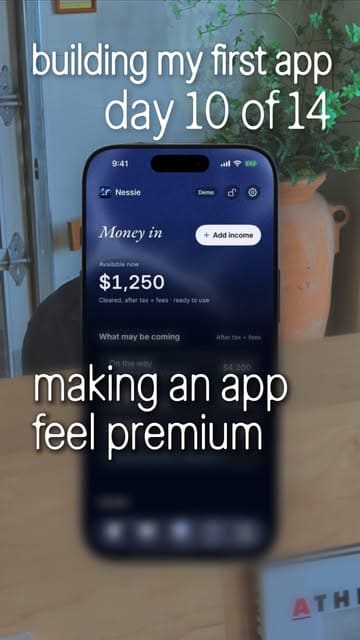
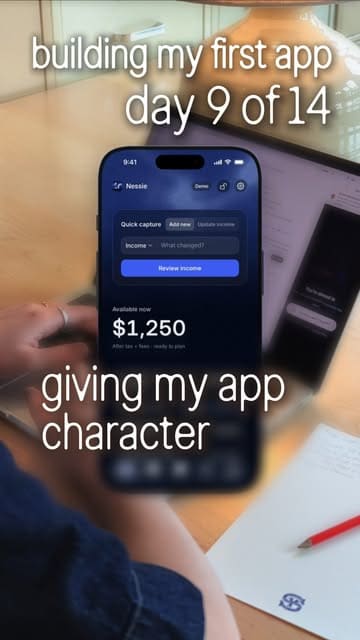
DAY 9/14 ✶ My app worked, but it looked like every other vibe-coded app😭 It took 10 design directions and 5 different title fonts to give it some real character, so here’s everything I did in order! I started in Codex, but Claude is so much better at design and anything creative. My setup for this part is Claude Code with Opus 5.5 and the Paper and Mobbin MCPs (not sponsored btw! I’ve partnered with Paper and Mobbin before, but this is just my real setup). Before any of this, pick your vibe. A
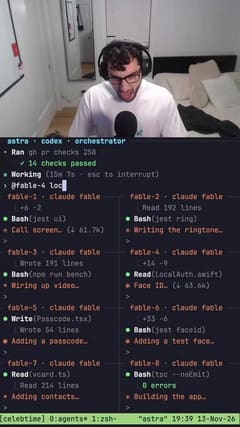
First, I keep choosing Claude Code for iOS because it’s THE BEST I’ve used for design and anything that requires exploration and creativity @claudeai Even with Opus 5, I get better results for that kind of work than with anything else I’ve tried. And that’s before even getting into Fable 👀 Here’s my current workflow for building iOS apps: • Opus 5 with ultracode when I’m building multiple features at the same time. Otherwise, Opus 5 on Max. • Fable 5.1 on High for extremely co
One GitHub repo every vibe coder should know. 🤖💻 🛠️ 200+ skills 🤖 Specialized agents ⚡ Commands, hooks & MCPs 🔐 Built-in security checks 💻 Works with Claude Code, Cursor, Codex, Gemini, and more It’s designed to turn your AI coding workflow into a more complete development setup. Comment “Toolkit” and follow. I’ll send you the repo + setup guide. 👇
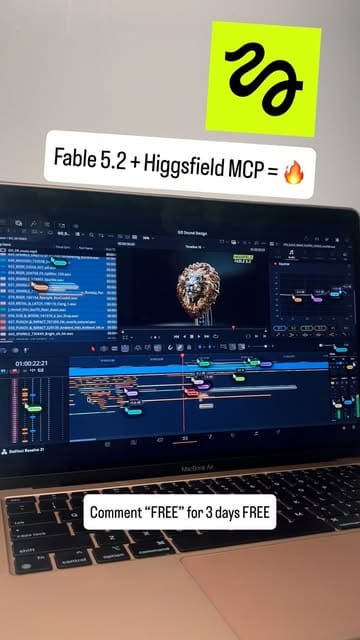
SFX with Higgsfield MCP in Claude with Fable 5.2, register now and you’ll get 3 days of free, UNLIMITED ACCESS to all video models available through Higgsfield MCP. 60% discounts starting November 11th! @higgsfield.ai
ANTHROPIC AGREES, MCP isn't the problem. Sending every tool call back through the model is. Posting one reel took 12 round trips and about 190k tokens. One script in a sandbox took 1 round trip and about 17k tokens. Stop using your model as a for loop. Give it a runtime. 🔁➡️⚡ https://www.anthropic.com/research/code-execution-with-mcp
I’m not cancelling Adobe just yet lol. But creative tools that AI agents can work in directly? That has my attention 👀 ArtCraft is building seven free, open-source alternatives to Photoshop, Illustrator, Premiere Pro, Lightroom, Acrobat Pro, After Effects and InDesign. After seeing it go viral on Reddit and X, I had to test PhotoCraft to see if it lives up to the hype. They’re still early, but I’m curious where this goes. Would you give them a try? ➡️➡️ https://getartcraft.com/apps
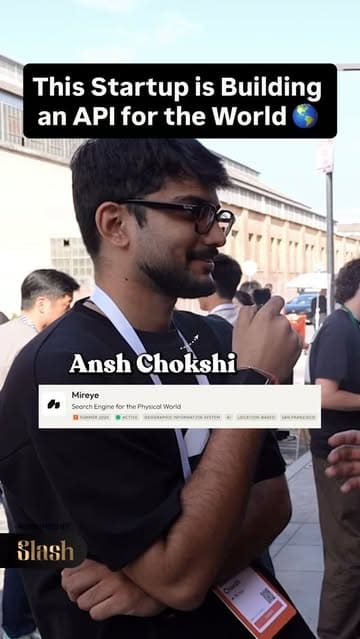
This Y Combinator-backed startup is building the search engine API for the real world, so AI agents can properly search any location on the map. Mireye (mireye.com) Mireye is building the infrastructure that powers agents to make decisions and act in the real world. They are building one API and MCP to connect agents to the physical world with accurate data enrichment signals and tools. Their mission is to index every inch of the Earth and make it as queryable as the web. Startup founder
This GitHub repo is quietly blowing up because it lets your AI agent reverse engineer any app, without the source code. It’s called REA, it’s free, it runs on your own laptop, and it has already crossed 130,000 stars.
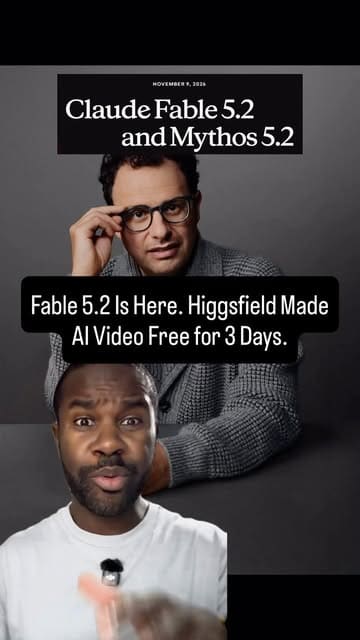
Fable 5.2 Is Here. Higgsfield Made AI Video Free for 3 Days. Comment “FABLE” and I’ll send you the setup link. To celebrate Anthropic’s launch, Higgsfield is giving new users 3 days of free, unlimited generation on every video model available through Higgsfield MCP. Connect it to Claude and make commercials, cinematic scenes, UGC and product ads from one conversation. Setup takes about a minute: add the connector, sign in, describe the shot. @Higgsfield.ai Higgsfield, Higgsfield MCP, Claude
My studio now runs on @claudeai I built a system in my studio where everything you see in this video is actually possible with Claude. My calendar, email, and files are connected through Claude’s built-in connectors. My garage doors, lights, TVs, workspaces, and even my 3D printer run through custom MCP servers that Claude wrote for me, using their APIs or my local network. I can actually control it all with a small ESP32 device that sits on my desk. But I can also just talk to Claude directl
Comment "CLI" and I'll send you the full setup guide + the link to try it yourself. CLI-Anything turns any open-source app's code into commands Claude Code can run, so Claude does the work inside that app for you.
Comment FABLE and I’ll send you the prompts + setup link 👇 I turned a pen sketch of a speedboat into a racing game you can actually play. Take a photo, drop it into Claude with Fable 5.2 and the Higgsfield MCP connected, and two prompts later you’re racing your own drawing. All models on Higgsfield MCP are free and unlimited right now, so try it while it lasts. @higgsfield.ai
These videos are insane, and I created them all in one Claude chat using the @higgsfield.ai MCP powered by Fable 5.2. Comment FABLE and I’ll send you the link to get setup while it’s still free and unlimited to use this week 👇
comment "MCP" for the guide 👩💻 All six of these edits came from typing one code into Claude. First connect the Higgsfield MCP: in Claude go to Customize, then Connectors, tap the +, choose Add custom connector, name it Higgsfield AI and paste in the MCP server URL (it's in the guide). Then attach a vertical clip of you talking and type a code: /tier-list ranks whatever you list out loud, /glass-graph turns any number you say into a graph, /over-the-shoulder adds a before and after card
 BBrand


 Claude


 Higgsfield



 Apper


 Composio