Videos that show the style you’re looking for, the strongest work that matches first. 18 in all. Trending now
HeyGen
641K · 1mo14×
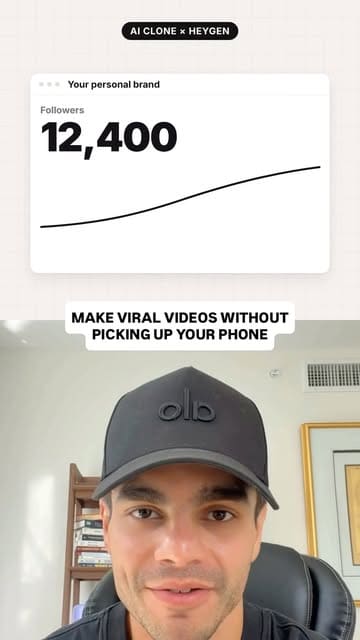
Comment “Avatar” and I’ll send you my full set to create your own ai avatar. You don’t need to film your content anymore. Your face and voice can go viral without ever picking up the camera. I made my Personal Avatar with @heygen_official from one short clip of me talking. Now I can turn any script into a brand-new video of me, without setting up a camera, lights, or doing a single retake. Here’s the workflow I’d use to grow a business: 1. Ask Claude to find the questions customers keep askin
SAVE this for later!🔥 Grokbot is the one im excited about this month. Video on it soon. From automating your daily tasks to creating content, editing videos, researching and even building AI agents, there are free tools for almost everything. Which one are you trying first? 🔥 Follow @ishansharma7390 for more!
Everyone's making videos with Claude now, so here are 5 skills that make yours look different, because the wildest one has 59 film styles made entirely from code 🔥 comment "SKILLS" and I'll DM it to you. Here's what everyone's missing while they keep assuming every Claude video has to look like every other Claude video: 1. Hyperframes turns HTML into motion graphics and renders right on your computer, and One Take gives you one shot with zero cuts 2. Collage B-Roll gives you paper cutouts th
Comment MONEY and I’ll send you the 3 Claude prompts I use to build my offers 👇 If you have skills and experience but keep thinking “what would I actually sell?”—start here. These prompts help you figure out what you can help people with, who would pay for it, and how to package it into an offer they understand and want.
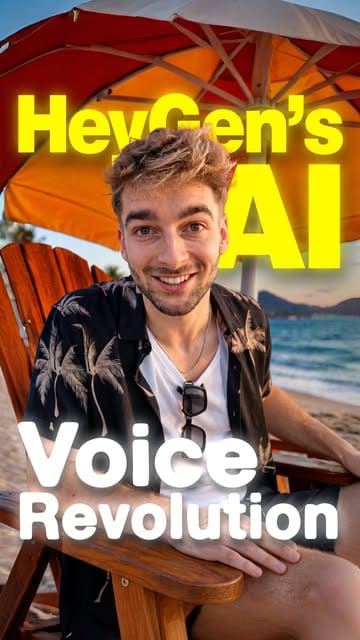
Drop 'Heygen' in the comments and I'll send you access. This is HeyGen Voice, a new in-house voice model that ranked on Artificial Analysis's text-to-speech leaderboard, and it's the first one built to adapt to the video it's in. Most voice clones just copy how you sound. This one matches the scene: calm in the office, more energy at the beach. Your face gets you halfway. Your voice does the rest.
Comment “Tools” and I’ll send you my full AI stack 👇 The best AI tool for every job: Writing emails → ChatGPT Turning notes into a plan → Claude Making a study guide → NotebookLM Researching competitors → Perplexity Creating UGC ads → Higgsfield Building apps → Claude Code Building websites → Lovable Video clones of yourself → HeyGen Creating a pitch deck → Gamma Creating a content strategy → Poppy Fixing code → Codex Learning something new → Gemini Real-time trends → Grok AI voiceovers → Elev
Comment “AI” and I’ll send you my full AI stack 👇 The best AI tool for every task right now: Research: Perplexity Writing: ChatGPT Content creation: Meta Muse Building agents: Grok Bot Creating UGC videos: Higgsfield Planning your week: ChatGPT Making music: Suno Automating tasks: Claude Cowork Learning more about AI: Follow @mavgpt Save this for later.
Claude this, Claude that — but where does AI actually belong in content creation? I tier-ranked every step of the content process by how good AI actually is at replacing it: Research — S tier. Pure busywork. Set list of accounts, scrape, find the winners. Zero creativity needed. Ideation — C tier. Fresh, novel ideas are the highest-leverage part of the whole process. Keep it human. Scripting — B tier. Great at the rough draft, but you still need to humanize it. Filming — C tier. For personal b
Comment “Video” and I’ll send you the link 👇 If your AI videos look fake, it’s probably not the model you’re using. It’s that nobody ever showed you how to actually direct it. That’s exactly why @artlist.io just launched Artlist Academy, a full learning hub for AI video, ads and production. It’s taught by Artlist’s in-house creative team and working creators, with tutorials, short lessons and live webinars. I took their lesson on making AI video that doesn’t feel like AI, and my ads went fr
Comment WAITLIST and I’ll send you the link to join my free live walkthrough of my AI content system 👇 I’m showing you how I connect Claude, my avatar, and my creative tools to go from an idea to content that’s ready to post, without filming myself every day. You’ll see how it all works together so you can start setting it up for your own brand.
Build your personal brand without recording videos yourself. 🎥🤖 Use AI avatars to create content from your own scripts: 🎬 HeyGen — Create an AI clone of yourself 🔎 Claude — Find common customer questions ✍️ /shortform — Turn questions into video scripts 🚀 HeyGen Video Agent — Generate videos using your avatar Create product explainers, VSLs, industry updates, and social media videos without being on camera. Comment “Avatar” and follow. I’ll send you the full setup + linking guide. 👇
Comment “Create” and I’ll send you the link 👇 You can now make insane videos that look totally real but are actually completely generated by AI. It’s made with @artlist.io, where you can create the characters, the scenes, the voices and even the music all in one platform. Here’s how it works: 1. Create your character and your location 2. Turn it into a video with models like Veo, Kling and Seedance 3. Direct how the camera moves 4. Add music, sound effects and stock footage to finish it And
Comment “TEAM,” and I’ll send you the registration link for my upcoming two-day Claude for Social Media Growth Masterclass. (Oct 28-29) I promise - you will rethink how you use Claude and turn it into your superpower for growing on social media. This isn’t just another class on writing engaging scripts. It’s a whole new way of thinking about what AI can do for your content and your growth. ✨
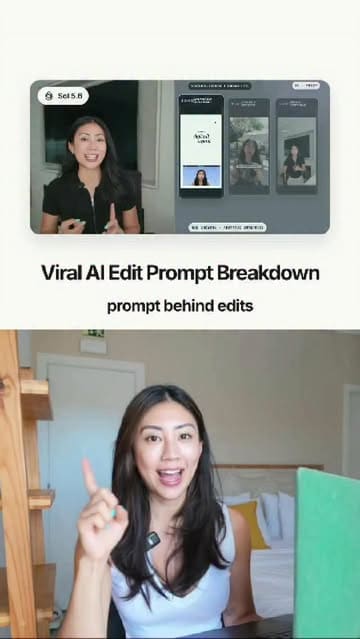
Sharing my exact prompt for AI video edits. I clearly condensed my entire process into this 1 min video I will drop a detail tutorial soon! :) @heygen_official @chatgpt
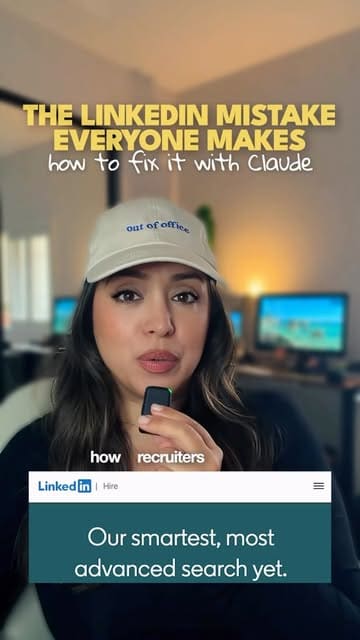
👉Comment PROMPT and I’ll DM it to you Your LinkedIn profile could be the reason you’re not getting interviews. Recruiters usually check LinkedIn before they ever look at your resume. I used to be a recruiter before becoming a Product Manager, and I can tell you that most profiles miss the mark. In this video, I’ll show you how to use Claude to: • Score your LinkedIn profile out of 10 • Rewrite your headline • Improve your About section • Get a personalized action plan to stand out The best
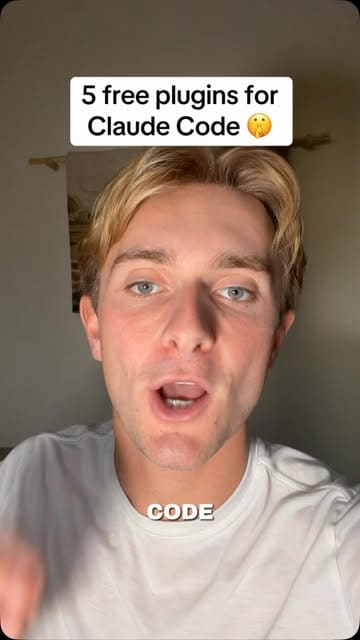
Comment “Plugins” and I’ll send you 10 more 👇 If you’re new to Claude Code, install these 5 free plugins to 10x your setup. 1. Claude Mem Gives Claude memory across every session, so it remembers your projects and your files. You never have to re-explain anything. 2. Find Skills Tell it what you’re building and it searches a huge library of skills, finds the best ones and even installs them for you. 3. AnyDoc Turns PowerPoints, Excel sheets and Word docs into clean files Claude can read inst
 BBrand

 HeyGen

 Grok
 Claude







 Artlist