Videos that show the style you’re looking for, the strongest work that matches first. 26 in all. Trending now
FFlick
176K · 1w2×
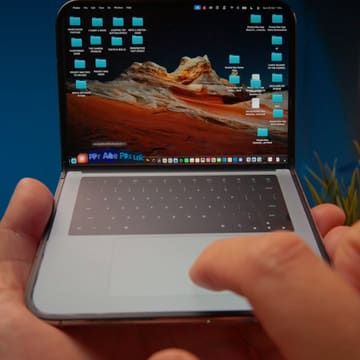
This has been my childhood dream for the LONGEST TIME! 😭 I’ve always wanted to flick documents out of my devices like Tony Stark. But I never had the resources and tools to do so until now! Coding this app was definitely processor heavy so I’m really glad the new M5 Pro MacBook Pro came in. Was also a huge deal to be able to finally build the app in real time…. Touching the screen, trying the app, and then making changes on the spot. Also doesn’t kill to have such amazing colours on the PROLED
should I post a tutorial on how to make this? I had so much fun making this!! I love being a software engineer and playing with raspberry pis in my free time. 🥰 there is no flickering irl as a heads up
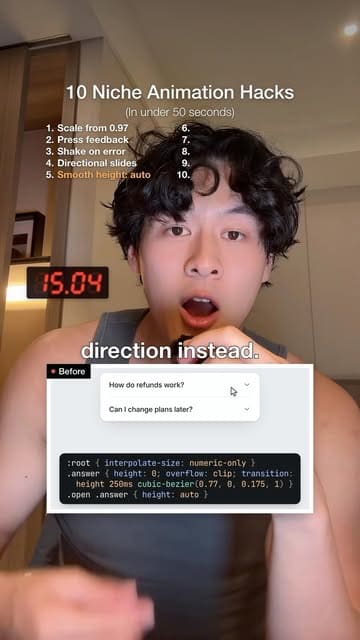
Give this to your AI agent: Follow these animation rules in every UI you build: - Entrances: start from scale 0.97 with opacity 0, never from scale 0 - Buttons: scale to 0.97 while pressed, with button:active { scale: 0.97 } and transition: scale 150ms ease-out - Wrong passwords: shake the field (translateX 0, -10, 10, -6, 6, -3, 0px over 360ms) as well as turning it red - Steppers: slide the next step in from the direction you’re going instead of crossfading - Accordions: :root { interpolate-s
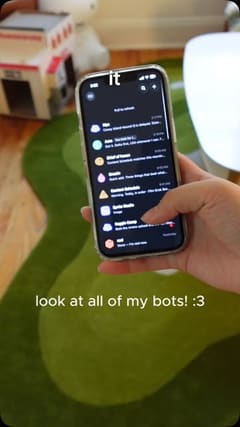
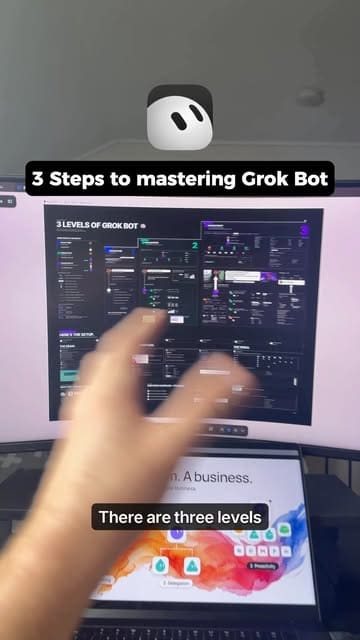
Your AI team needs a job description. Grok Bot has three levels: prompting, delegation, and a team that starts suggesting the next move. The setup underneath matters: The brain: your offer, customer questions, goals and examples of good work. The workflow: who researches, drafts and checks, and which decisions come back to you. The tools: connect what the job needs, with the right permissions. Start with one repeatable job. Ask Big Tony to group customer questions into objections, then use t
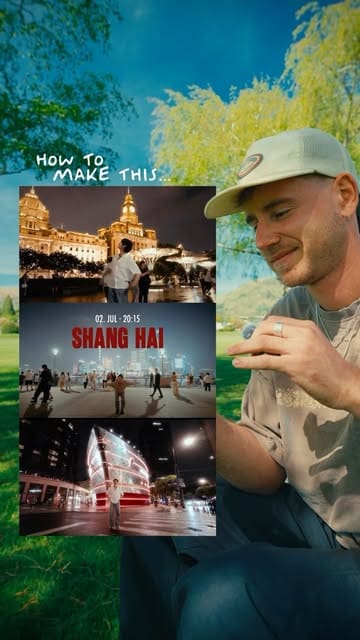
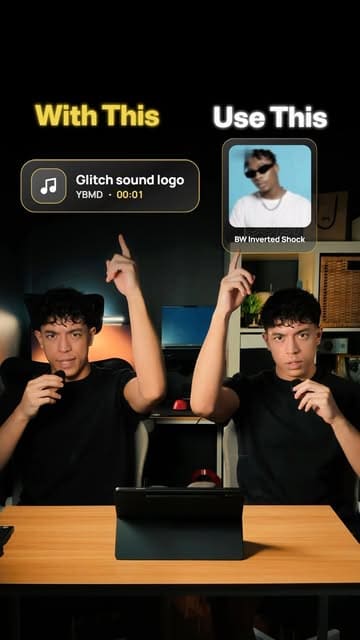
Comment "SFX" and I'll send you every sound effect used in these transitions.👇 A good transition only feels smooth when the sound lands with it. Pairing the right sound effect with your cut makes the whole edit feel cleaner and keeps people watching right through the switch. Save this for your next edit and try a few out.
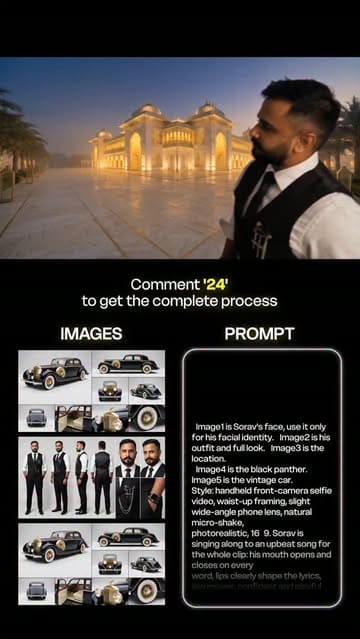
You’ve seen this AI trend all over your feed. Now you can make it yourself, without any design skills or editing apps. I recreated it from scratch, and it took me less than 10 minutes using just AI prompts. The secret isn’t the tool. It’s the prompt. Most people get average results because they type vague instructions. A detailed prompt changes everything. So I’m giving you the exact prompts I used, so you can make your own version in minutes. Comment “24” and I’ll send them straight to your
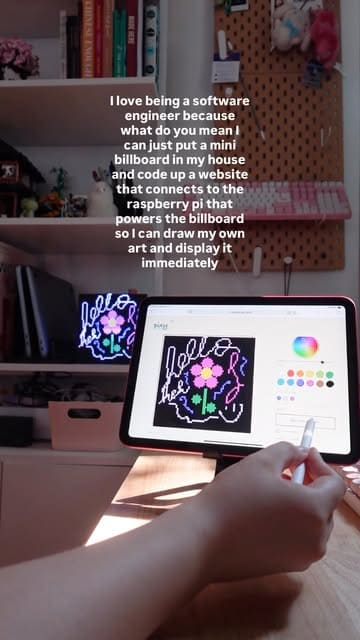
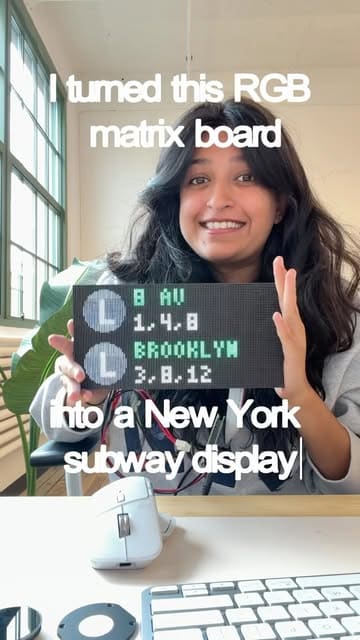
I turned an RGB matrix board into a New York City subway display, it shows me the times of my nearest subway line 🫡 so useful, so cute and all using a raspberry pi!
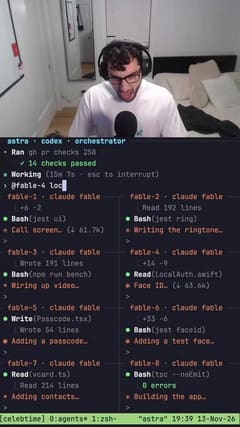
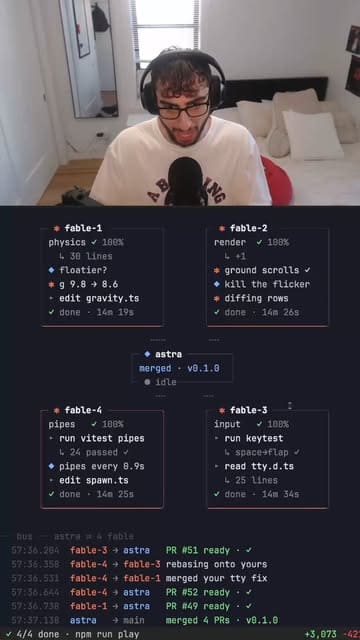
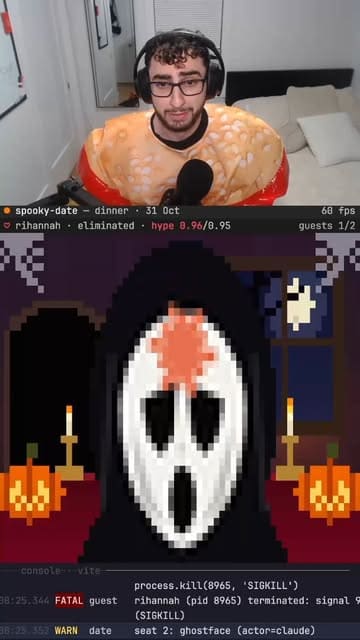
Comment anything and I'll send you the guide Claude Fable 5 is back after a few weeks of being inaccessible, so I immediately put it to the test. I gave it a long horizon task that Opus would struggle with. Anthropic mentioned that Fable 5 is also much better at vision (understanding images), so I gave it a task that involves visual understanding. By connecting it to Higgsfield's MCP, it had everything it needed to recreate the paper sculpture animation and turn it into a hand controlled websi
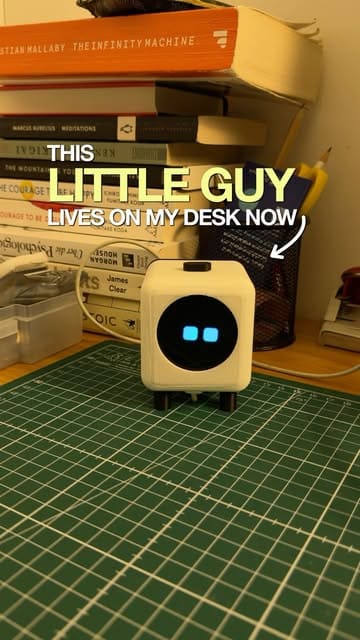
I built a desk buddy that helps me lock in. A tiny ESP32 with a round touchscreen, a 3D printed cube and some code for his personality. He looks around, gets dizzy when you shake him and runs a 45 minute focus timer. He still needs a name, drop your suggestions below! And follow along for more episodes of TechMaxxing!
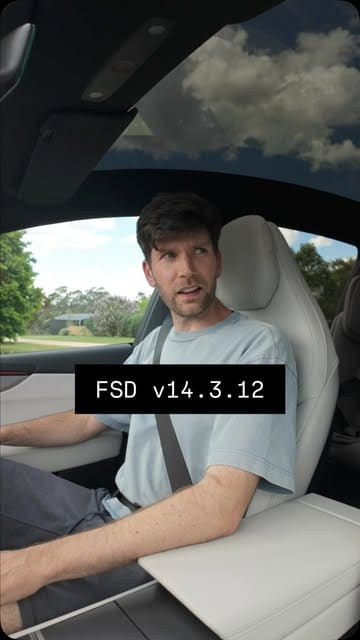
First drive with FSD v14.3.12 in Australia 🇦🇺 - Tested over 10 roundabouts, all perfect - Mad Max mode is awesome - Reversed out of our driveway for first time - Parked PERFECTLY at Coles - No right side bias in lane so far It genuinely seems like Tesla fixed out all the issues with our FSD in this one release !
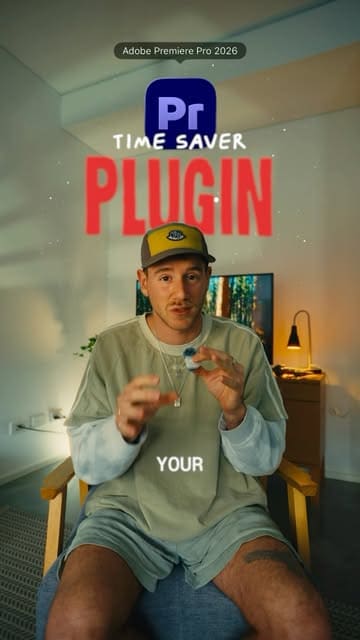
Comment ‘Shortcut’ and I’ll send you the plugin link! 👇🏼 ⠀ I didn’t realise how many clicks I wasted making adjustment layers 👀 ⠀ Shortcut puts them, freeze frames and a timeline QC scan one click away. That last one marks gaps and offline clips before you export, which I wish I’d had sooner. ⠀ It works in Premiere Pro and After Effects, and it’s free to use. ⠀ Want animated titles or sound effects for your edits? Comment ‘Text’ or ‘SFX’ and I’ll send you my packs 👇🏼 ⠀ Follow @artzenmedia for da
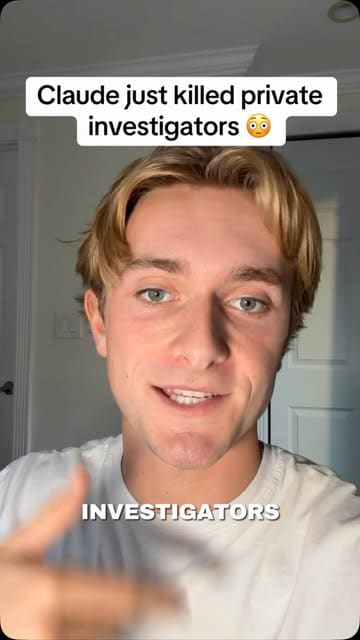
Comment “Protect” and I’ll send you my privacy guide 👇 Claude just killed private investigators. You can now find every place a photo of you shows up on the internet, the exact stuff private investigators charge thousands of dollars for. Prompt 1: Upload a selfie or any photo and say: “Analyze this photo and list every feature that makes this person recognizable anywhere online.” Claude builds a full description of exactly what they look like. Now here’s the trick: On the left, go to Custom
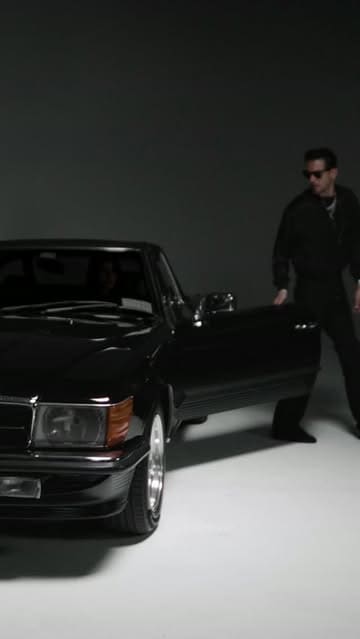
Most artists think hooks are cringe. With G-Eazy, we proved viral psychology can be tasteful. 💬 Comment "GEAZY" for the exclusive behind the scenes of how we filmed a month of content in 8 hours.
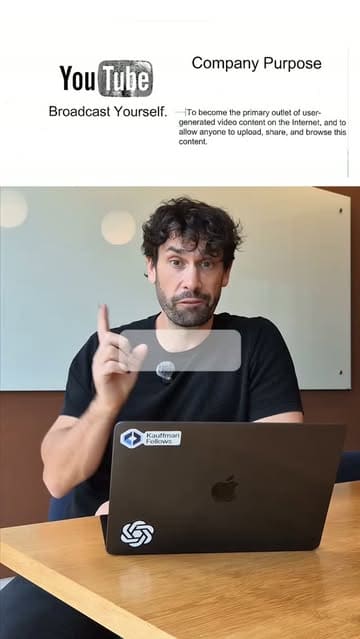
Comment "YouTube" and I'll send you the full Sequoia memo. Sequoia's YouTube investment memo listed the financials as "TBD." They invested anyway. No revenue. No business model. What Sequoia saw instead was fast growth that cost almost nothing to run. That made it safe to grow first and figure out the money later. The smartest part of the deal is the part founders can copy. Sequoia split the money and tied the second check to five clear goals, like a million video views a day. You can do the
 BBrand
 Grok

 Higgsfield
 Apple

 Claude

 Fable