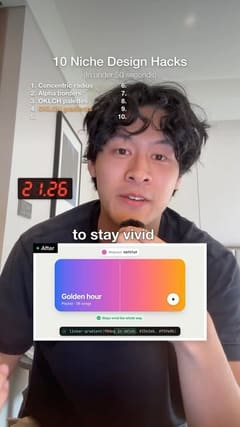
Videos that show the style you’re looking for, the strongest work that matches first. 36 in all. Trending now
Higgsfield
2.1M · 1w144×
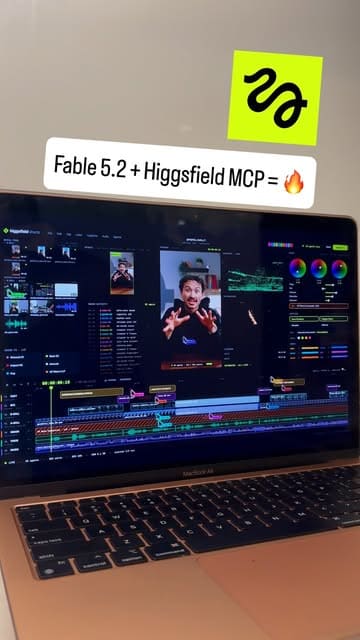
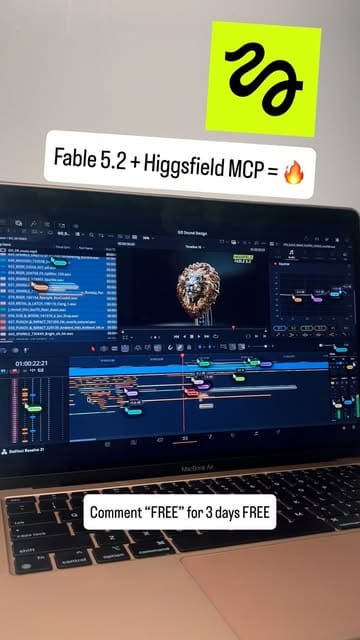
SFX with Higgsfield MCP in Claude with Fable 5.2, register now and you’ll get 3 days of free, UNLIMITED ACCESS to all video models available through Higgsfield MCP. 60% discounts starting November 11th! @higgsfield.ai
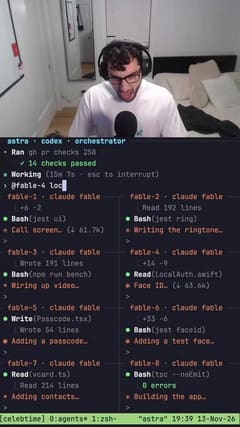
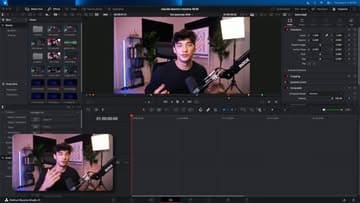
We’re going from doing work on computers… to giving work to computers. I got OpenAI Codex to build a rough cut in DaVinci Resolve, then make changes based on my feedback. Pretty wild. 👀 Sponsored by @chatgpt
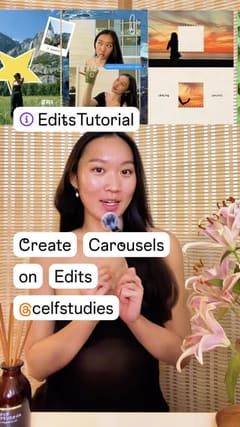
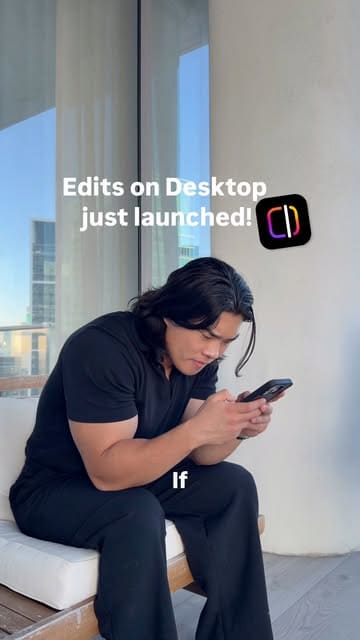
edits is officially on desktop (mac only for now) full timeline, free captions, your saved audio, and you post straight to IG the less time you spend fighting your editor, the more energy you have for your storytelling comment “EDITS” if you want to learn exactly how to edit on the app
These AI animations look like they took hours to make and they were built in under 30 minutes without opening a single editing tool 🔥 comment "ANIMATE" and I'll DM it to you. Here's what everyone's missing while they keep assuming you need expensive software and editing skills to create animations that actually look this good: 1. You start by describing your animation idea to Claude using a specific prompting method, then paste the image prompt into GPT 2.0 and download the best result it gen
Canva + Grok could change how you create social media content. 🤖🎬 Here’s what this workflow can help you do: ✍️ Generate scripts, hooks, and ideas 🎨 Create thumbnails and video assets 📊 Analyze performance and identify what works ⚙️ Manage more of your content workflow in one place Comment “Canva” and follow. I’ll send you the setup guide + best ways to use them together. 👇
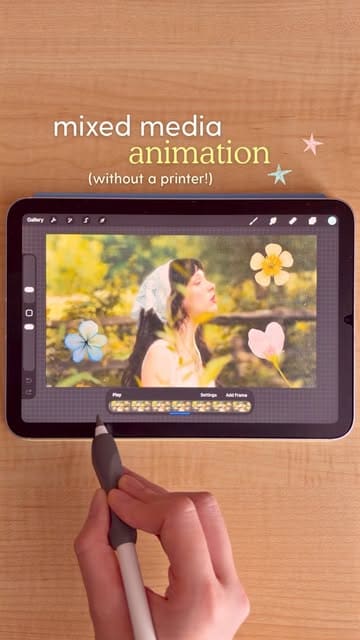
listen i love an analogue craft just like anybody else but my gripe about mixed media is the sheer amount of paper i’d have to chuck once i’m done 😪 so i figured out a little workaround!! but i do so love how combining different elements and little bit of choppiness kinda emulates the texture and feel of the sound in its own way 😌 also if you didn’t spot it this took 200 frames!! i burned many a weekend trying to figure out the perfect animations and then i acknowledged i was just stalling and
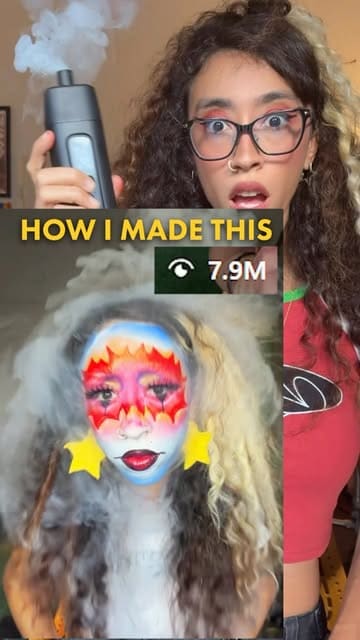
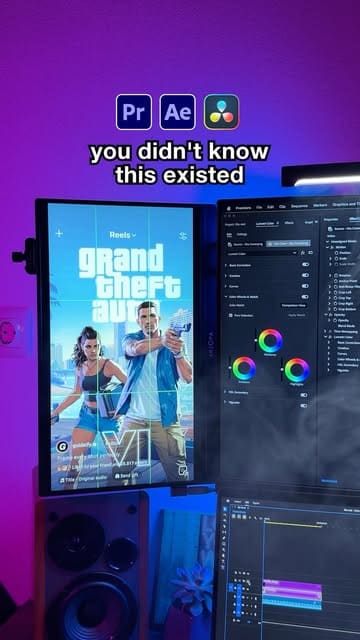
SAVE this super EASY smoke transition effect⬇️⬇️ You can use CapCut, After Effects, DaVinci Resolve, Premiere Pro, Final Cut Pro, or almost any editing software🔥 Here’s the process: 1. Film two shots. One “before” and one “after” 2. Keep your camera completely still. Do not move it at any point between shots!! Keep the lighting, focus, and framing exactly the same 3. If you’re shooting with natural daylight, film your after shot first, then your before shot. This helps keep the lighting cons
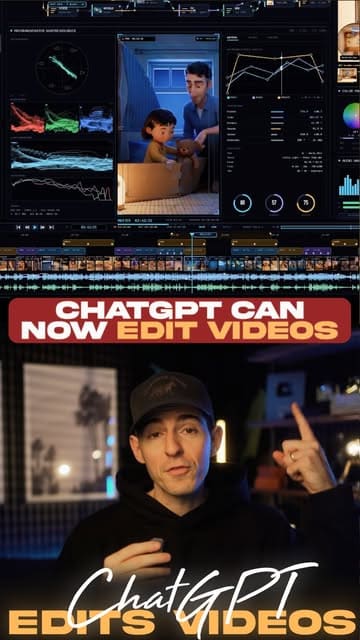
ChatGPT can now automatically edit your videos with GPT-6 Astra. And if you make video content of any kind, the people that learn how to use this are going to have a massive advantage. What you’re watching is GPT-6 Astra in Codex…controlling Davinci Resolve using an MCP. In layman’s terms… ChatGPT can now control your timeline for you. It can make cuts, delete bad takes, find b-roll, add text and graphics, design animations, and mix the sound…all automatically. All you have to do, as the
Comment "EDIT" and I'll send you the full tutorial 🎬 Claude can now take full control of DaVinci Resolve and do the edit for you. Rough cuts. Motion graphics. Title cards. Color grading. Exporting. All of it. If you're a creator or an editor, this is what kills your 11-hour edit days and gets you editing higher quality videos at the same time. And the whole workflow is free. I'm walking through the entire build, start to finish. Comment "EDIT" and it's yours.
📌 Do NOT lose this 📌 Your time is precious, use these Keyboard Shortcuts while editing. I found them and wanted to share. Add them left to right. 👉 Keyboard Layout: QWE DaVinci Resolve: Ripple from Start to Playhead, Split Clip, Ripple to End from Playhead Final Cut Pro: Trim Start, Blade Tool, Trim End Premiere Pro: Ripple Trim Previous Edit to Playhead, Add Edit, Ripple Trim Next Edit to Playhead 👉 Keyboard Layout: 123 DaVinci Resolve: Play Reverse, Pause/Start Playback, Play Forward Final C
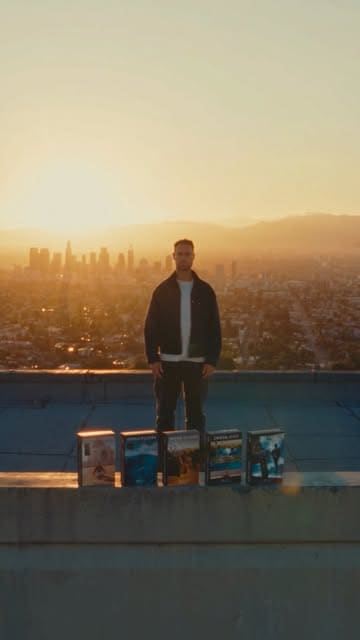
Around Black Friday, every brand needs ads at the same time, mine included. This year I made mine in about ten minutes 🎬 When I direct a commercial, it starts with a reference: an ad that already worked. So I did the same thing here. @dreamina_ai Marketing Studio has an inspiration library with new ad ideas added every day. I picked a cinematic trailer-style template, uploaded photos of my filter pack boxes, and it followed the template’s shots and pacing with my product in each frame. Then I m
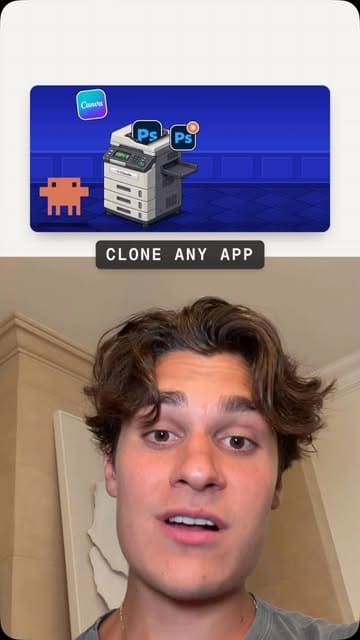
Comment “clone” and I’ll send you the link to clone any app with Claude so you never waste money on an overpriced subscription again. The clone skill allows Claude to rebuild any type of web app or mobile app perfectly for you and even take it a step further and resolve any issues with the current .
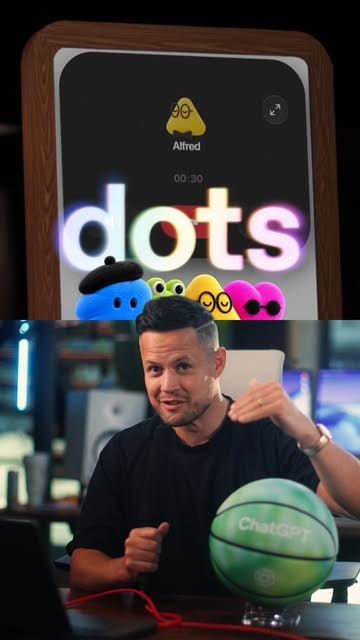
Big news for @ChatGPT! OpenAI just launched dots, always-on agents powered by GPT-6 Astra. You can give a your dot a goal, and it can keep working on it in the background. Each dot has its own cloud computer and browser, can connect to the apps you choose, and can handle multiple projects at once. The part I find most exciting is that it can take initiative. A dot can notice when something needs attention, look into it, and come back with progress or a question when it needs your input. It a
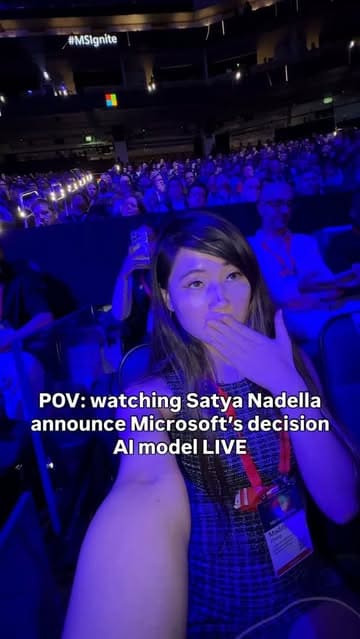
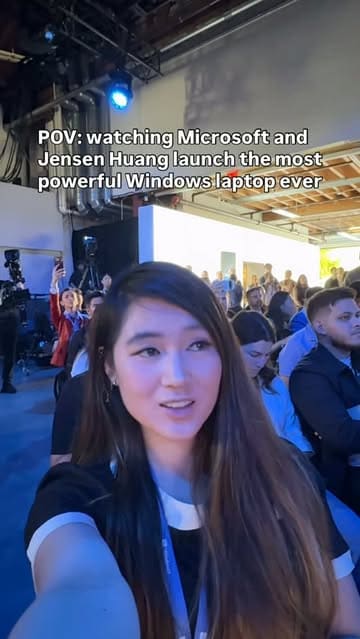
Got to see the official launch of the Surface Laptop Ultra, @microsoft’s most powerful laptop yet! It’s simultaneously able to run heavy coding workflows with local models, play graphics heavy games, and edit with Davinci Resolve. And it has the world’s first built in USB C charging experience, 2.5 times thermal capacity of Microsoft’s other laptops, 99% of performance on battery, and is under 4.5 pounds 😮 Plus some other cool highlights from the event: - Microsoft execution containers (whic
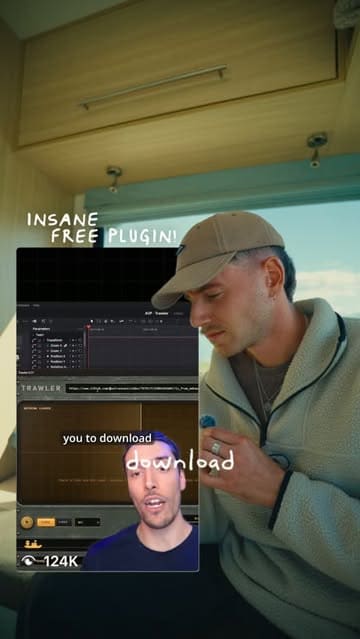
Comment ‘TRAWLER’ for the link! 👇🏼 ⠀ DaVinci and Premiere should have shipped with this years ago 🎣 ⠀ Trawler by @audiovisionproductions is a free tool for DaVinci Resolve and Premiere Pro that downloads only the part of a video you pick. ⠀ It works with YouTube, Instagram, TikTok, X and more, and runs on Mac and Windows. Just make sure you only grab clips you’re allowed to use. ⠀ This is Plugin Hunt, my new series where I find the best tools for editors so you don’t have to. ⠀ Want better title
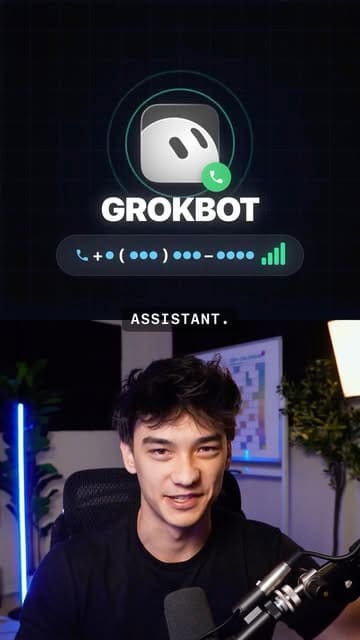
Comment "ASSISTANT" and I'll send you my free GrokBot template 👇 I gave GrokBot its own phone number and turned it into the ultimate personal assistant. Paired it with Bland AI (basically T-Mobile for AI agents) so my bots call and text me like real people. Jarvis calls me every morning with a brief, books my appointments, and runs the whole crew in a group chat. No code. No technical knowledge required. Comment "ASSISTANT" and I'll send you the full workflow.
Comment "EDIT" and I'll send you the full video 🎬 every cut, every graphic, the sound effects, the color grade. Claude did all of it inside Final Cut Pro. I built a system that lets Claude open the app, take full control, and export the finished edit. Premiere, DaVinci, CapCut, and now Final Cut. I'm basically collecting editing apps like Infinity Stones at this point. edits used to take me 6-8 hours. now it's 1-2 and I can go to sleep while it works. Comment "EDIT" for the full setup ⤵️
This is How To Get The Film Look On Your iPhone! 🎞️ PART 2: Colour Grading, Halation & Grain Comment the word “LUT” 🎨 to get my film simulation LUT that transforms your footage with just one click! 1️⃣ Convert your footage Download PeekLUT and import your Apple Log 2 video. Head to the first tab and select Color Space Transform. Let the app detect your colour space, then tap Apply to convert your footage to Rec.709. Your footage should already look much more natural! 2️⃣ Colour grade wit
 BBrand
 Higgsfield
 OpenAI
 Canva
 Claude
 Adobe Premiere Pro
 DaVinci Resolve

 Dreamina

 Microsoft Learn
 Grok