Videos that show the style you’re looking for, the strongest work that matches first. 748 in all. Trending now
Claude
138K · 1mo3×
comment “inspo” and I’ll send you all 6 💫 AI can make the motion graphics now. but it still needs your taste. the sites I’m reaching for: 1. Prompt Motion 2. Eyecandy 3. React Bits 4. MotionSites 5. Savee 6. Motionographer
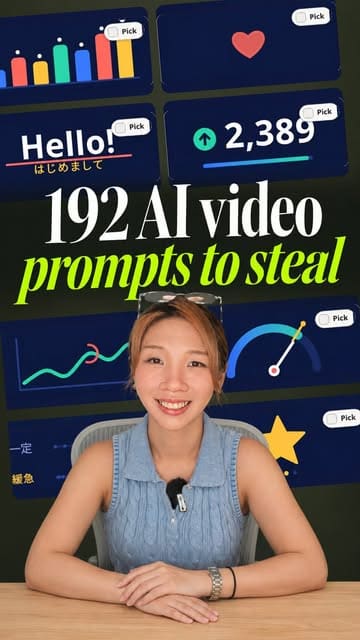
Stop typing “make it cool” and hope to get sick motion animation. The problem with AI motion videos isn’t your imagination. It’s vocabulary. This free library names 192 moves with live previews: 🎬 Motion graphics 🎥 Camera moves 🌐 Web effects 💡 Lighting and photo looks Pick a move, copy the prompt, and paste it into Claude Code or Codex with the HyperFrames skill. 💬 Comment PREVIEW and I’ll send you the link, my tips, and my full prompt for making motion videos with Claude.
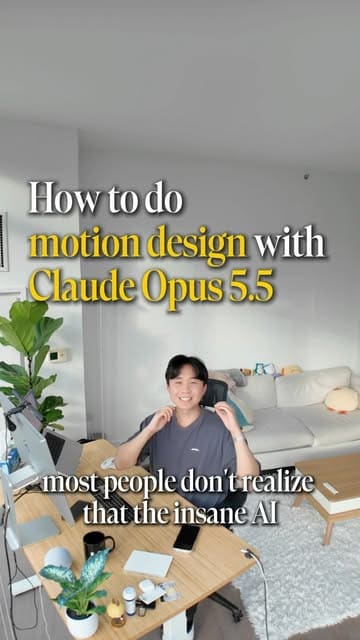
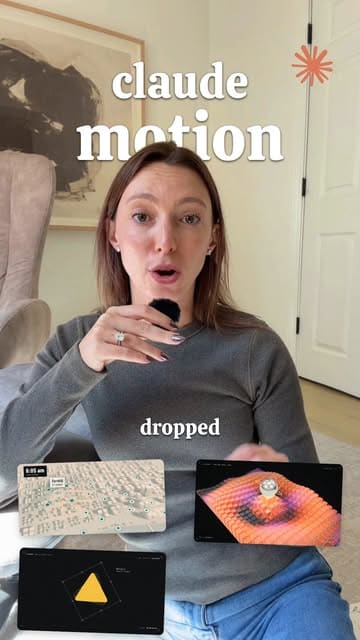
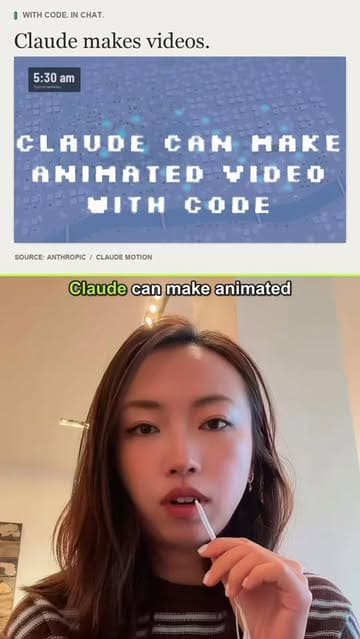
claude dropped motion, and it’s going to change how you design 👀 3 things to know: 1. describe what you want. add your files and turn text, charts and images into an animation. 2. make precise edits. claude builds it as code, so you can change a word, number or timing without rebuilding everything. 3. take it into your own workflow. combine your files into an animation, then export an mp4 for your favorite editing tool. currently in beta.
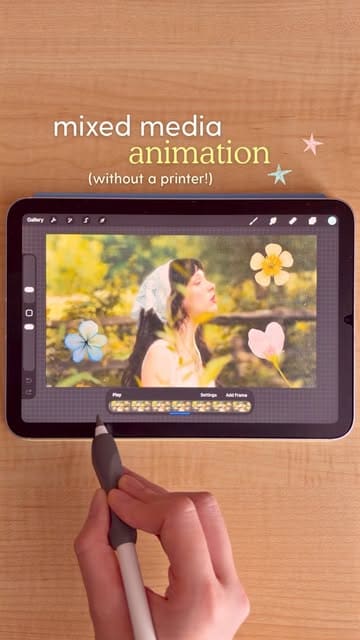
listen i love an analogue craft just like anybody else but my gripe about mixed media is the sheer amount of paper i’d have to chuck once i’m done 😪 so i figured out a little workaround!! but i do so love how combining different elements and little bit of choppiness kinda emulates the texture and feel of the sound in its own way 😌 also if you didn’t spot it this took 200 frames!! i burned many a weekend trying to figure out the perfect animations and then i acknowledged i was just stalling and
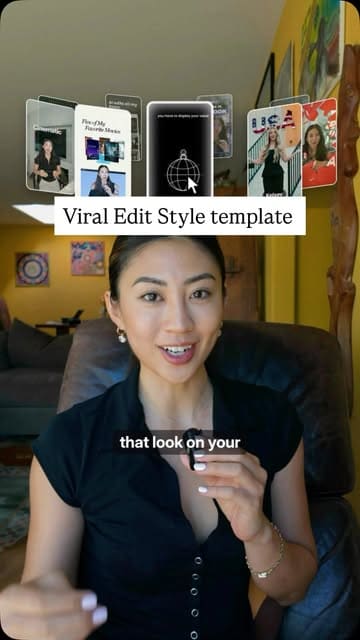
Here’s a little look at what I’ve been putting together for AI Edit Suite 🤍 I’m building this for both long-form YouTube and short-form videos. Here’s what you can expect inside: - Setup: One downloadable skill system with all my editing engines, plus a walkthrough to make it your own. - Trim + cut: Footage cutting, B-roll matching and AI editing inside CapCut. - Creative edits: Motion graphics, animation and how I creatively approach a new video. - Templates: 4 video style templates + 7 openi
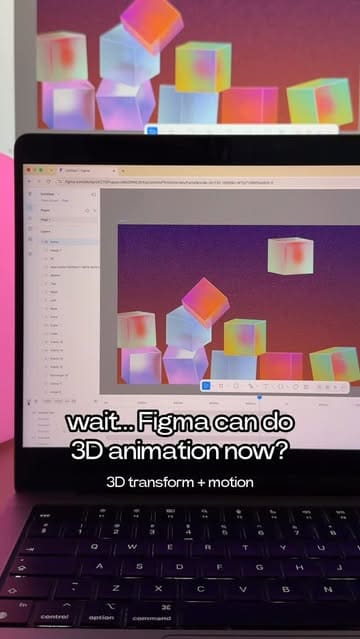
I built this whole 3D scene in @figma with the new feature - 3D transform Every cube here is made of 6 flat frames, turned and pushed into 3D space, then animated with Figma Motion Want to build your own? I made a free step-by-step file that shows you how to make the cube. Comment „CUBE” and I’ll send it to you!
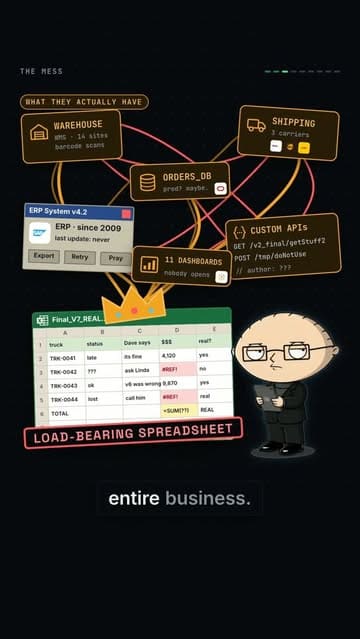
"Forward Deployed Engineer" is the hottest job title in tech right now, and it sounds way more mysterious than it actually is. Here's the whole thing in one picture: an engineer parachutes out of a plane, laptop in hand, and lands in the middle of the customer's office. That's basically the job. Why does it exist? Because buying software is the easy part. A big logistics company signs the contract, and then reality shows up: → warehouse data in one system → shipping data in three different for
Comment "JARVIS" and I'll send you the free resources. My AI runs entirely on my own computer, and it just took apart an award-winning website 👀 I said one sentence: "Jarvis, reverse engineer igloo.inc." It opened a clean browser, scrolled the whole site by itself and told me exactly how it's built: one full-screen Three.js scene inside a small Svelte shell, GSAP driving the motion, bloom and depth of field on top. The surprise? The whole page is only one screen tall. And it's not hacking. E
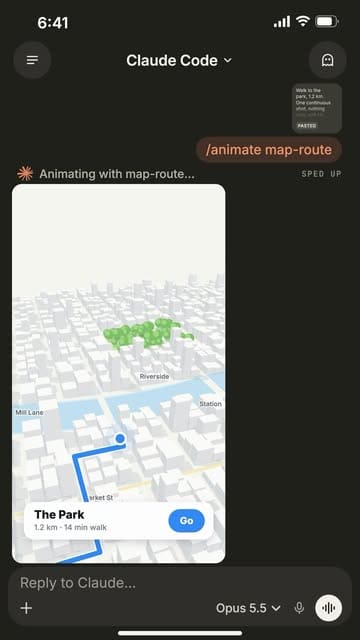
Comment STUDIO | the MOST USEFUL effects for educational creators 🤯👇 Seven animations. All made in Claude. 🎬 No After Effects, no animator. An ink painting that bleeds through the paper!! A 3D map that draws its own route. One white ball running a whole phone. A newspaper that highlights itself. My real landing page, flying past in 3D. This is what my AI video editing studio can do. Early access is open now 👀 You get 100 free effects when you join. And there’s a free masterclass on 7 Nove
Five types of startups that often die 🪦 Not from a bad launch. Not from an ugly v1. From a structural flaw you could have named on day one. 01 — Features pretending to be companies You build the AI tool that summarizes Notion pages. It grows. People love it. Then Notion ships the same feature and you're competing with a button. If the platform you depend on can copy your whole business in one update, you don't have defensibility. 02 — Founders who don't know the industry "Construction is outd
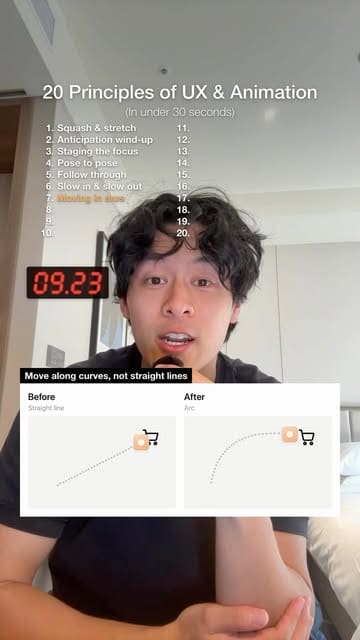
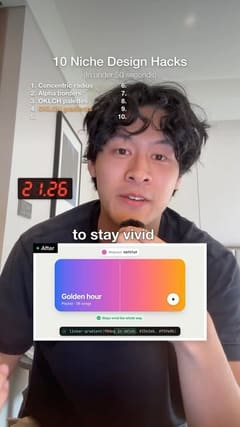
Sorry the text contrast is bad 😭 btw some design law definitions: - Squash & stretch: things squish on impact and stretch in motion, which gives them weight - Anticipation wind-up: a small pull back before the big move, so people see it coming - Staging the focus: direct the eye to one thing at a time - Pose to pose: set the key poses and let the browser fill in the frames between - Follow through: parts keep moving after the main body stops, then settle - Slow in & slow out: speed up and slow
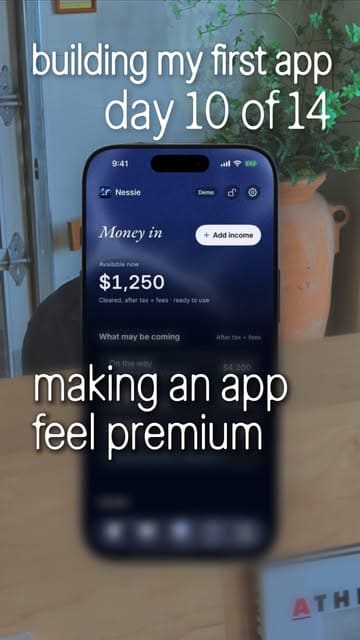
DAY 10/14 ✶ My app still didn’t feel premium😭 Motion ended up making the biggest difference, so the video has my top 4. Here’s the full list of every tiny detail I added, plus how I locked in the logo! Everything was built with Claude Code Opus 5.5, and the icon was designed in Paper (not sponsored btw!). The motion from the video: ✶ Numbers that roll with .contentTransition(.numericText()), and every animation around 0.2 seconds ✶ One big celebration for the biggest moment, which for Nessie
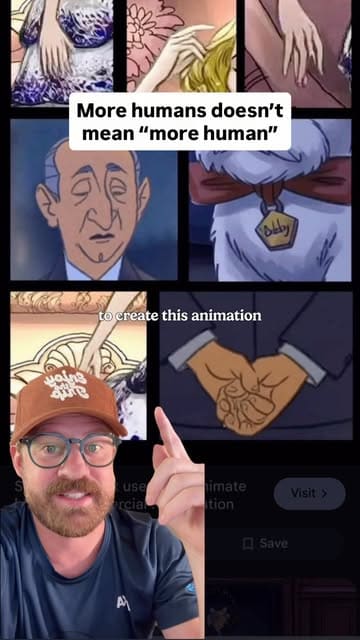
The other thing that gets me thinking with this is whether this is the individual’s problem or the corporations problem… Like we used to really shame the individual for their impact on climate change while governments and big corporations do very little to create better choices. Similarly it seems the teams and individuals who are under so much pressure to produce, and succeed, and find ways of making a more effective living in this economy are the ones who get blasted while big tech and our g
 BBrand

 Claude
 PS5 Pro
 Adobe Photoshop
 nbn
 AlgoMaster

 Jarvis
 GOTCHA.