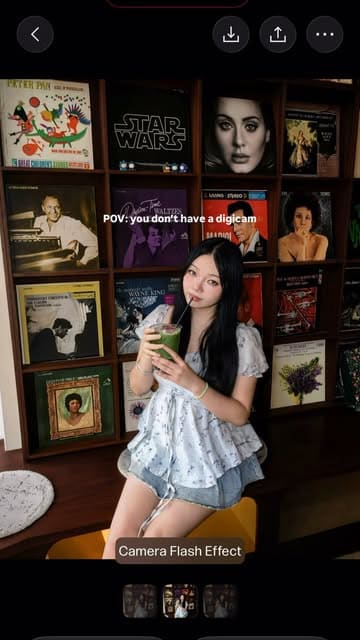
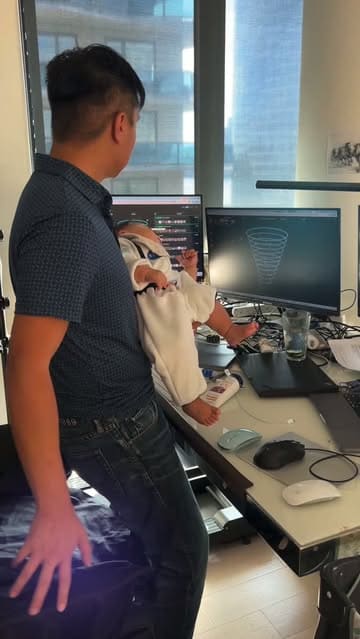
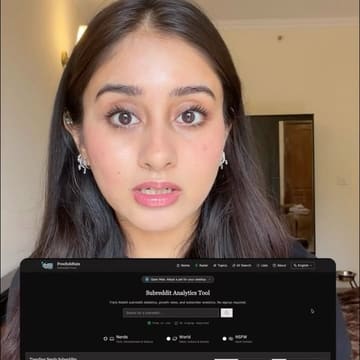
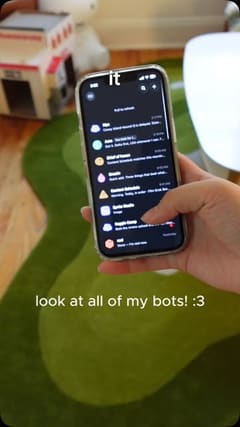
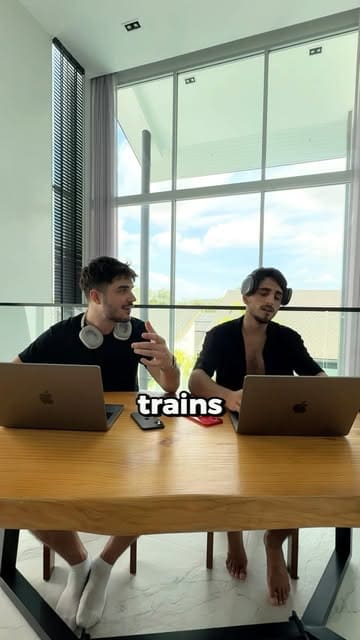
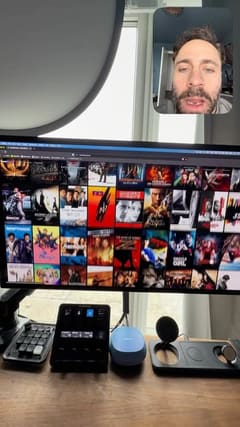
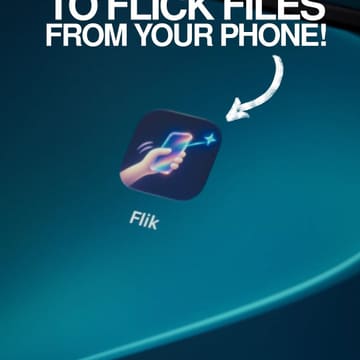
This has been my childhood dream for the LONGEST TIME! 😭 I’ve always wanted to flick documents out of my devices like Tony Stark. But I never had the resources and tools to do so until now! Coding this app was definitely processor heavy so I’m really glad the new M5 Pro MacBook Pro came in. Was also a huge deal to be able to finally build the app in real time…. Touching the screen, trying the app, and then making changes on the spot. Also doesn’t kill to have such amazing colours on the PROLED
my FIRST ever short film is almost done !! 🎬 here’s a little behind the scenes peek at how i’ve been putting it all together 🤭 after many MANY hours of filming, i used @googleflow to help me organize, plan, and touch up my shots. i even created a tool to make my iphone camera feel a little more cinematic (i hope)... 🙈 stay tuned for the final film coming out tomorrow !! (i’m so nervous 🫠) features may vary by Google AI subscription tier, platform (web vs. mobile), and region.
Filmmaking cinematography video · Says “AI”, “organizer”
MMemoe
52K · 3w1×
This startup is building an AI assistant that helps you monetize the photos and videos in your camera roll. Startup - Memoe Mimo is the assistant for your camera roll. Text to find any photo, organize your best moments, and build albums instantly. You can also monetize any moment in your camera roll by selling it to AI Labs as training data. Startup founders pitch Brycent @stanlaunchpad accelerator
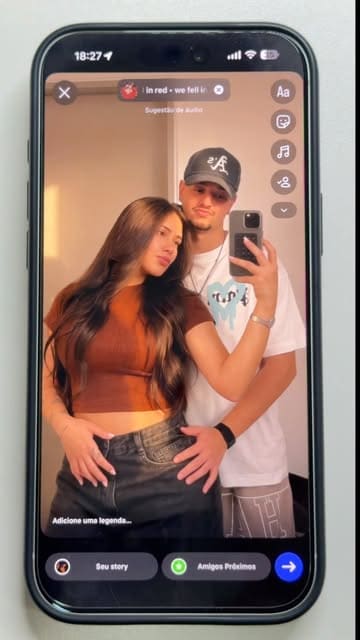
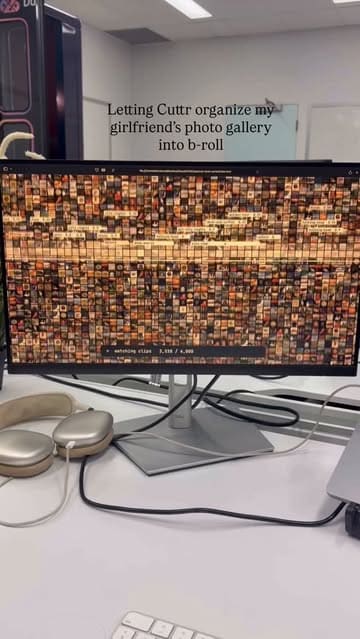
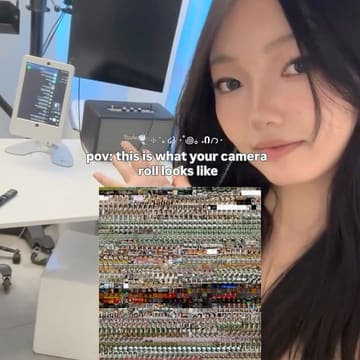
for the girls who’s always taking pics but can never find anything cuz their photo album is SO messy!! @pixsortapp solves this problem so easily i genuinely love the idea behind this app <33
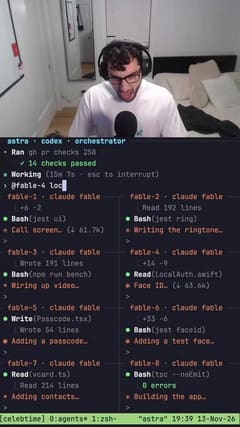
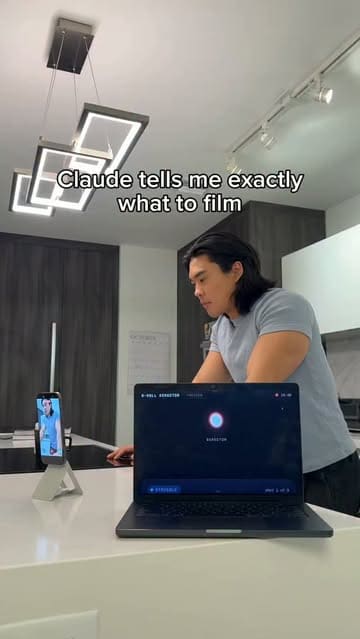
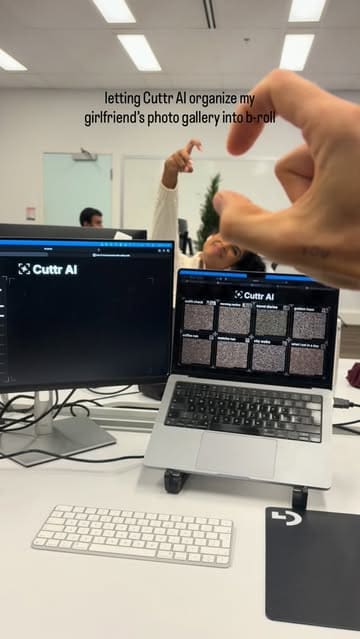
give claude the boring busy work so you can focus on telling your story (the important part) storytelling with b-roll & text is one of the BEST ways to reach new people but finding the right things to film can be hard!! this tool is trained on all my scenes + emotions i normally act out round 2 for is officially happening and this time i’m thinking about adding some amazing AI tools i’ve been secretly working on 🤫 comment “FILM” to join the waitlist so you don’t
Content creator tips video · Says “AI”, “organizer”
Gentle Monster
114K · 2w10×
One of my first videos ever was of @gentlemonster and its founder Kim Hankook. While yall showed mad love to that video, there’s way more to the business than I could fit in 3 minutes. So here’s a longer video really breaking down the Gentle Monster brand. We explore his early bets, how to tactically integrate novelty into an organization, and how he thinks about raising Seoul and Korea as a destination. Get your popcorn gang.
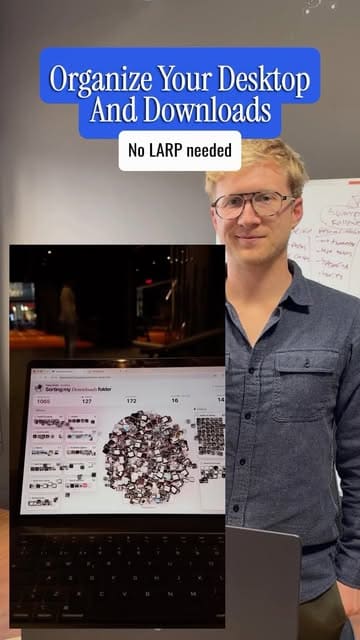
My desktop used to look like a junk drawer, and I’m not building a dashboard to fix it. 👀 The real fix is so boring it’s almost embarrassing. Comment CLEAN and I’ll send you every prompt to sort your desktop, your Downloads, or any folder in about 3 minutes.
Everyday AI assistants video · Says “photo”, “organizer”
VViralSpin
7.7K · 3w2×
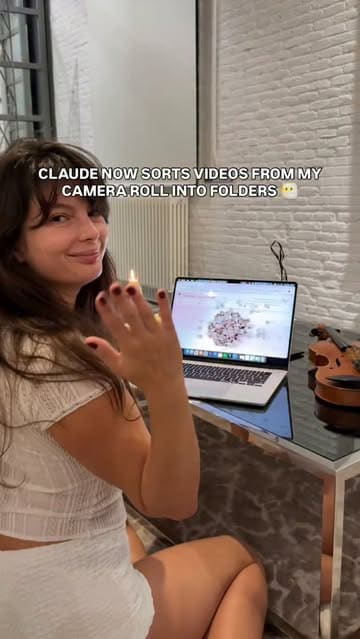
Need to put together a slideshow for a special occasion like I am for my baby’s 1st birthday? Or maybe you’re back from a trip with hundreds of photos and clips - a complete mess. Claude's got your back with the ViralSpin plugin. No more endless scrolling. It organizes and crafts your memories into a killer slideshow, so you can relive the highlights without the hassle. The ultimate post-trip ritual just got easier. 📸 Comment PHOTOS for the link.
Comment Travel and I’ll send you the link to make yours on @replit . Met a couple whose fiancé made her an app for their surprise proposal trip, and I’ve been obsessed ever since. So with Florida done and India and Singapore coming up, I made my own app on Replit that turns every confirmation into a trip timeline, even the tickets my friends booked for me.
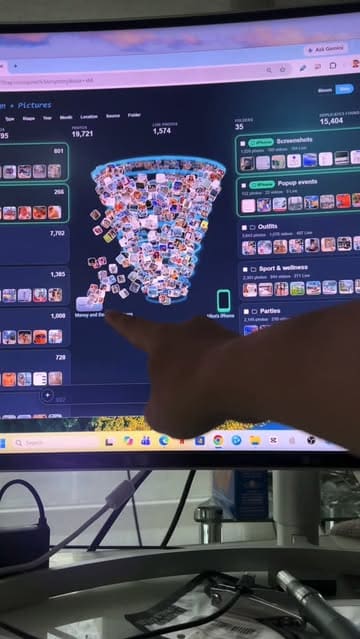
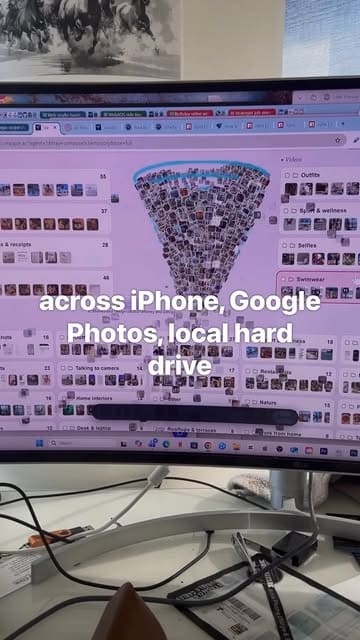
Search claude connectors for “ViralSpin” and say “sort my photos with ViralSpin” - you’ll need to login with Google and authorize - then the spinning tornado will start organizing all of your messages into topic folders. You can then view by location, Keep an eye out for upcoming webinars on how to do this step by step. Comment ALBUM for the link
Comment ALBUM for the tutorial Over the years I’ve accumulated hundreds of folders and it’s a complete mess to find anything. Searching windows explorer takes forever and getting them into a usable reel ready to publish is a pain. This Plugin connector indexes your entire hard drive (15k files for me) and organizes by topic, not just date.
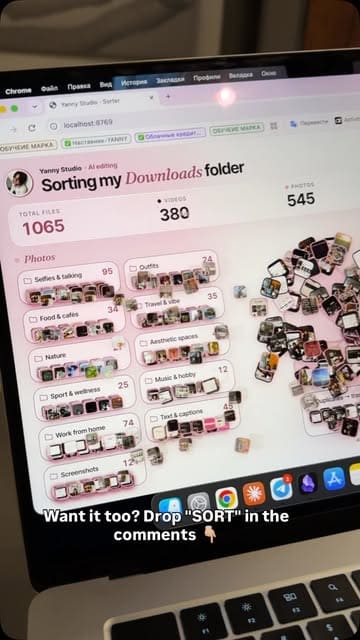
YANNY SORT was originally a bonus lesson in my course on editing videos with AI. I created it to help you organize your footage and find the clips you need without digging through endless IMG_1234 files 🫠 I never expected it to blow up online like this 🤯 So now the sorting lesson is available separately! Link in bio ✨
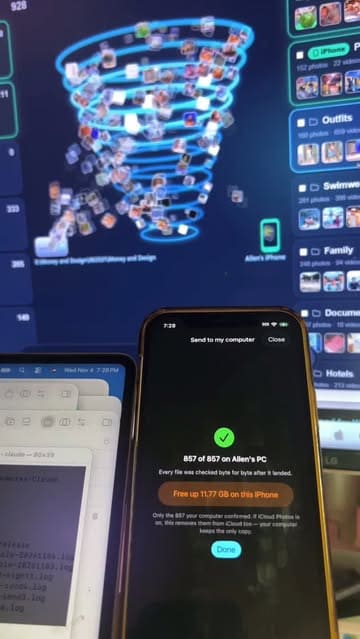
Comment APP for the link. Cloud backups are too expensive and are not private/local. And dumping a year of photos to hard drive by calendar folders is a complete mess. This auto-organizes by topic, type, aspect ratio, location (not just date) so you know all your beach or family or event photos are safely backed up to your hard drive and you can delete them from your phone through the iOS app and free up space.
Vibe coding gave everyone the power to build. It didn’t give everyone a business. One pattern I’ve noticed this year? Most vibe-coded products failed for the same reason: there wasn’t enough demand, and no one was willing to pay for them. Before you open Claude Code, do this instead: 1. Start with research. Figure out your market size, understand your users, and study your competitors. Most importantly, find a real problem people are actually willing to pay to solve. 2. Talk to your users. P
Comment “organize” and I’ll send you the free b-roll organizer. Claude Code can go through every photo and video on your computer and sort your b-roll by what’s in the shot, so you never scroll your camera roll for a clip again. Here’s how to do it yourself: 1. Install Claude Code from claude.com/claude-code (the desktop app is the easiest). 2. Unzip the free skill into ~/.claude/skills/ so you get ~/.claude/skills/broll-organizer/SKILL.md. 3. On a Mac, give Claude Full Disk Access once: Sy
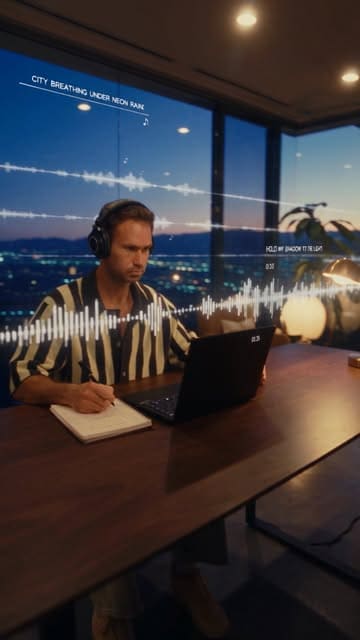
When I’m editing a music video, one of the biggest things is making sure every camera is synced to the same vocal 🎼 And when you’ve got hours of performance footage from different angles, finding the exact moment you need can take forever 🎬 Been using my ASUS ProArt PX13 powered by @amd Ryzen AI to help organize the edit, line up my takes, and mark sections of the song so I can jump straight to the chorus instead of digging through everything 💻 The creative decisions are still mine. I’m jus
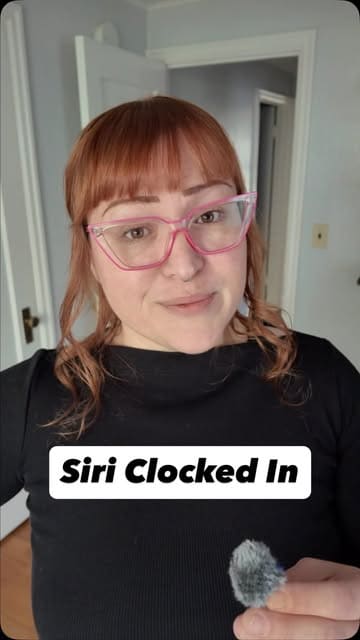
Siri finally clocked in, and she’s already organizing screenshots, finding files, and handling some of the admin work on your devices. Give her specific instructions, a destination folder, and permission to get to work. Comment FILES and I’ll send you the full guide with more ways to put Siri to work. (If you don’t see the DM, check your message requests.) Available in Apple’s 27.3 betas.
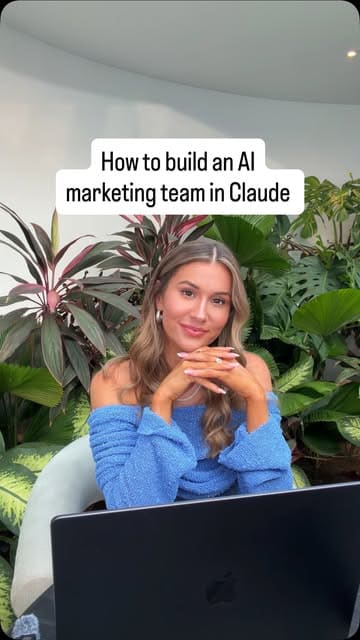
This is how I’d build an AI marketing team inside Claude 🚀 Connect @elevenlabs ElevenCreative & you can take a campaign from strategy → copy → images → video → voiceovers, all in the same conversation. Comment TEAM & I’ll send you the full setup + free ElevenLabs credits.
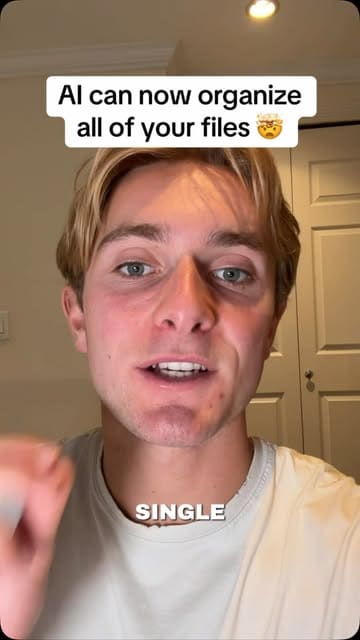
Comment “Clean” and I’ll send you the free trial 👇 AI can now clean up every single folder on your Mac, so everything’s organized and easy to find. I tried this, and my folders have never looked so clean. It’s called Eney by MacPaw, a proactive AI assistant that lives right inside your Mac and your iPhone. We’re moving past chatbots. This one actually works with your computer. Here’s how I used it: 1. Ran its ready-made Downloads workflow. Nothing to set up. 2. Talked to it like a normal pe
 BBrand
 Google


 Claude

 Gentle Monster

 Replit
 Poppi
 Adobe

 AMD
 Apple
 ElevenLabs
 Eney